Colposcope Digital Imaging System
21
Ø foot switch adjustment foot switch's sensitivity, 1-10 may elect. Value
sluggishness is higher.
Ø Language set up select system language, “SPA” is Spanish,“CHS” is Chinese,
“ENG” is English.“VIT” is Vietnamese.. After the revision,restart to work.
l Video setup
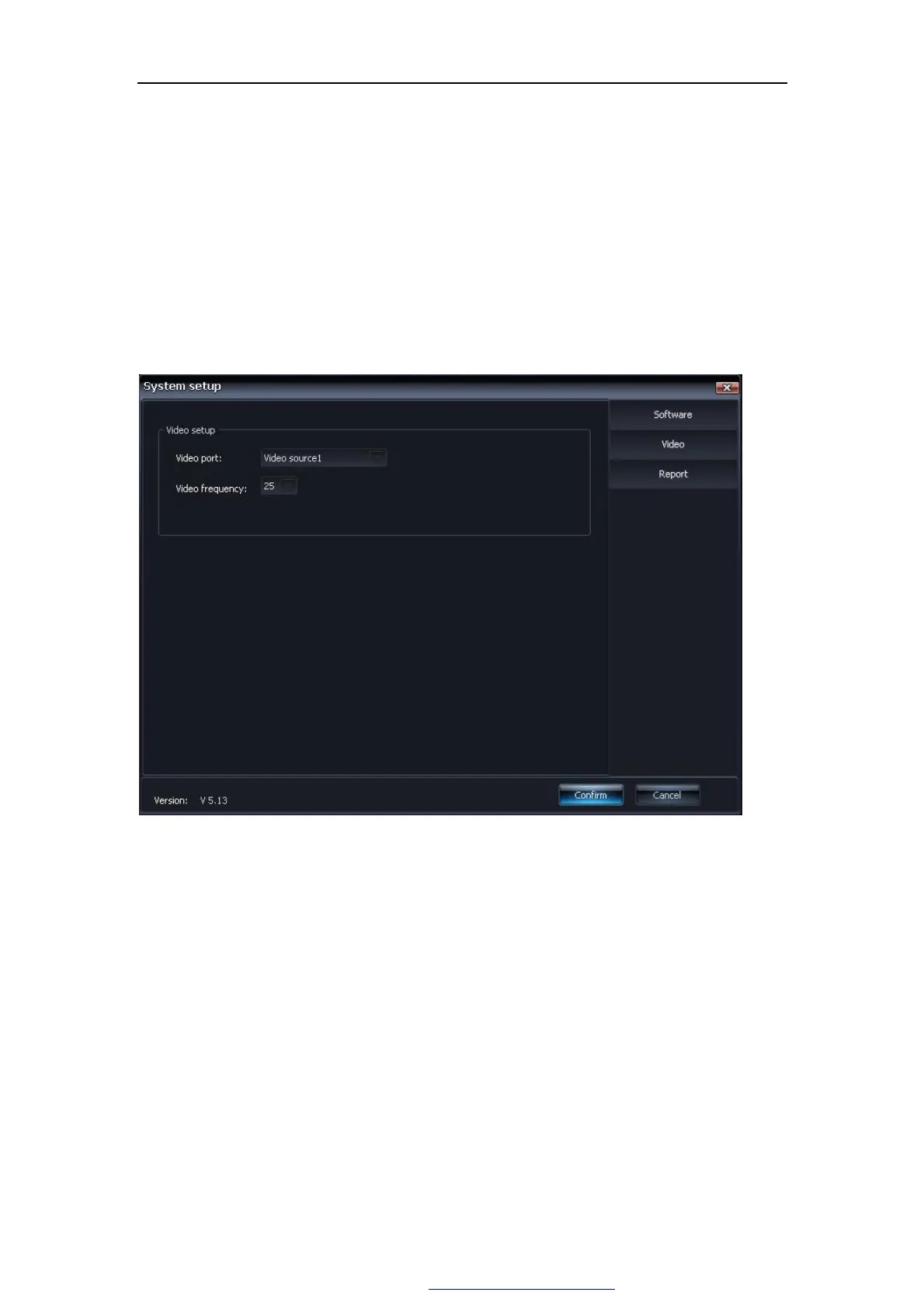
click “video set up”, Figure 5-3
Figure 5-3
Ø video port Select video source. Video port settings should be suit with the
control lines which connected capture card. The default port for the Video Source1
is corresponds to the 1# port on the capture card. If the video cable to connect the
capture card, 2 ~ 4-port, the port number should be amended accordingly.
Ø Video frequency video frequency selection, the default value is 25.
l Report Settings
Click the "Report Settings" button, Figure 5-4:
PDF 文件使用 "pdfFactory Pro" 试用版本创建 www.fineprint.com.cn



 To Next Page