Colposcope Digital Imaging System
22
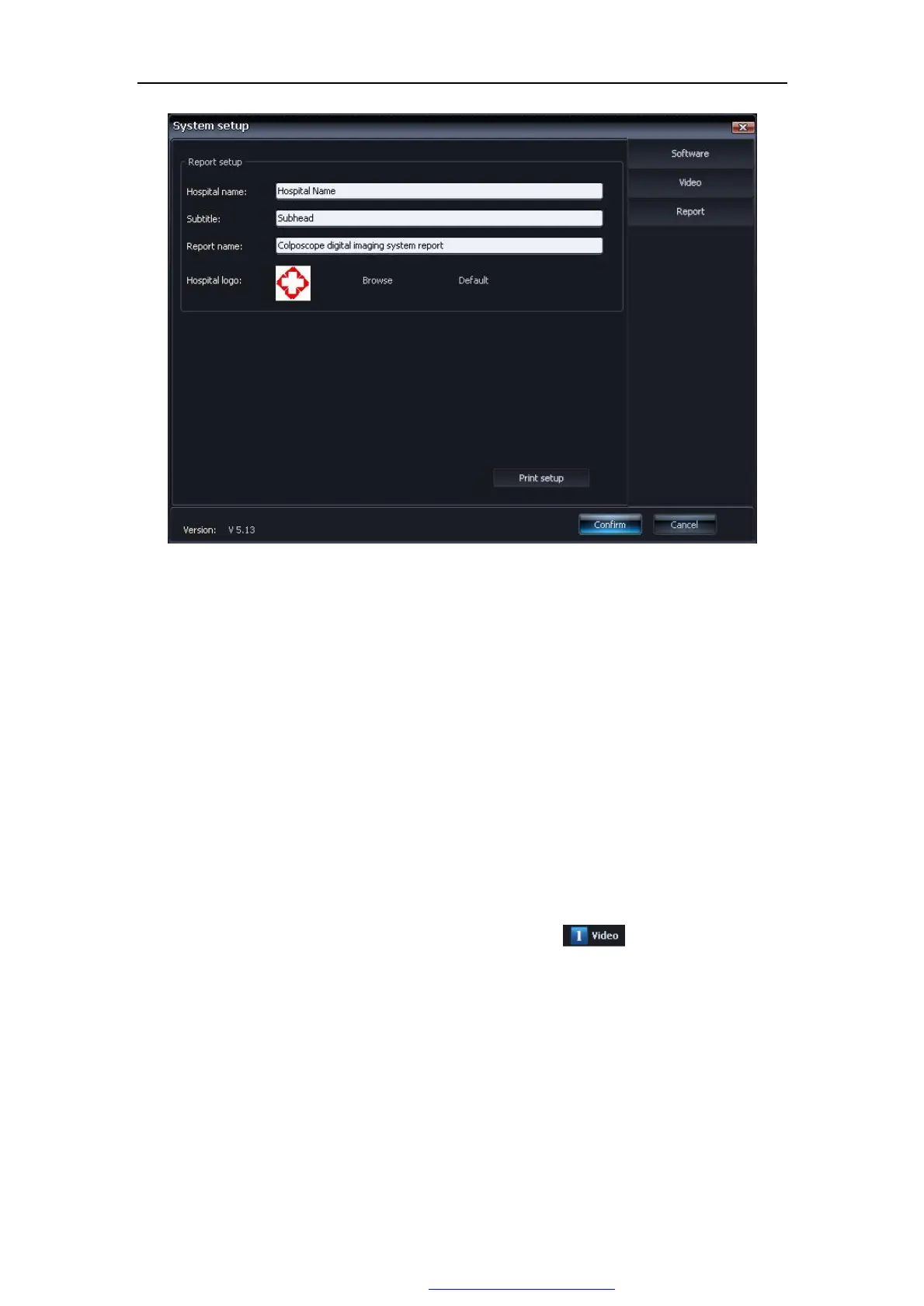
Figure 5-4
Ø Hospital name Hospital name which demonstrated in the report.
Ø Subtitle Uses for to fill in the subtitle to demonstrate in the report.
Ø Report Title Uses for to fill in the report head.
Ø Hospital icon The default is a Cross icons. The user may choose other icons,
click “browsing”for choose, click“ default”back to default.
Ø Print setup Uses for to establish printer's type and parameters.
5.2.2 Images collection
The default interface is "Image collection". Or click in the main interface.
Figure 5-5:
PDF 文件使用 "pdfFactory Pro" 试用版本创建 www.fineprint.com.cn



 To Next Page