Colposcope Digital Imaging System
28
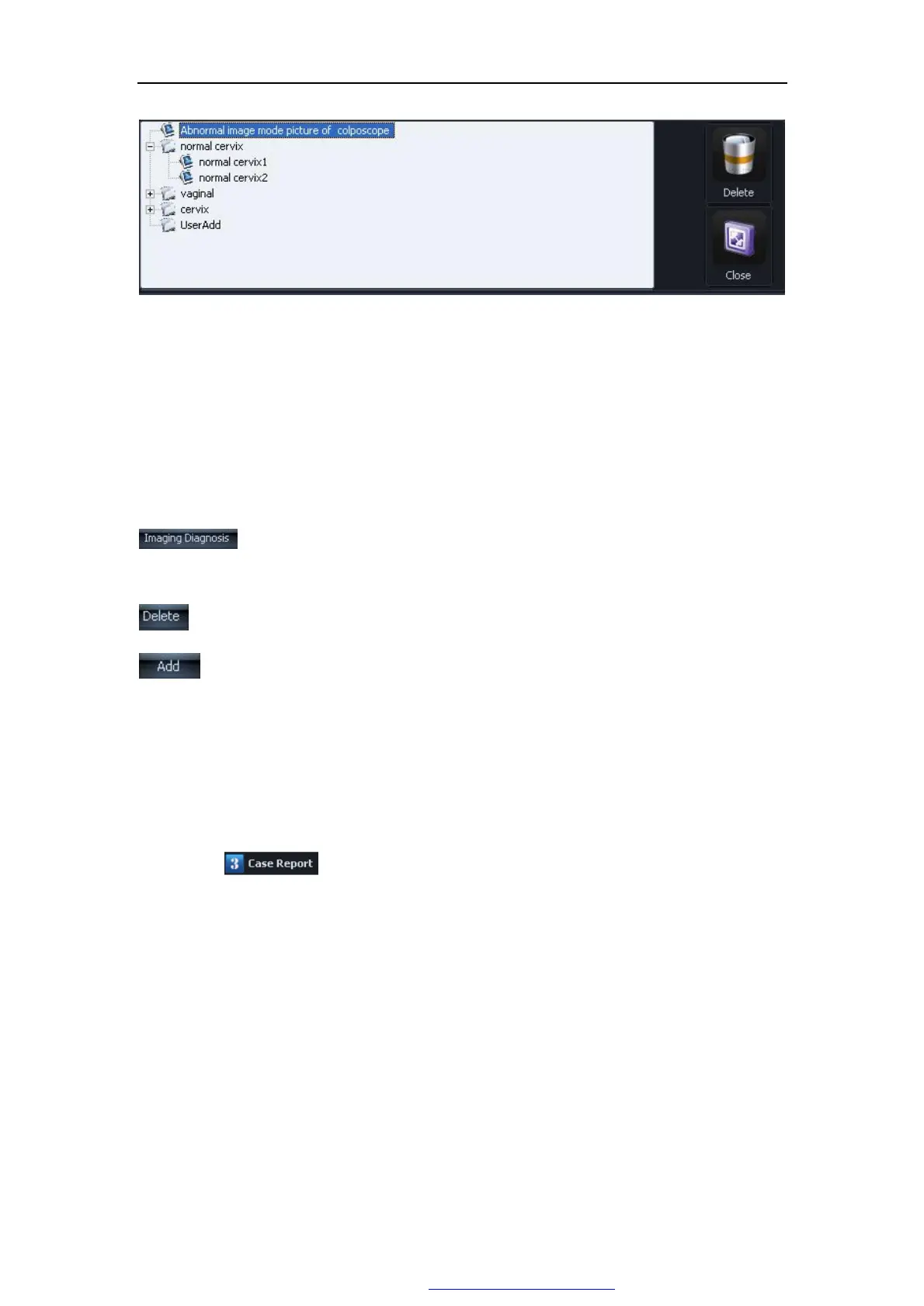
Figure 5-12
click“+”of each item of the left side in tabulation , launch this tabulation, then choice
numerator, assign out the corresponding standard atlas. click" delete” may delete selects
the item. Click "close" to shutting down tabulation frame, returns to the normal pattern.
NOTE: Only the user's self-definnition altas can be deleted.
Click this button to add Standard atlas diagnosis opinion into Patient atlas
diagnosis opinion and edit.
Click this to delete Standard atlas images.
input the patient's index,name and diagnosis opinions,add this patient
stardard altas into stardard altas database.
5.2.4 diagnosis report
Click ,enter diagnosis report as Figure 5-13:
PDF 文件使用 "pdfFactory Pro" 试用版本创建 www.fineprint.com.cn



 To Next Page