Colposcope Digital Imaging System
34
Function introduce:
click this to dispaly all the case in the case data.
Choose one case report from case data,click this button to add informations to
disgnosis report,can doing operations of re-examination.
Choose one from case list to delete.
Choose one case report to view the details,and case report can be renewed
and printed.
Click here to re-play the video.
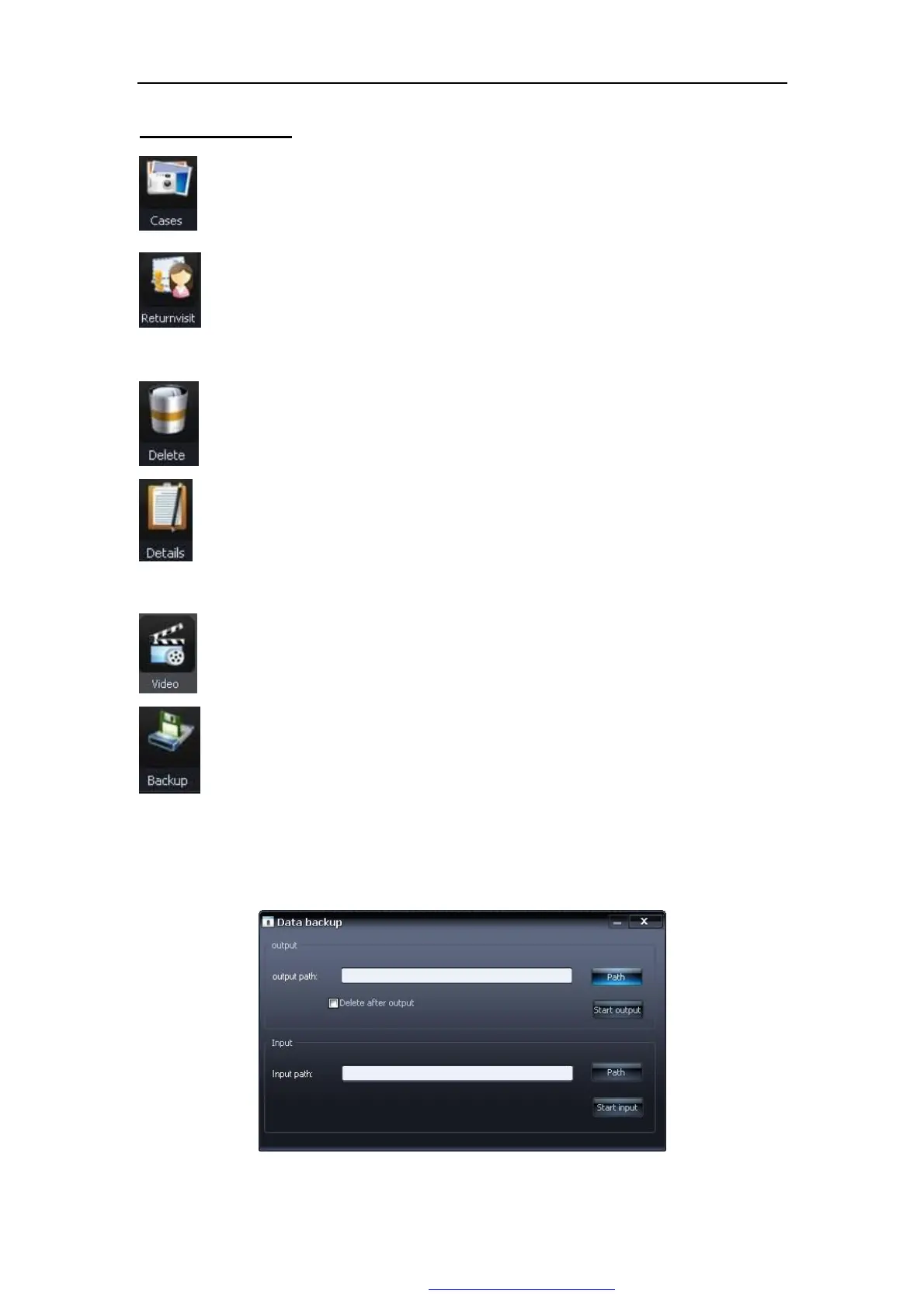
In order to strengthen the security of case report, and to enhance the capacity
of case data, the system provides the data backup function, you can output
the record data in other ways or the storage medium. Clicks on this button,
springs “backup” window, as Figure 5-23:
Figure 5-23
PDF 文件使用 "pdfFactory Pro" 试用版本创建 www.fineprint.com.cn



 To Next Page