To Next PageTo Next Page
 Need help?
Do you have a question about the Key Automation SOLE and is the answer not in the manual?
 General
| Brand | Key Automation |
|---|---|
| Model | SOLE |
| Category | Gate Opener |
| Language | English |
Key safety instructions for installation and use. Save these important guidelines.
Essential checks before installation: device suitability, safety, and risk assessment.
General safety measures during installation: avoid modifications, water, and ensure proper grounding.
Safety during operation and maintenance: power disconnection, wear checks, and proper disposal.
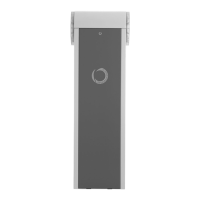
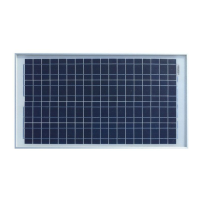
Overview of the solar power kit for gate and barrier automation.
Details of the PF30W and SOLEAU model configurations.
Key technical data for the solar charge controller, including input/output and battery compatibility.
Explanation and illustration of solar charging modes: Bulk, Absorption, Float, and Equalized.
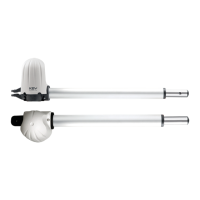
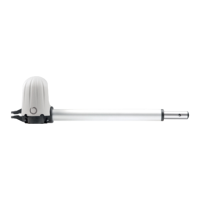
List of compatible gate motors and barrier series for the solar kit.
Guide to estimating system power consumption and maneuver capacity.
Example calculation for daily consumption based on an installation scenario.
Verify gate suitability, mechanical stops, mounting area, environmental conditions, and manual operation.
Instructions for assembling and attaching the solar panel mount bracket.
Guidelines for selecting the best sunny location and orienting the solar panel.
Instructions for connecting batteries, solar panel, and load to the charge controller.
Recommended cable types and sizes for electrical connections.
Critical warning against simultaneous use of solar panel and AC transformer.
Explanation of symbols displayed on the controller's LCD screen.
Description of key LCD interfaces: Startup, System Voltage, Current, and Software Version.
Guide to setting battery type (GEL, SLD, FLD, USr) and voltage identification.
Information on viewing internal temperature, solar panel voltage, and controller SN.
How to configure charging parameters such as float, absorption, and equalization voltages.
Setting up load control modes (L00, L01, L02) for connected devices.
Troubleshooting common error codes (E01-E07) with symptoms and corrective actions.
Guidance for resolving issues like no LCD display, no charging, or load malfunctions.