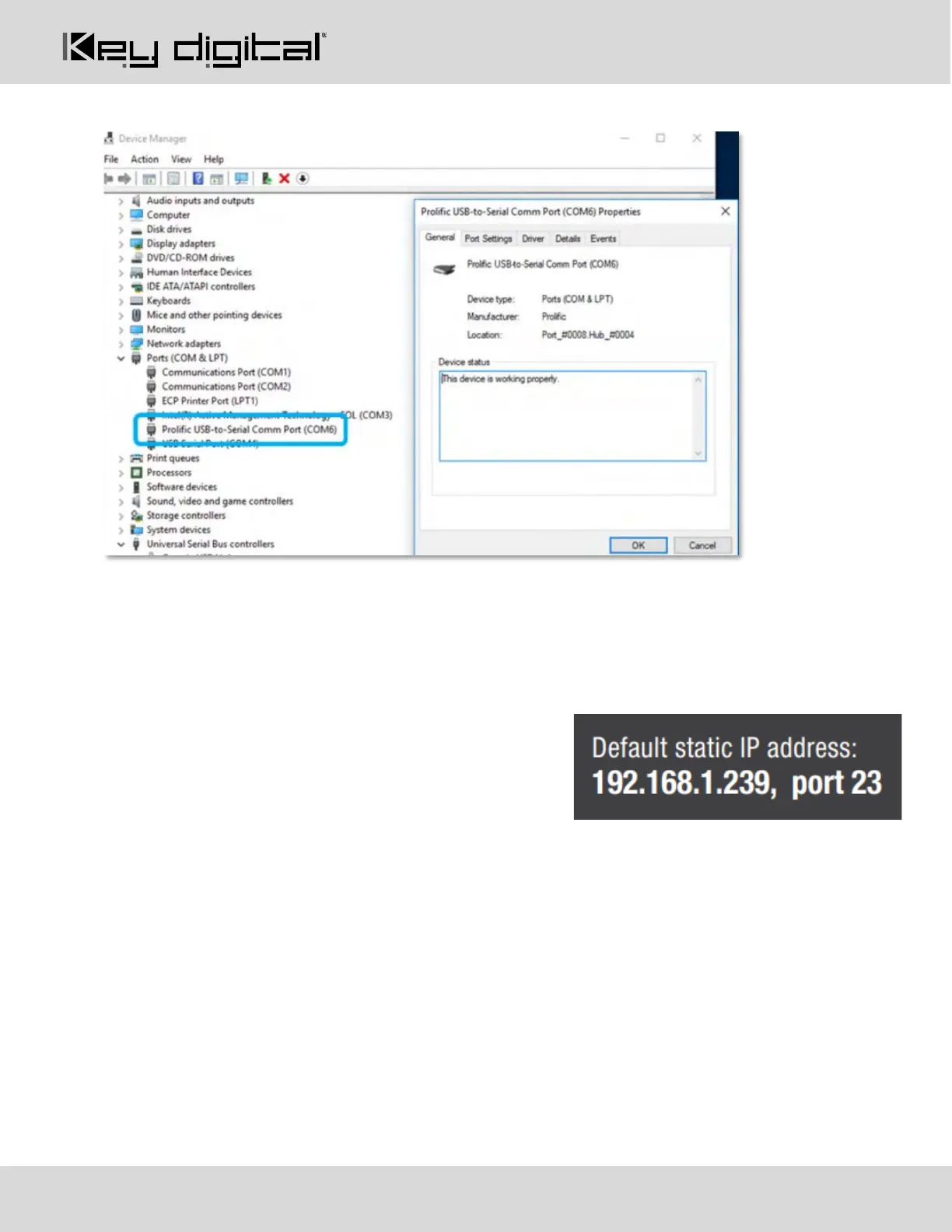
• Can be used as RS-232 control port. Baud rate is 115,200.
Ground Screw: Connect to ground screw on rack or direct to ground wire from ground post to ensure solid
grounding of the main unit.
TCP/IP Unit Control: Used for unit control from a control system and/or PC
• Connect ethernet cable from the KD-MLV4x4Pro to a network router or connect a straight through cable
directly from a PC
• Default static IP address is 192.168.1.239, port 23
• Unit configuration, control, and firmware updates are
achieved with Key Digital Management Software™ Pro
(KDMS™ Pro) downloaded HERE.
• See TCP/IP and RS-232 Commands section for full API
RS-232 & IR Unit Control: Used for unit control from a control system and/or PC
• 6-Pin Terminal Block for IR and RS-232
• Pin out:
o Pin 1 = Serial (Wired) IR In
o Pin 2 = IR Ground
o Pin 3 = No Connection
o Pin 4 = RS-232 Tx Data
o Pin 5 = RS-232 Ground
o Ping 6 = RS-232Rx Data
• See TCP/IP RS-232 Commands section for full API
IR Sensor: Mount IR an IR emitter from control system or IR connection block. Refer to IR Remote Control
section for correct button press sequence



 To Next Page