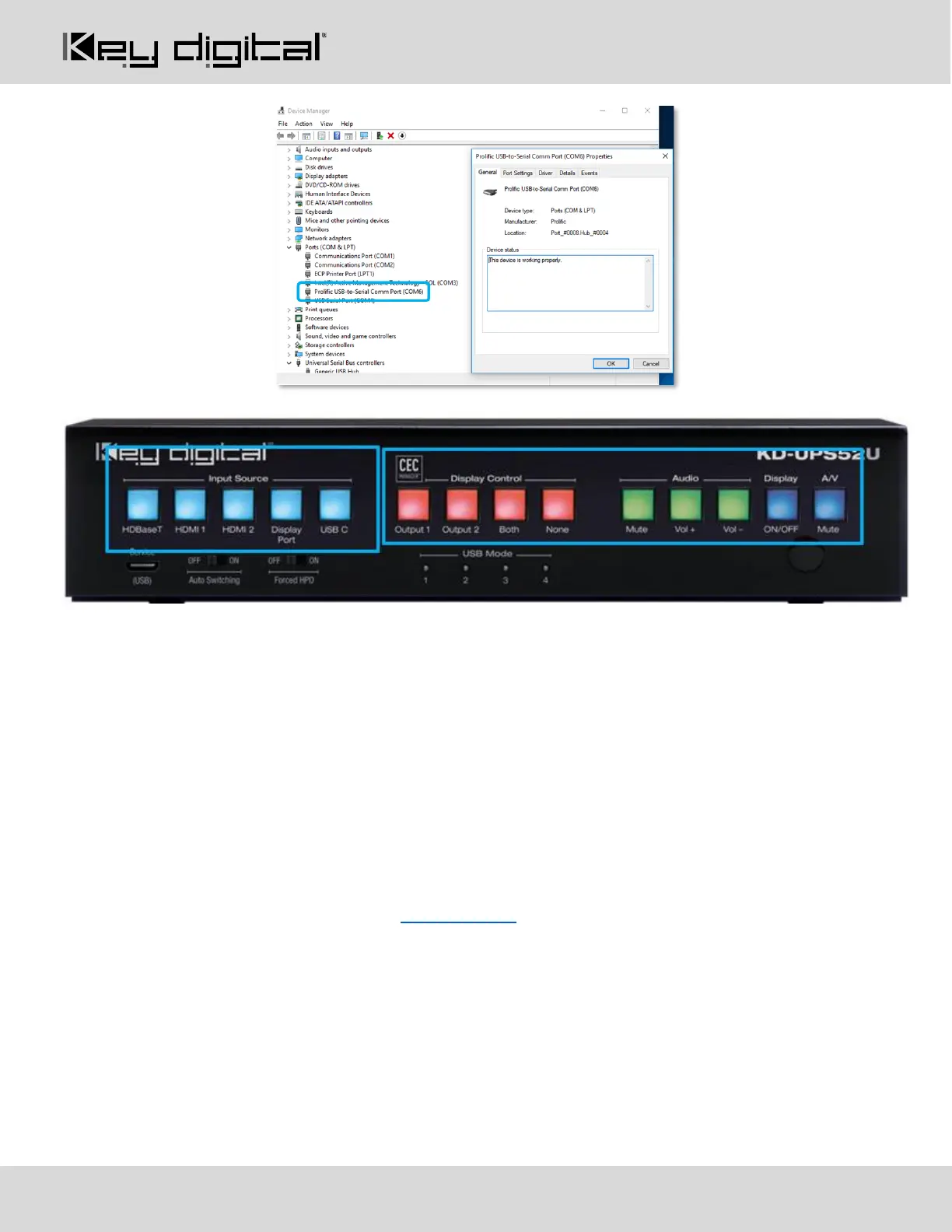
Front Panel Buttons
Input Source (Blue)
• Used for selecting the desired source to be routed to both outputs.
• When an input source selection occurs, a Power On CEC command is sent to the display(s) enabled on
the Display Control button section
CEC Manager™ Display Control (Red)
• Choose the display that you desire CEC control commands be sent to
CEC Manager™ Commands (Green & Blue)
• Sends CEC commands via HDMI to the display(s) specified by the Display Control buttons.
• Ensure that CEC is enabled on your displays/projectors. Depending on the manufacturer, HDMI-CEC
may be given a different name. View THIS ARTICLE for a list of CEC names and how to enable CEC on
popular displays.
• With KD-Amp220 mode enabled, Mute, Vol +, and Vol -, buttons send RS-232 commands to the KD-
Amp220 instead of CEC commands to the displays(s)
• When Vol + or Vol – button is held, the command is sent every 0.5 second
• Pressing the A/V Mute button sends a black screen to the output. It is not a CEC command.
Note: Press and hold HDMI 1 + A/V Mute buttons simultaneously for 10 seconds to apply a factory default
reset. Release the buttons when all front LEDs turn off and the unit will re-boot.



 To Next Page