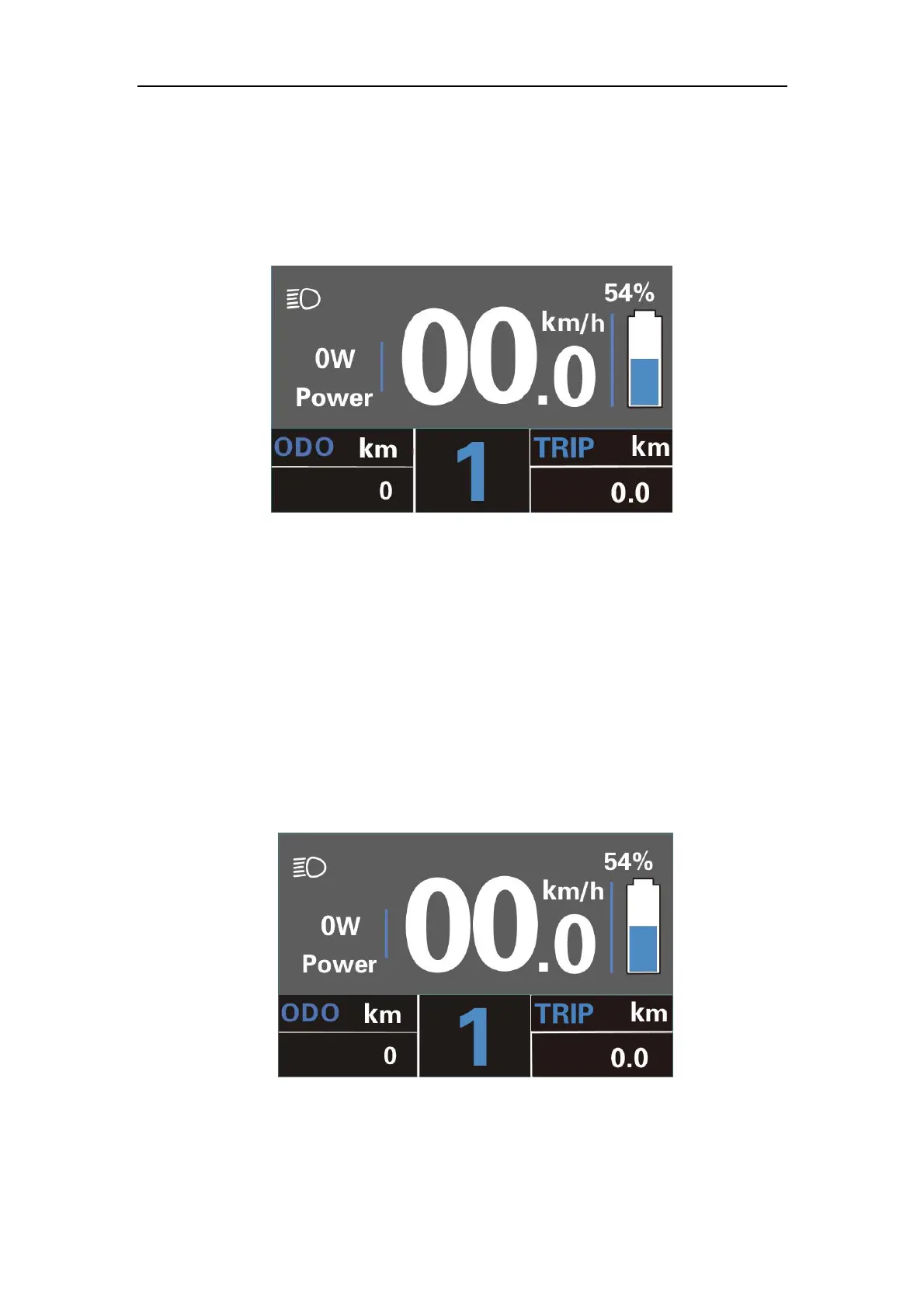
◆Switching the Lighting On/Off
To switch on E-bike headlight, hold the “UP” button for 2s. The backlight brightness is
automatically reduced. Likewise, press the “UP” button for 2s, the bike light can be
switched off.
Switching the Lighting On/Off Interface
◆Assist Level Options
Press "+" or "-" button to switch the E-bike system assist level, change the motor
output power, The default assist level ranges from level “0”to level “5”, The output power
is zero on Level “0”. Level “1” is the minimum power. Level “5” is the maximum power.
When you reach “5”, press the "+" button again, the interface still shows “5”, and blinks
at“5”to indicate the power highest. After the power downshift reaches “0”, press the "-"
button again, the interface still shows “0”and blinks at “0” to indicate the power minimum.
The default value is level “1”.
Assist Level Interface



 To Next Page