◆switch the bike light on/off
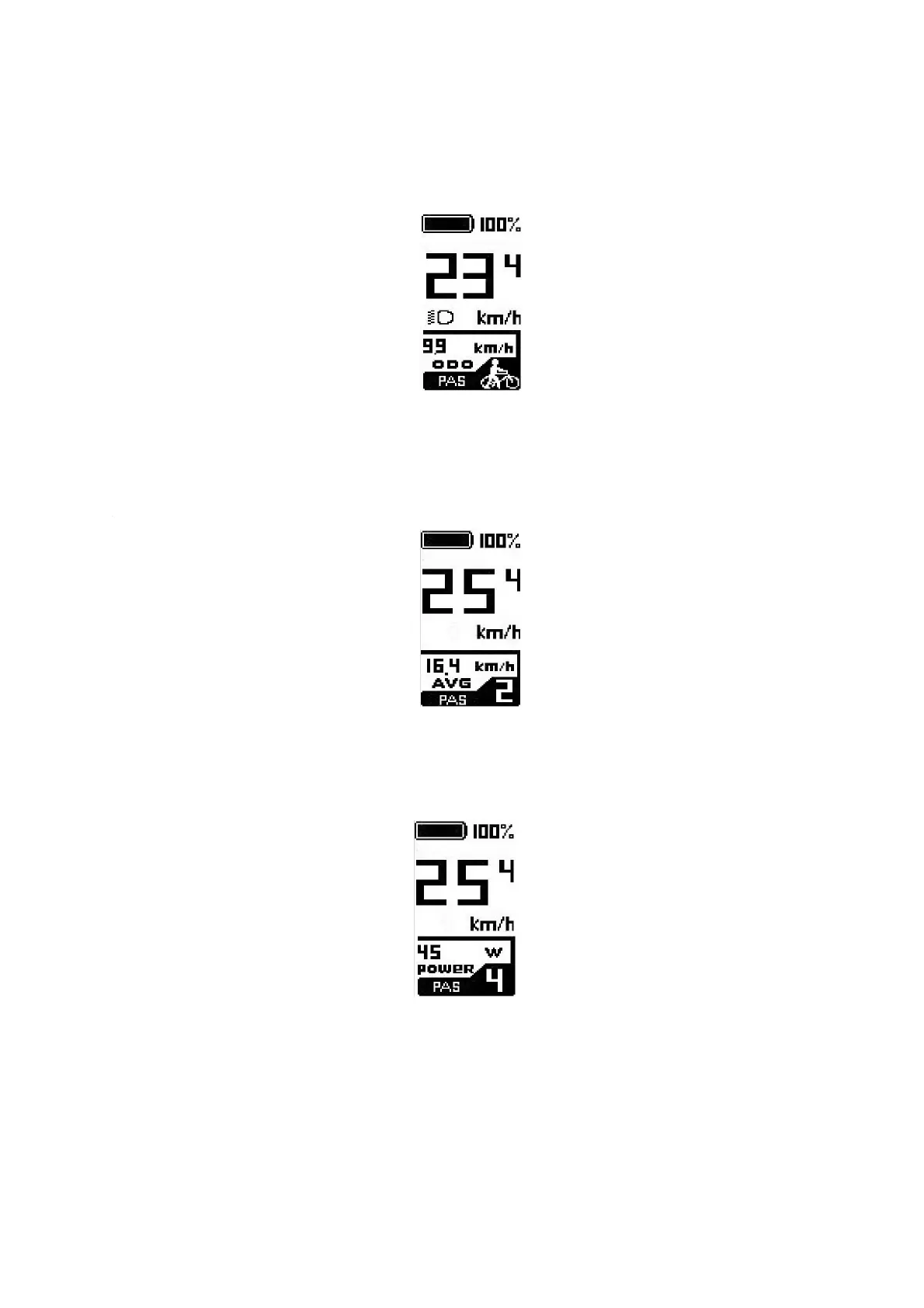
When light is off, after long pressing + button, display sends command to controller to
turn on the light and the light icon is shown on the display screen. When light is on, after
long pressing + button, display sends command to controller to turn off the light and light
icon disappears.
Light on indication
◆assist level selection
Press +/- button to increase or decrease the assist level and change the motor output
power. Level zero means no power assist output.
Assist level selection
◆motor power indication
The motor output power can be indicated by below interface.
Motor power indication
◆error code indication
The components of the E-bike system are continuously and automatically monitored. When
an error is detected, the respective error code is indicated, refer to the detailed definition of
the error codes in Attached list 1.


 To Next Page