◆ Main menu interface( function display page)
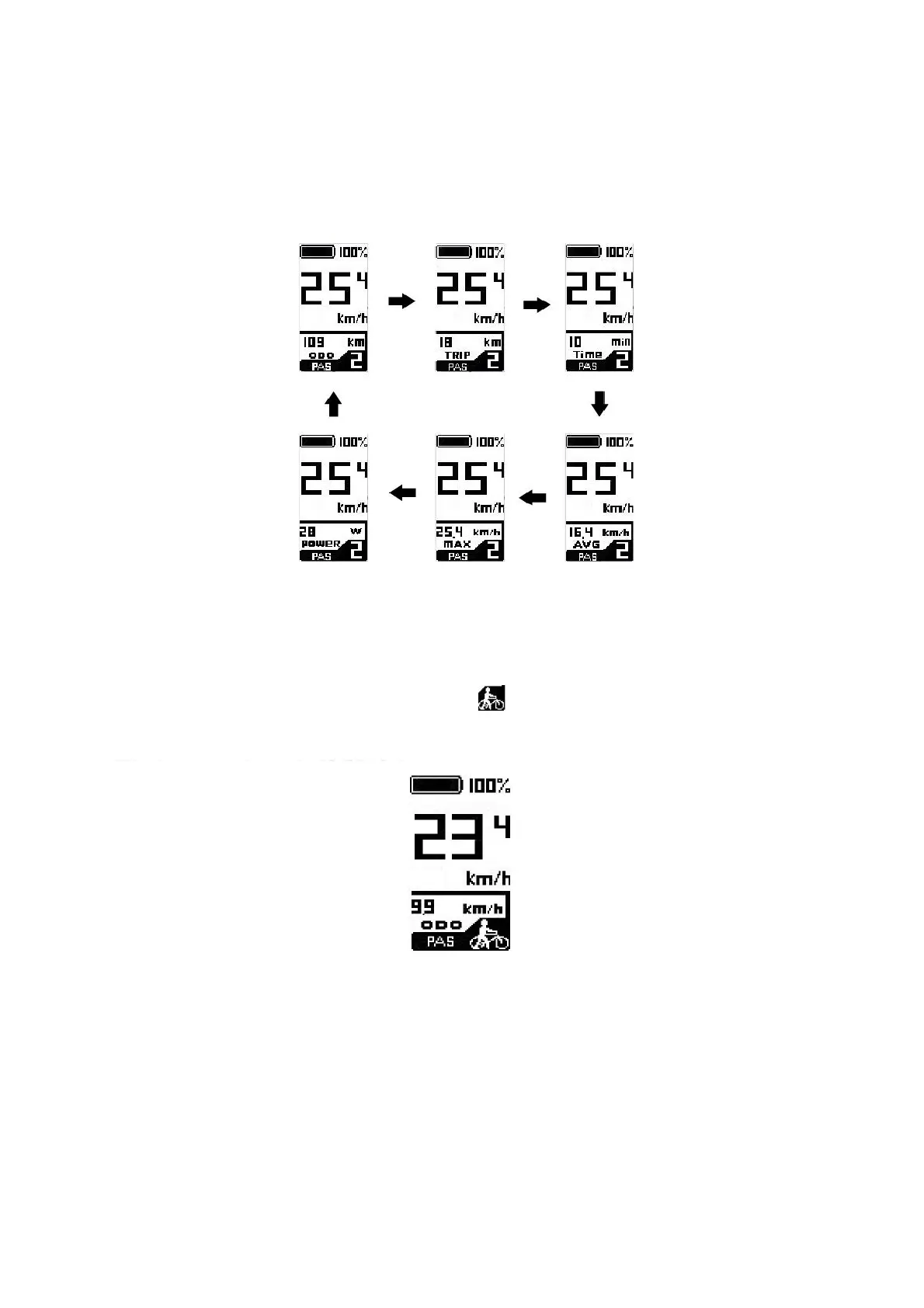
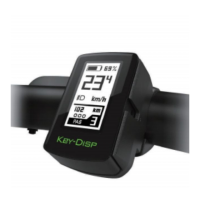
After the E-bike system is switched on, the display shows current speed by default. Press i
button to switch between indication functions below:
Current Speed (Km/h) → ODO(Km) → Trip Distance (Km)→Trip Time (Min) → Average
Speed (Km/h) → Max Speed (Km/h) →Power(W).
Indication items cycle interface
◆push assist function
To activate the push-assistance function, press and hold the - button. After 2 seconds, the E-
bike will go on at a uniform speed of 6 Km/h and “ ” is shown on the screen at the same time.
The push-assistance function is switched off as soon as you release the - button.
Push assist function
■Push-assist function may only be used when pushing the E-bike. Be aware of danger of injury
when the wheels of E-bike do not have ground contact while using push-assistance function.


 To Next Page