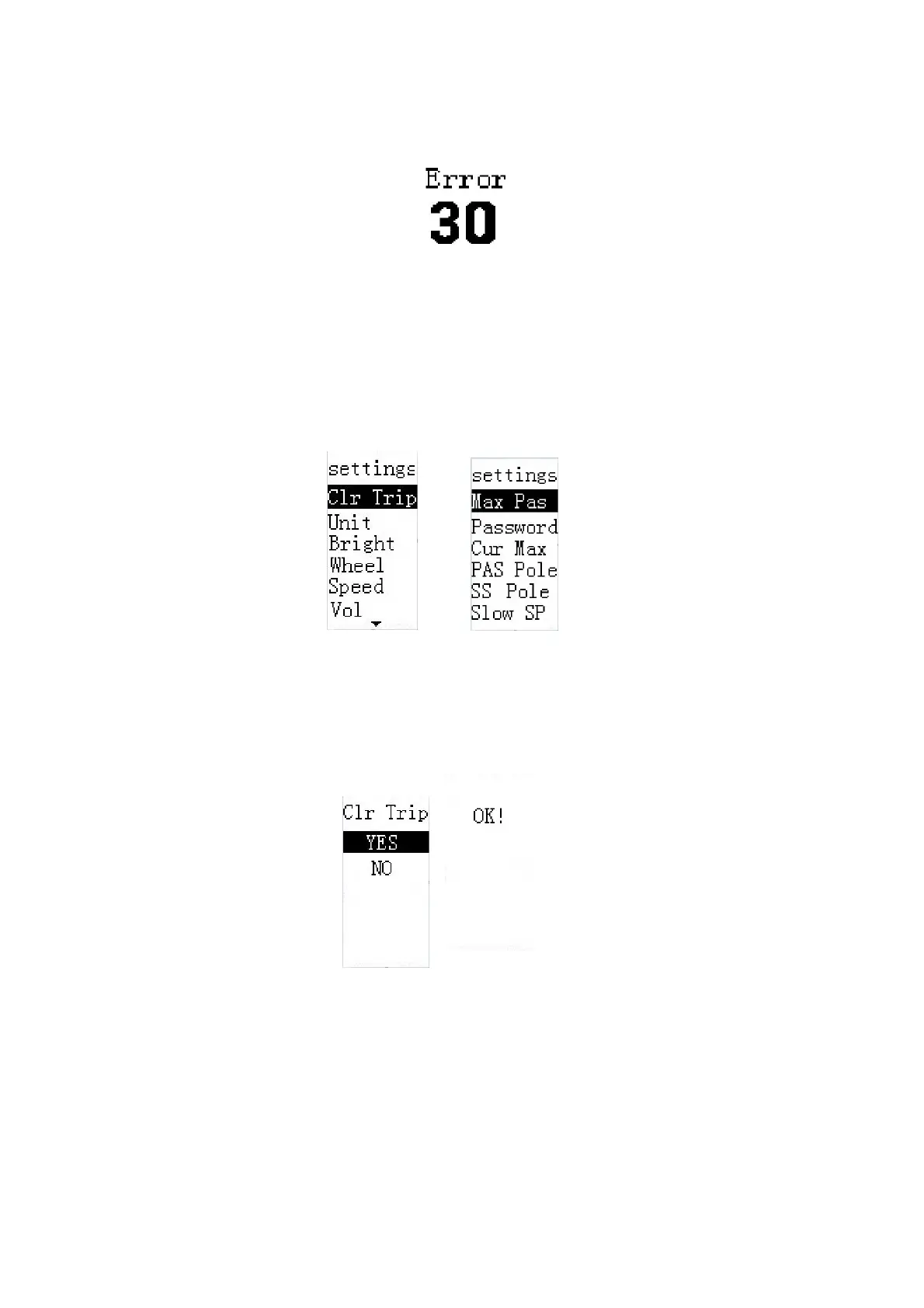
Error code interface
Settings
When speed is zero, at the main menu, long press i button to enter the setting interface.
Press +/- buttons to choose the setting item. Press i to enter the corresponding setting or info page.
Long press i button to exit the setting items interface and return to the main menu page. If there’s
no operations within 2 minutes, the display exit the setting page automatically.
Setting items interface
◆Trip Distance Clearance
Clr Trip means trip clearance. Press the +/- button to choose YES or NO. The default value is NO.
To clear a trip, choose YES and press the i button to
confirm. The screen says 'OK' and returns
to the
Settings interface.
Trip distance clearance


 To Next Page