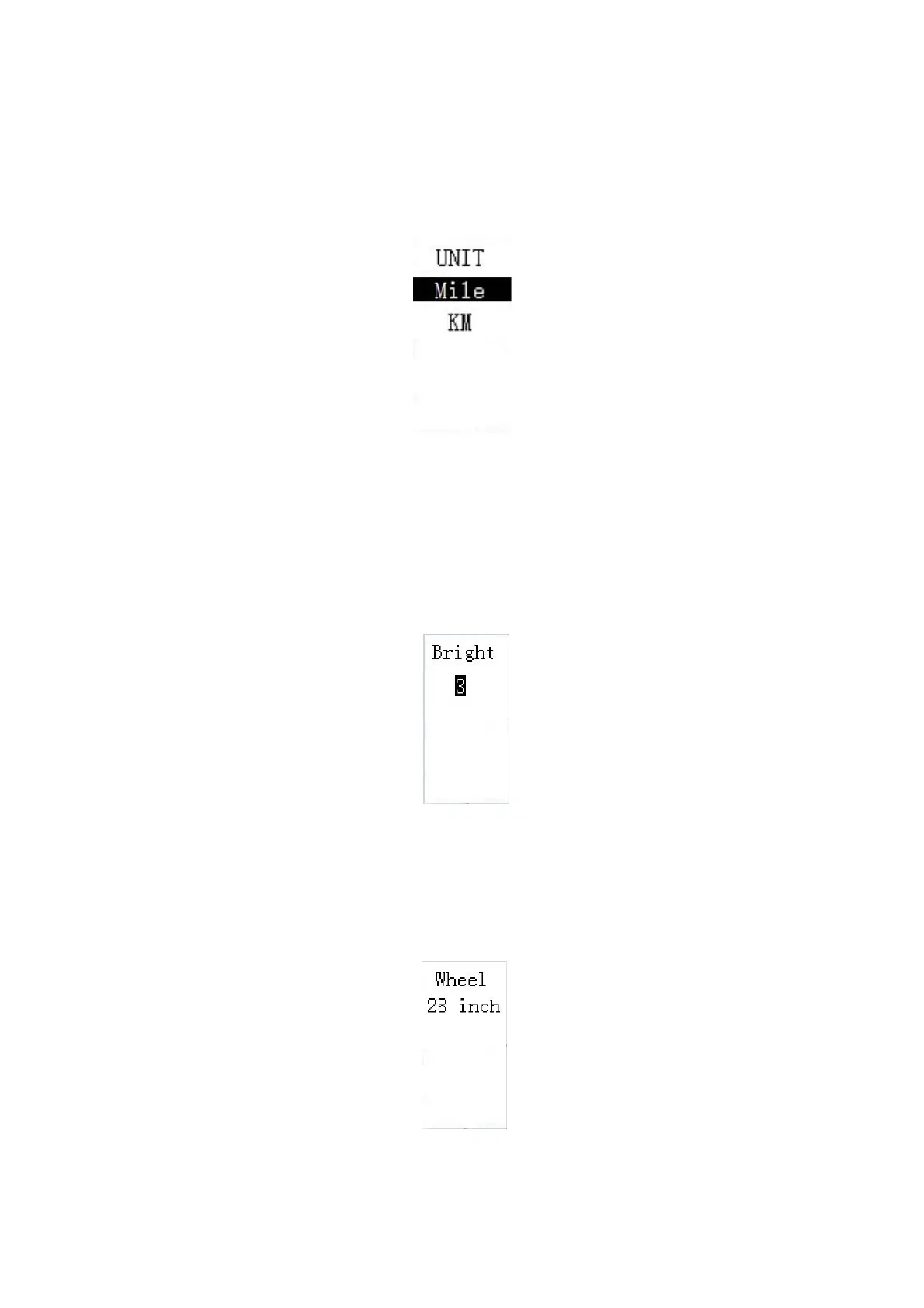
◆Unit Mile/KM toggling
Unit represents unit settings.
The default value is Metric ‘KM’
To toggle unit, press +/- until the desired unit is displayed.
To store a changed setting, press the i button to confirm. T
he screen says 'OK' and then returns
to
Settings interface
.
Mile and Kilometer Toggling Interface
◆Backlight Brightness Settings
Bright represents backlight brightness settings. Level “1” is the low brightness, Level “3” is high
brightness. The default level is “2”.
To change the backlight brightness, press the “+” button or the “-” button to choose the desired
brightness.
To store a changed setting, press the “i” button. The screen says “OK” and returns to previous
Backlight settings
◆wheel size setting
Wheel refers to wheel diameter settings. Press i to enter the setting page. According to new
EU norms, WD value is not settable. Press i button and screen says OK and returns to the setting
page.
Wheel size setting


 To Next Page