◆ speed limit info
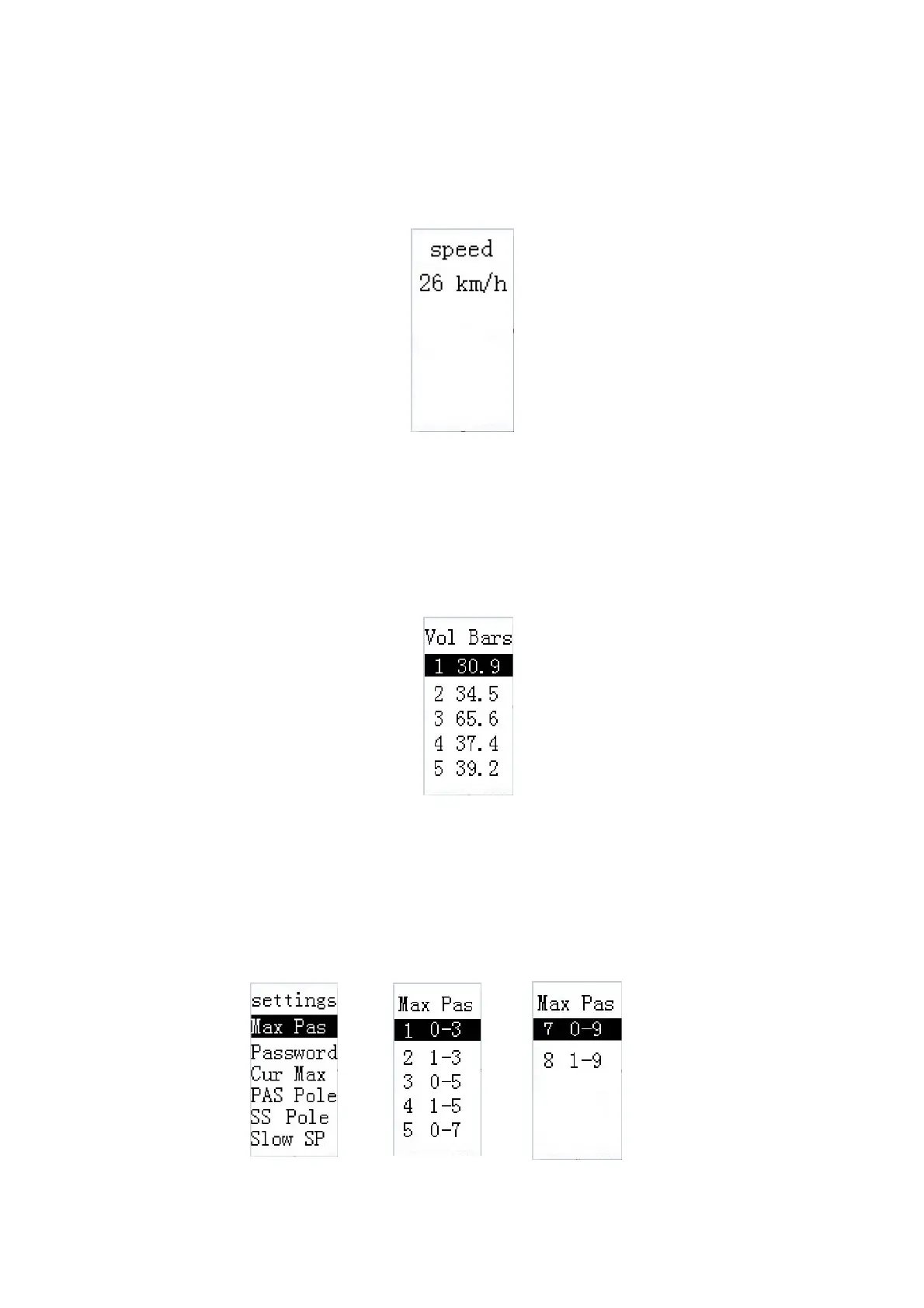
Speed means speed limit. Press i button to enter the speed limit info page. According to new
EU norms, the speed limit value is not settable. It is only for your information. Press i and screen
says OK and returns to the setting page.
Speed limit info
◆Battery power bars settings ( voltage segments)
Vol Bars refers to battery power bars settings. Press i button to enter the setting page.
Press +/- to change the values for each power bar. And press i to confirm and move the next
power bar settings. After 5 values are completely set, press i button to save the setting and
screen says OK and return to the setting page.
Battery power bars settings
助
◆Assist level
Assist level mode selection
Max Pas refers to PAS parameters settings. Press i button to enter the setting page. 8 assist
level modes are 0-3
、
1-3
、
0-5
、
1-5
、
0-7
、
1-7
、
0-9
、
1-9. Press +/- to choose the desired
mode and press i button access to the corresponding assist level ratio info interface.
Assist level mode selection


 To Next Page