PAS level ratio info
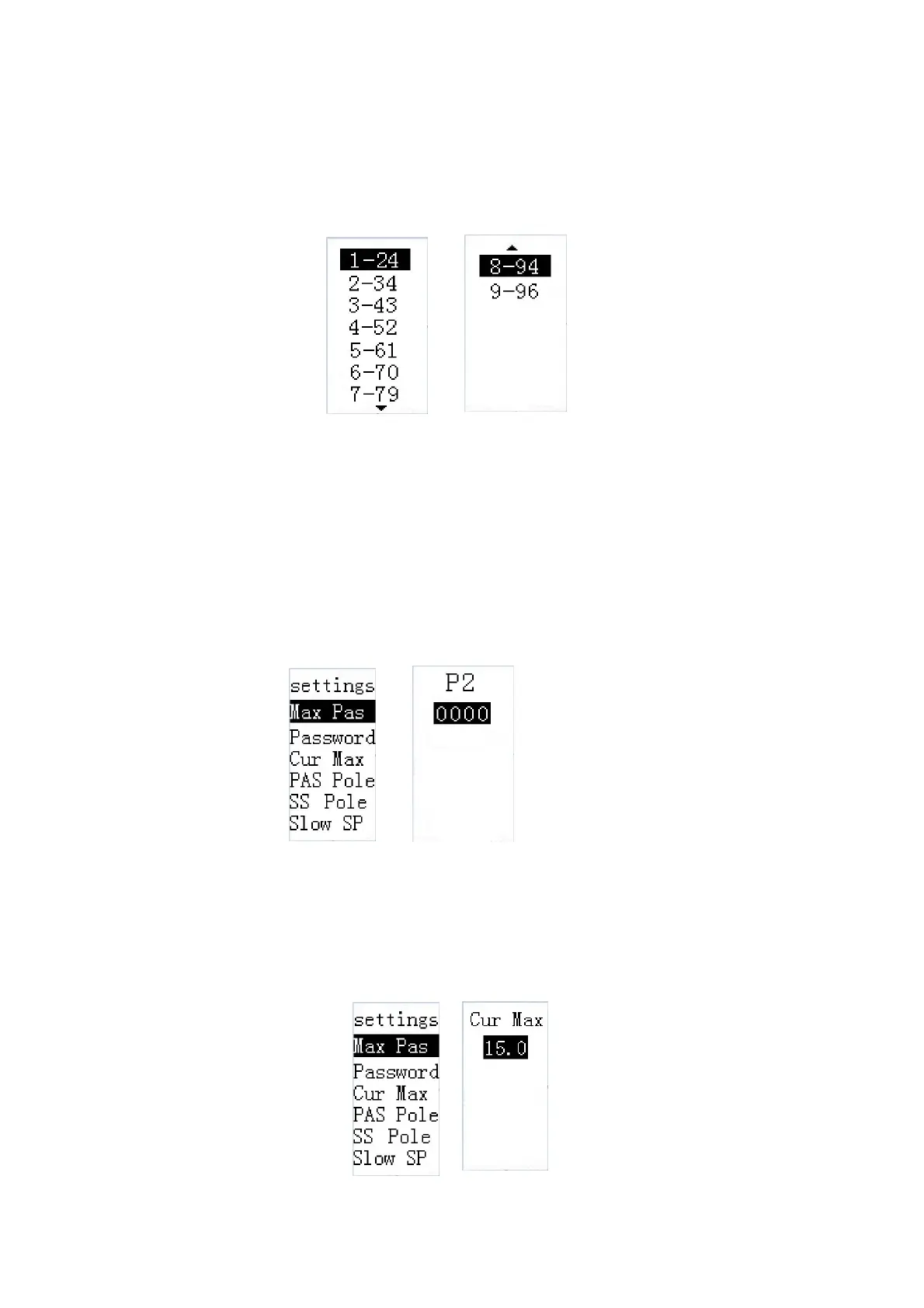
PAS level ratio refers to the power assist that can be engaged by a certain level. According
to new EU norms, the value is not settable. Long press i button to return to the setting page. The
PAS level ratio defaults are in the attached list 2.
PAS level ratio info
◆
power-on password settings
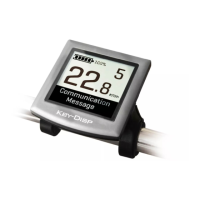
Password means power-on password settings. Press i button to enter “P2” interface
and correctly input the current 4-digit password to get to the power-on password setting
page. The default password is “1212” if not specified by the customer. At password setting
interface, the first item is “password disable”, the second item is “password enable” and the
third item is “change password”. Press +/- button to choose your desired item and press i to
confirm(operation for changing a password is identical to inputting a password). The screen
returns to the setting page after operation is done.
Power-on password settings
◆
Current limit
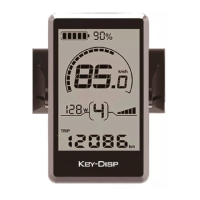
Cur Max means current limit. Press i button to enter the info page. According to new EU
norms, current limit is not settable and it is only for your information. Press i and screen says OK
and returns to the setting page.
Current limit info


 To Next Page