RX4X RECEIVER
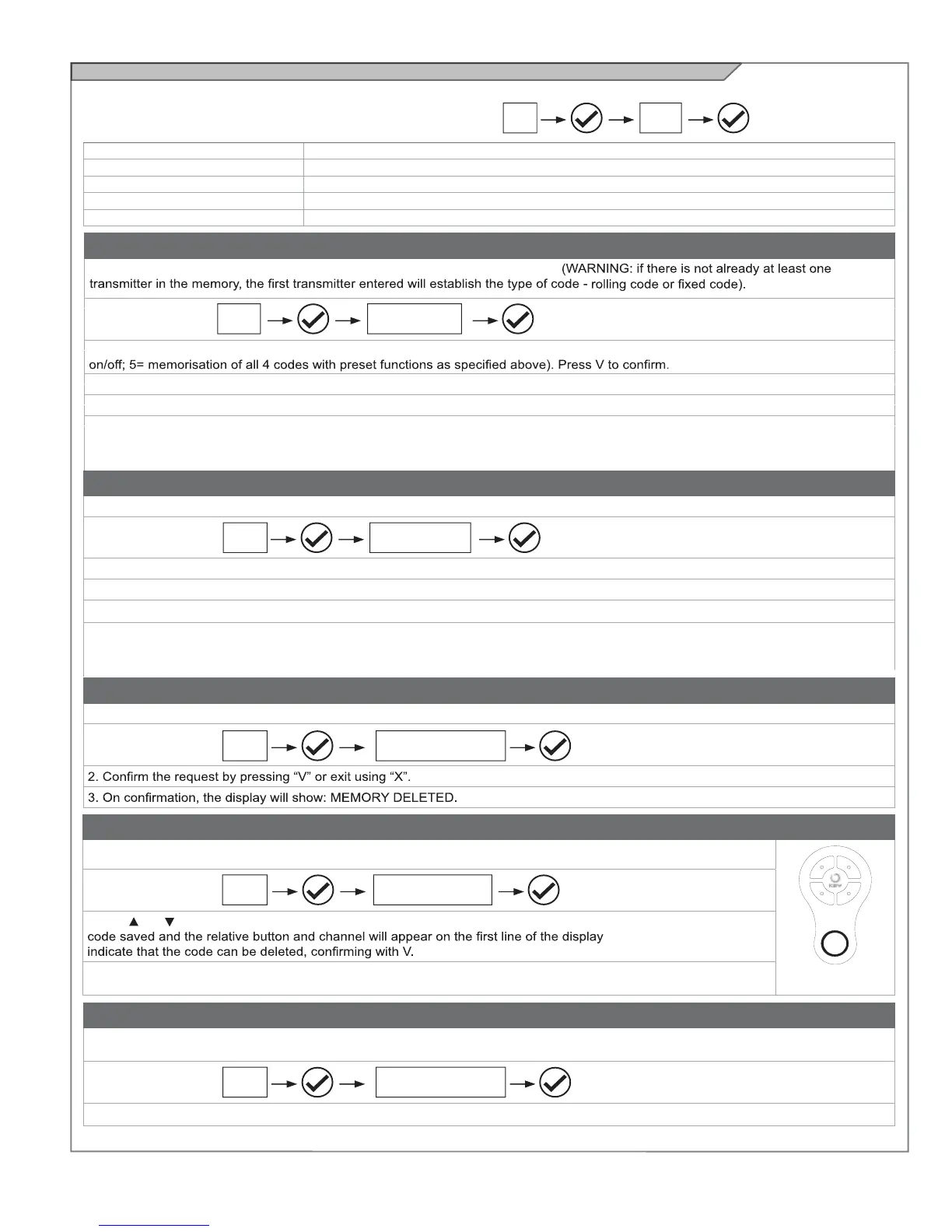
If necessary, users may select the RX4X RECEIVER MENU, used
to manage the parameters relating to the radio unit.
Proceed as follows:
ADDING A TX USING THE DISPLAY
This procedure allows one or more transmitters to be memorised in the receiver.
1. Access the menu
2. Select the type of channel in which the button is to be saved (CHANNEL 1= step by step; 2= pedestrian opening; 3= open; 4= lights
3. Press the button of the TX to be memorised.
4. After the button is pressed, the display will show: TRANSMITTER MEMORISED.
5. To add another code, start the procedure again from point 2. To quit the menu, press “X”.
The “X” button is effective at any point in the procedure.
If no commands are given for 10 seconds, the receiver automatically quits the memorisation mode.
DELETING A TX USING THE DISPLAY
This procedure allows a radio code to be deleted from the memory of the RX4X receiver using the transmitter memorised.
1. Access the menu
2. Press the button of the TX to be deleted when prompted.
3. After the button is pressed, the display will show: TRANSMITTER DELETED.
4. When the code has been deleted, the display will show the memory position it was cleared from.
5. To add another code, start the procedure again from point 2.
To quit the menu, press “X”. The “X” button is effective at any point in the procedure.
If no commands are given for 10 seconds, the receiver automatically quits the memorisation mode.
CLEARING THE MEMORY OF THE RX4X RECEIVER
This procedure is used to clear the entire memory of the receiver.
1. Access the menu
MEMORY LOCK/UNLOCK
This procedure is used to lock or unlock the memory of the RX4X receiver.
1. Access the menu
0=OFF memory unlocked
1= ON memory locked
READING THE RECEIVER MEMORY
This procedure is used to view the radio codes present in the memory of the RX4X receiver.
1. Access the menu
2. Use and to scroll through the codes in the memory. The number of the transmitter in the memory, the radio
, while the second line will
3. To quit the menu, press “X”.
The “X” button is effective at any point in the procedure.
ADD TX
Allows a new code to be memorised in the receiver
DELETE TX
Allows deletion of a code from the receiver
DELETE ALL
Clears the receiver’s entire memory
READ MEMORY
Displays the codes in the memory
MEMORY LOCK/UNLOCK
Unlocks or locks the receiver’s memory
14A RX4X
RX4X
RX4X
RX4X
RX4X
RX4X
ADD TX
DELETE TX
CLEAR ALL
MEMORY
LOCK/UNLOCK
READ MEMORY
A
B
C
D
M = PRESET
FUNCTIONS
N.B. if the receiver is blocked by means of the XR MANAGER device, refer to the user manual of the latter.
28



 To Next Page