499
Features of your vehicle
The 360° camera monitoring system
is not a substitute for proper and safe
parking procedures. The 360° cam-
era monitoring system may not
detect every object surrounding the
vehicle. Always drive safely and use
caution when parking.
The 360° camera monitoring system
can assist in parking by allowing the
driver to see around the vehicle.
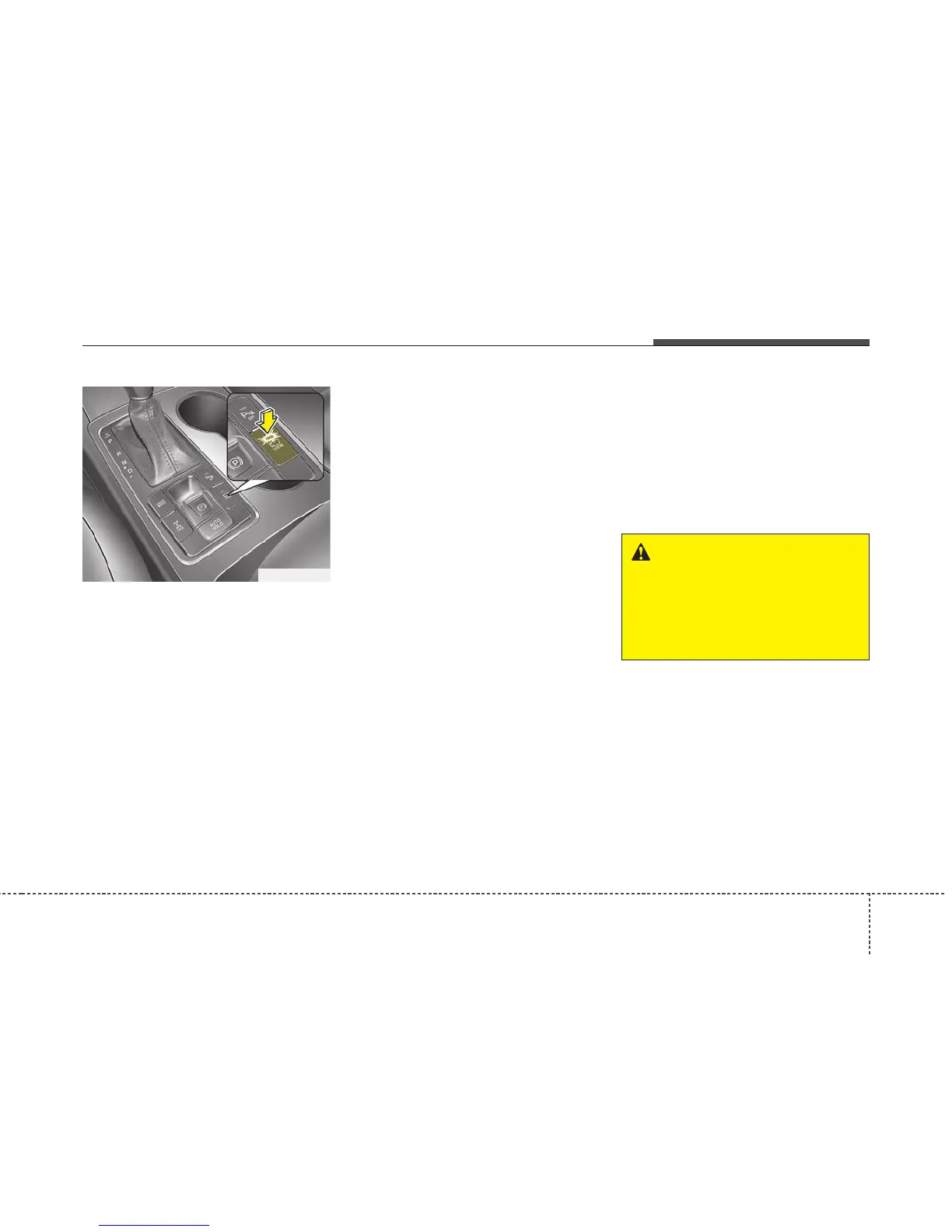
Push the button into the [ON] posi-
tion to operate the system.
To cancel the system, push the but-
ton again.
Operating conditions
- When the Engine Start/Stop
Button is ON position
- When the transaxle is on D, N or R
- When the vehicle speed is not over
15 km/h (9 mph)
• When the vehicle speed is over 15
km/h (9 mph), the 360° camera
monitoring system is turned off. If
the vehicle speed is not over 15
km/h (9 mph) after turning off the
360° camera monitoring system by
over speed, the 360° camera moni-
toring system is not turned on. To
operate again, push the button.
• When the vehicle moves back-
wards, regardless of On/Off of but-
ton and vehicle speed, the 360°
camera monitoring system is oper-
ated.
• When the liftgate and driver/pas-
senger door are opened and the
outside mirror is folded, the warn-
ing is illuminated in 360° camera
monitoring system.
• If the 360° camera monitoring sys-
tem is not operating normally, the
system should be checked by an
authorized Kia dealer.
• When the vehicle moves over 15
km/h (9 mph) forward after moving
backward, the 360° camera monitor-
ing system screen will be turned off.
360° CAMERA MONITORING SYSTEM (IF EQUIPPED)
WARNING
This system is a supplementary
function only. It is the responsi-
bility of the driver to always
check the area around the vehi-
cle before and while moving.
OUMA057230



 To Next Page