Driving your vehicle
666
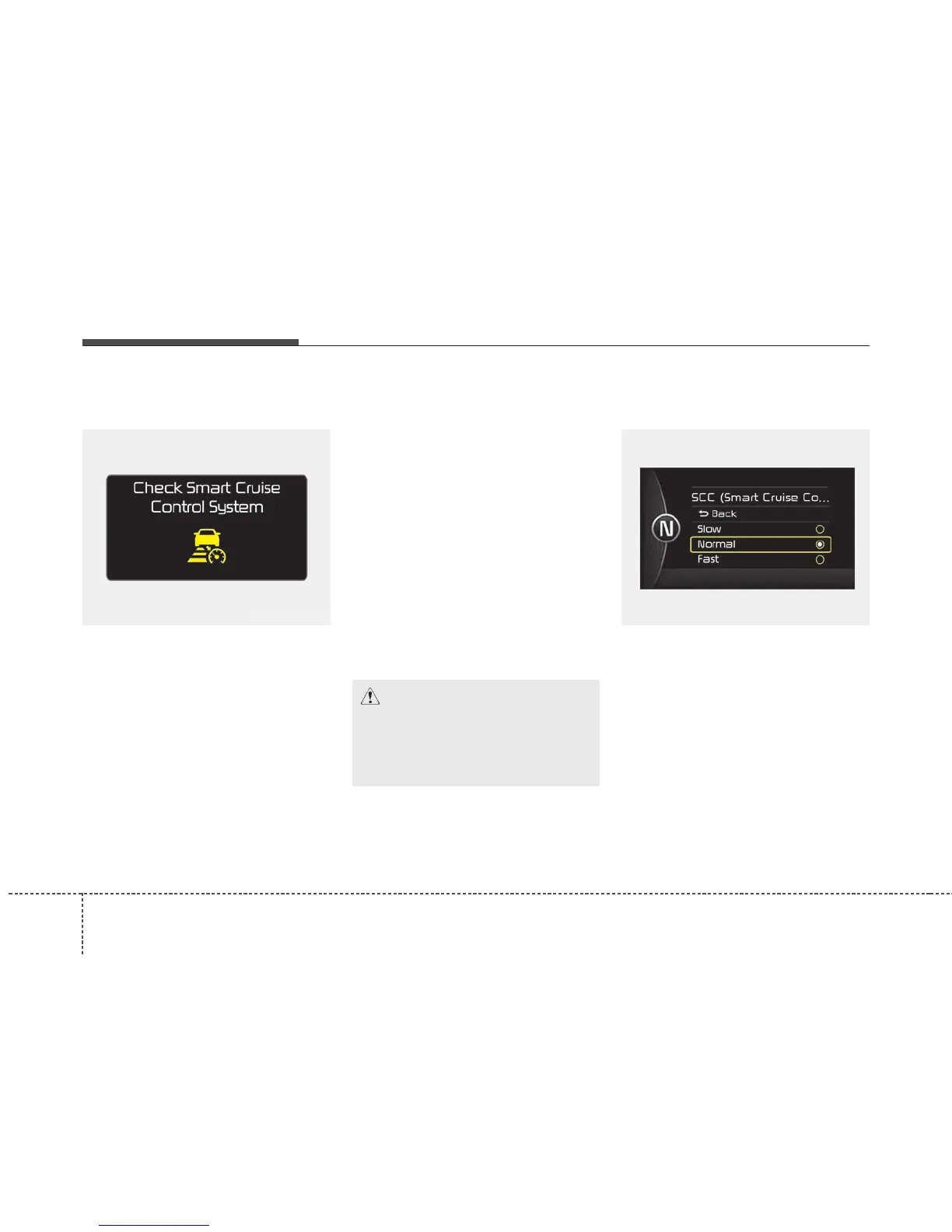
ASCC (Advanced Smart Cruise
Control) malfunction message
The message will appear when the
vehicle to vehicle distance control
system is not functioning normally.
Take your vehicle to an authorized
Kia dealer and have the system
checked.
• Always keep the sensor and
bumper clean.
• Use only a genuine Kia sensor
cover for your vehicle.
• Do not install accessories around
the sensor and do not replace the
bumper by yourself. It may interfere
with the sensor performance.
• Impact damage to the sensor or
sensor area may cause the sensor
to move slightly off position and
result in the ASCC not operating
correctly without any warning or
indicator from the cluster. If this
occurs, have your vehicle checked
by an authorized Kia dealer as
soon as possible.
To adjust the sensitivity of
Advanced Smart Cruise Control
The sensitivity of vehicle speed when
following the front vehicle to maintain
the set distance can be adjusted. Go
to the User Settings Mode (Driving
Assist) and select SCC (Smart
Cruise Control). You may select one
of the three stages you prefer.
• Slow:
Vehicle speed following the front
vehicle to maintain the set distance
is slower than normal speed.
CAUTION - Sensor
Damage
To prevent sensor cover dam-
age from occurring, wash the
car with a soft cloth.
OJF055237L OJF055101L



 To Next Page