415
Features of your vehicle
Operating door locks from out-
side the vehicle
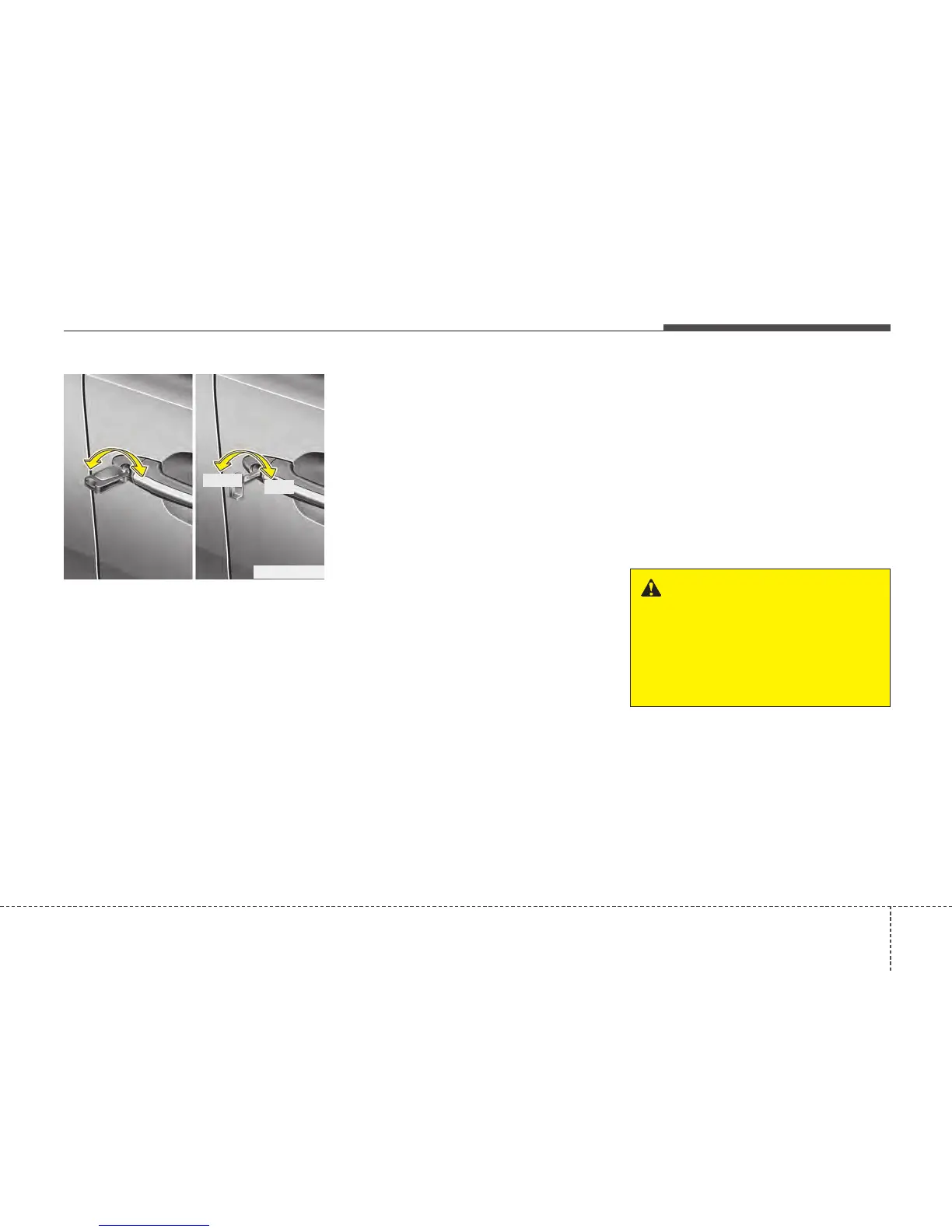
Mechanical key
• Turn the key toward the rear of the
vehicle to unlock and toward the front
of the vehicle to lock.
• If you lock/unlock the door with a key,
the doors will lock/unlock.
• If you lock/unlock the driver’s door with
a key, all vehicle doors will lock/unlock
automatically. (if equipped)
• Once the doors are unlocked, they may
be opened by pulling the door handle.
• When closing the door, push the door
by hand. Make sure that doors are
closed securely.
Transmitter/Smart key
• Doors can be locked and unlocked with
the transmitter (or smart key). (if
equipped)
• Doors can be locked and unlocked
pressing the button of the outside door
handle with the smart key in your pos-
session.
• Once the doors are unlocked, they may
be opened by pulling the door handle.
• When closing the door, push the door
by hand. Make sure that doors are
closed securely.
✽✽
NOTICE
• In cold and wet climates, door locks
and door mechanisms may not work
properly due to freezing conditions.
• If the door is locked/unlocked multi-
ple times in rapid succession with
either the vehicle key or door lock
switch, the system may stop operating
temporarily in order to protect the
circuit and prevent damage to system
components.
DOOR LOCKS
WARNING
• If you don't close the door
securely, the door may open
again.
• Be careful that someone's body
and hands are not trapped when
closing the door.
OTF040009R
Lock
Unlock






 To Next Page