Features of your vehicle
1384
CAUTION
Do not operate audio remote con-
trol buttons simultaneously.
✽✽
NOTICE
If you install an aftermarket HID head
lamp, your vehicle’s audio and electron-
ic device may malfunction.
Antenna
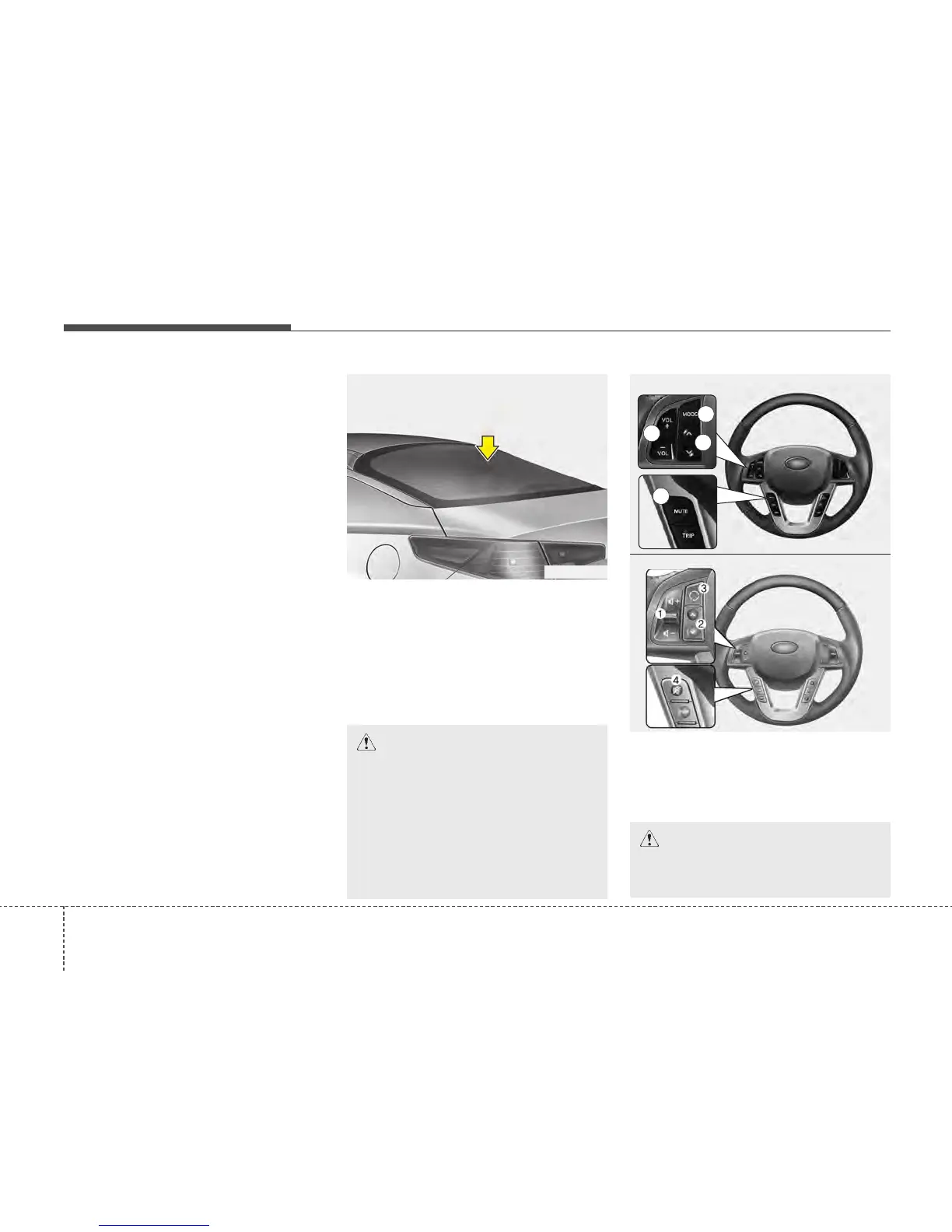
Glass antenna
Your vehicle uses a glass antenna to
receive both AM and FM signals.
Shark fin antenna (if equipped)
The shark fin antenna will receive the
transmit data.
Steering wheel audio controls
(if equipped)
The steering wheel may incorporate
audio control buttons.
AUDIO SYSTEM
OTF040165
CAUTION
• Do not clean the inside of the rear
window glass or quarter glass with
a cleaner or use a scraper to
remove any foreign deposits as
this may cause damage to the
antenna elements.
• Avoid adding metallic coating such
as Ni, Cd, and so on. These can
interfere with AM/FM reception.
TFA_WHEEL_USA_2
1
2
3
OTFR040166
4
■ Type A
■ Type B






 To Next Page