4139
Features of your vehicle
VOLUME ( / ) (1)
• Press the lever upward ( ) to increase
the volume.
• Press the lever downward ( ) to
decrease the volume.
SEEK/PRESET ( / ) (2)
The SEEK/PRESET lever has different
functions based on the system mode. For
the following functions the lever should
be pressed for 0.8 seconds or more.
RADIO mode
It will function as the AUTO SEEK select
button.
CD/USB/iPod
®
mode
It will function as the FF/REW button.
If the SEEK/PRESET button is pressed
for less than 0.8 seconds, it will work as
follows in each mode.
RADIO mode
It will function as the PRESET STATION
buttons.
CD/USB/iPod
®
mode
It will function as TRACK UP/DOWN but-
ton.
MODE ( ) (3)
Press the button to change audio source.
FM
➟ AM ➟ CD ➟ USB AUX(iPod) ➟
FM...
MUTE ( ) (4, if equipped)
• Press the button to mute the sound.
• Press the button to turn off the micro-
phone during a telephone call.
Detailed information for audio control
buttons are described in the following
pages in this section.
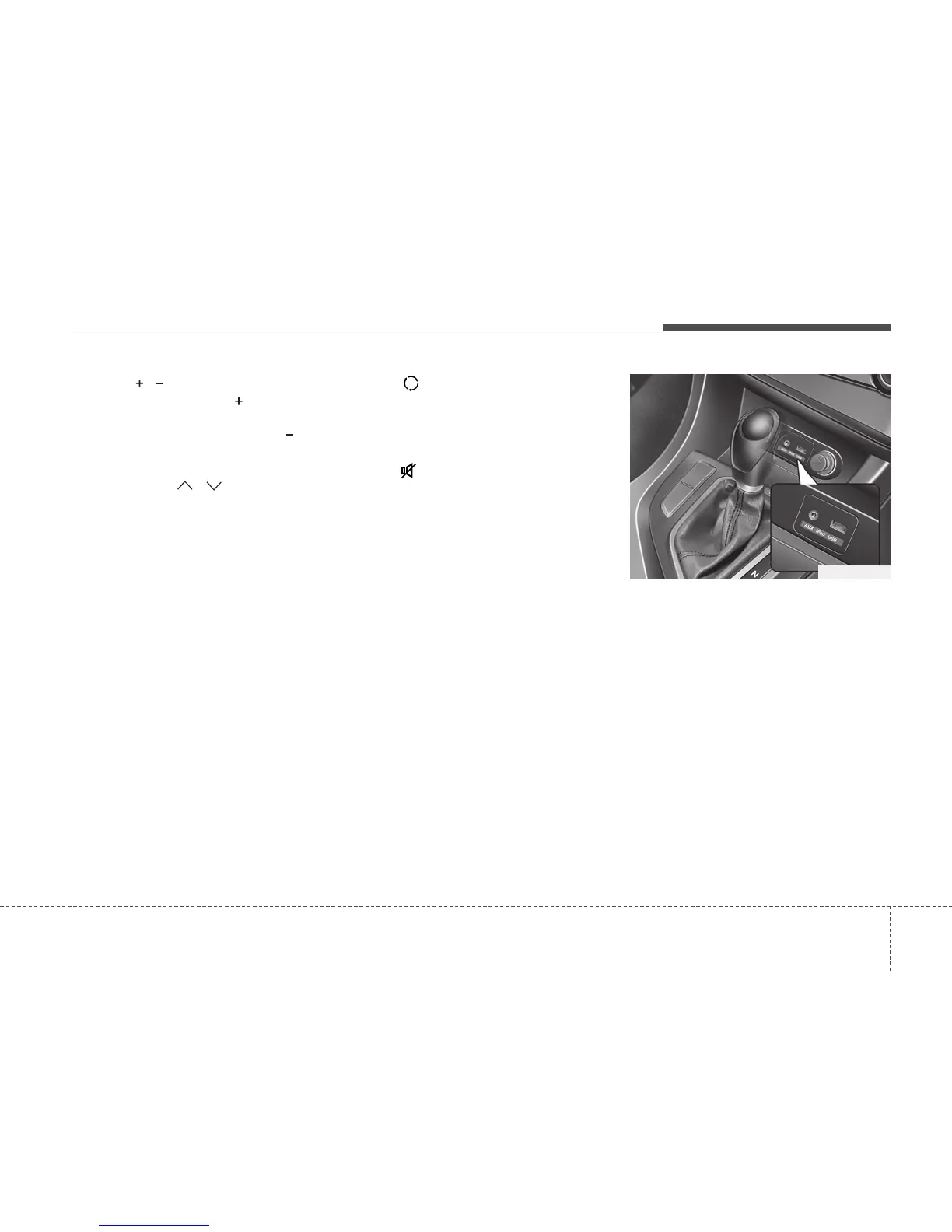
Aux, USB and iPod
®
port
(if equipped)
If your vehicle has an aux and/or
USB(universal serial bus) port or iPod
®
port, you can use an aux port to connect
audio devices and an USB port to plug in
an USB and also an iPod
®
port to plug in
an iPod
®
.
✽✽
NOTICE
When using a portable audio device
connected to the power outlet, noise may
occur during playback. If this happens,
use the power source of the portable
audio device.
*
iPod
®
is a trademark of Apple Inc.
OTF040167R






 To Next Page