453
Features of your vehicle
User setting (if equipped)
1. When the vehicle is at a standstill, press-
ing the TRIP button for more than 2 sec-
onds with the ENGINE START/STOP
button in the ON position or engine run-
ning, the LCD display on the cluster will
change to the "User Setting" mode.
You can move to items by pressing the
TRIP button and select the item by
pressing the RESET button.
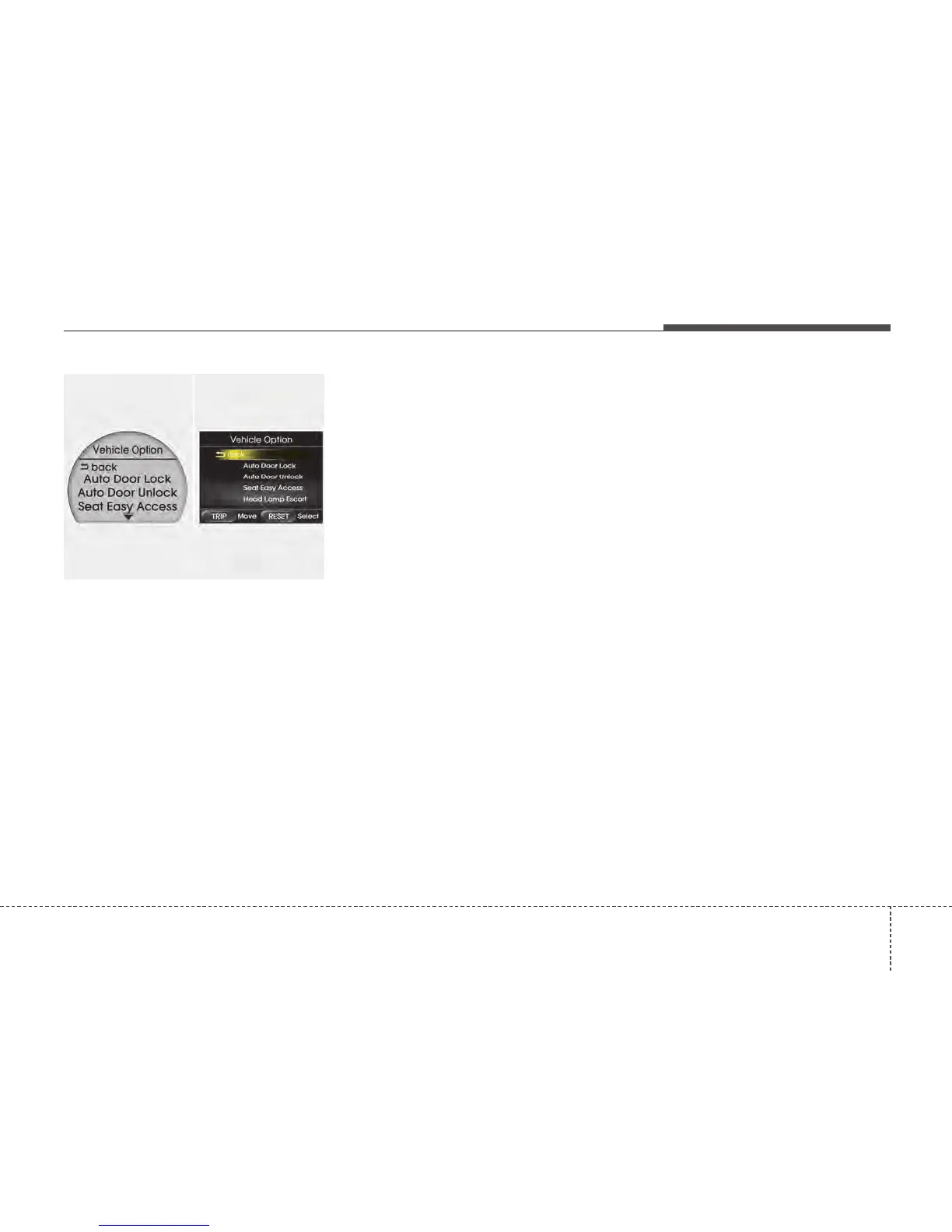
2. In the "User Setting" mode, select
"Vehicle Option".
3. Move (TRIP button) to the desired item
and select (RESET button).
Door
•
Auto Door Lock
Off - The auto door lock operation will be
canceled.
Speed - All doors will be automatically
locked when the vehicle speed
exceeds 15km/h (9.3mph).
•
Auto Door Unlock
Off - The auto door unlock operation will
be canceled.
Key Out - All doors will be automatically
unlocked when the ignition key
is removed from ignition switch
(or smart key is in the OFF
position).
Door (if equipped) -
All doors will be automatically unlocked if
the driver’s doors is unlock.
LKAS Mode (for instrument cluster
type B) (if equipped)
LKA - The Lane Keeping Assistance
System (LKAS) will be activated.
LDW - The Lane Departure Warning
System (LDWS) will be activated.
For more details, refer to LKAS in section 5.
Seat Easy Access (only for Driver
Position Memory System equipped
vehicle)
On - The driver's seat will automatically
move forward or rearward for the
driver to enter or exit the vehicle
comfortably.
Off - The Seat Easy Access function will
be inactivated.
Headlamp Escort (if equipped)
On - The Headlamp Escort and Escort
Welcome function will be activated.
Off - The Headlamp Escort and Escort
Welcome function will be inactivat-
ed.
Welcome Light (if equipped)
On - The Welcome Light function will be
activated.
Off - The Welcome Light function will be
inactivated.
Welcome Sound (if equipped)
On - The Welcome Sound function will
be activated.
Off - The Welcome Sound function will
be inactivated.
OTFS042077
■ Type A
■ Type B






 To Next Page