4117
Features of your vehicle
Automatic heating and air condi-
tioning
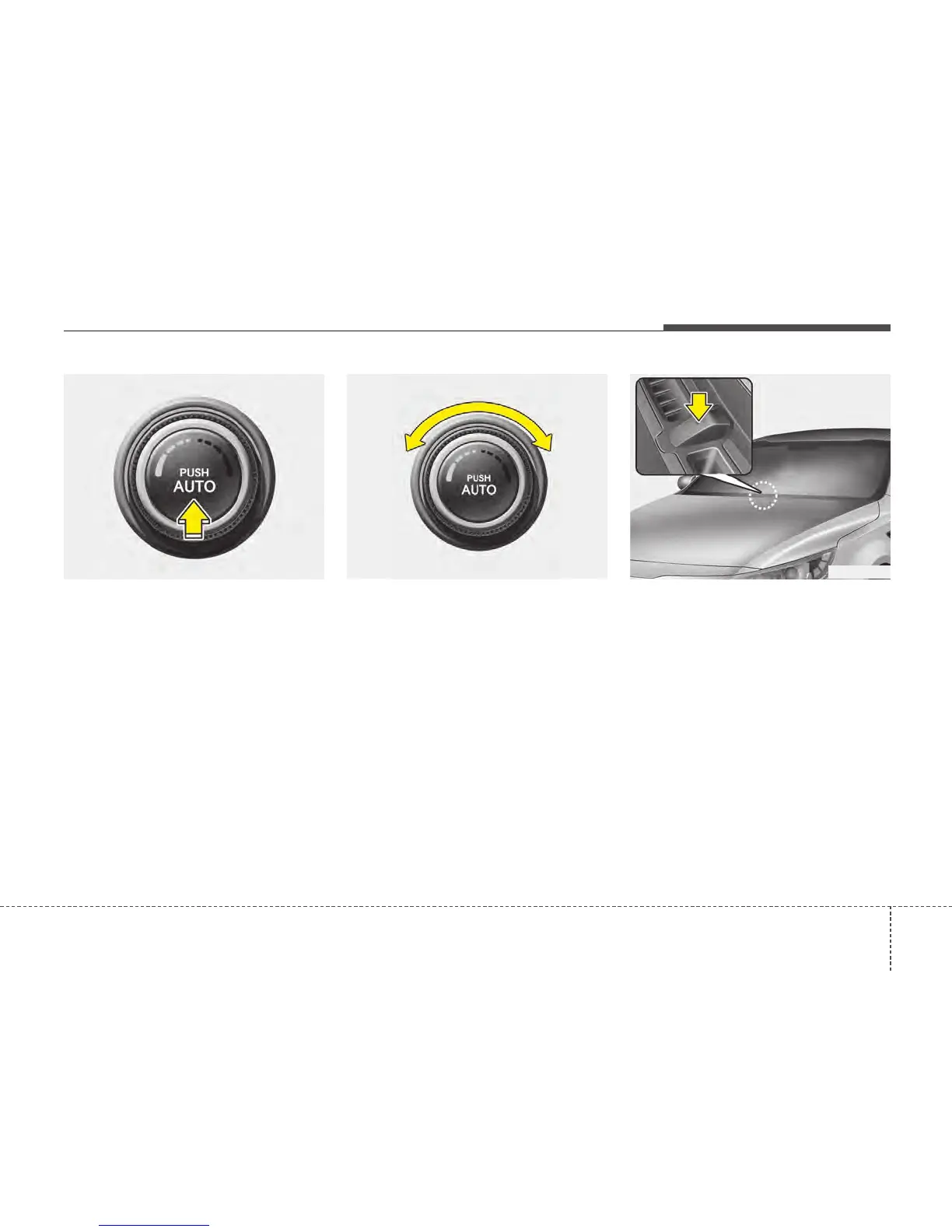
1. Push the AUTO button. The modes,
fan speeds, air intake and air-condi-
tioning will be controlled automatically
by temperature setting.
2. Turn the temperature control knob to
set the desired temperature.
✽✽
NOTICE
• To turn the automatic operation off,
select any button or switch of the fol-
lowing:
- Mode selection button
- Air conditioning button
- Front windscreen defroster button
- Air intake control button
- Fan speed control knob
The selected function will be con-
trolled manually whilst other func-
tions operate automatically.
• For your convenience and to improve
the effectiveness of the climate con-
trol, use the AUTO button and set the
temperature to 23°C (73°F).
✽✽
NOTICE
Never place anything over the sensor
located on the instrument panel to
ensure better control of the heating and
cooling system.
OTF040131 OTF040135 OTF040132






 To Next Page