Features of your vehicle
884
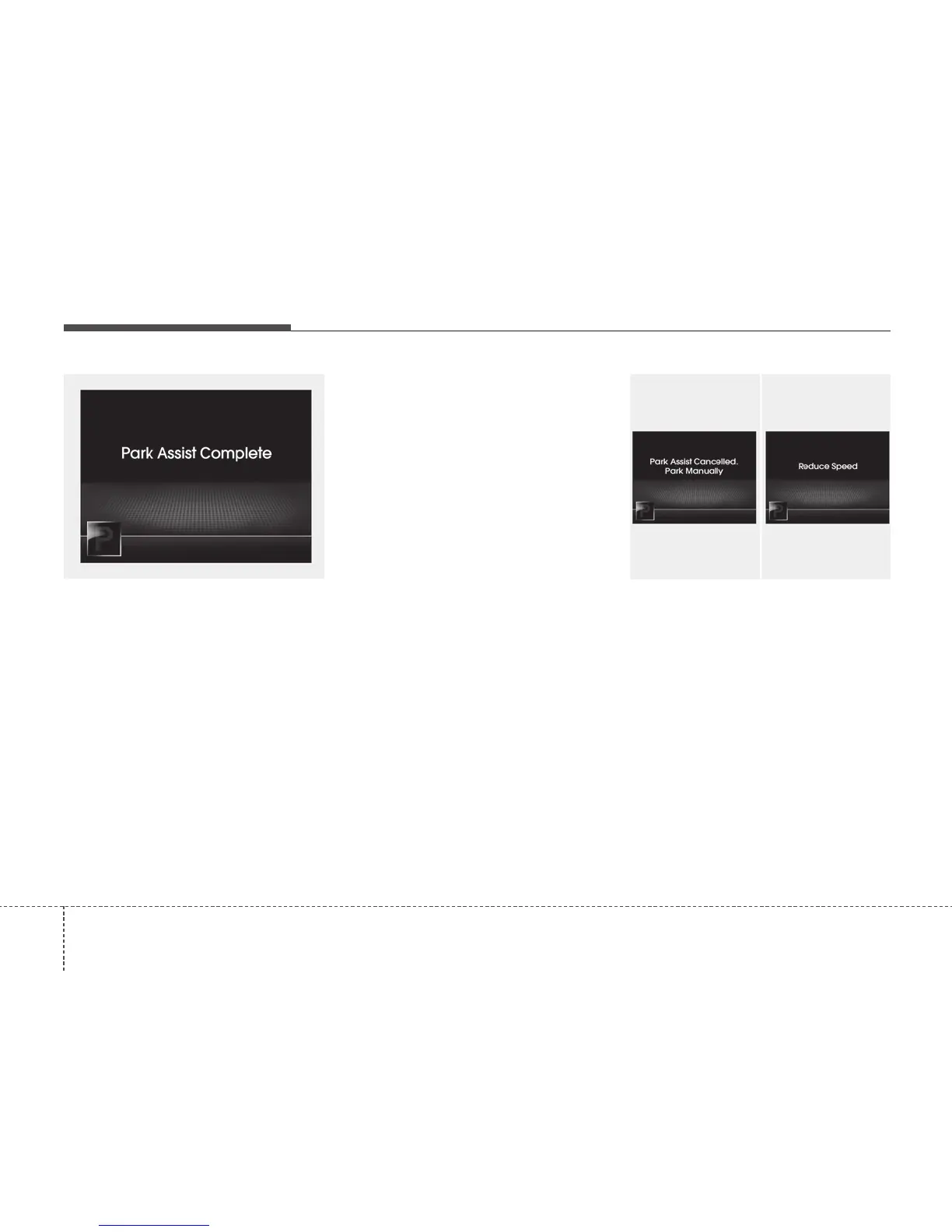
6. Smart Parking Assist System com-
pleted
Complete parking your vehicle according
to the instructions on the LCD display. If
required, manually control the steering
wheel and complete parking your vehicle.
✽✽
NOTICE
The brake pedal must be depressed by
the driver whilst parking your vehicle.
The system may be cancelled in the below
conditions:
• Ignoring the gear shift message and
drive the vehicle approximately 150cm
(59in).
• The front and rear Parking Assist
System warning sound (distance from
object is within 30cm: continuous
beep) is heard at the same time.
• The shift lever is changed to the P
(Park) or R (Reverse) position whilst
searching for parking space.
Additional instructions(messages)
When the Smart Parking Assist System
is operating, a message may appear
regardless of the parking order.
The messages will appear according to
the circumstances. Follow the instruc-
tions provided whilst parking your vehicle
with the Smart Parking Assist System.
OTFS042218 OTFS042219






 To Next Page