Driving your vehicle
585
LKAS operation
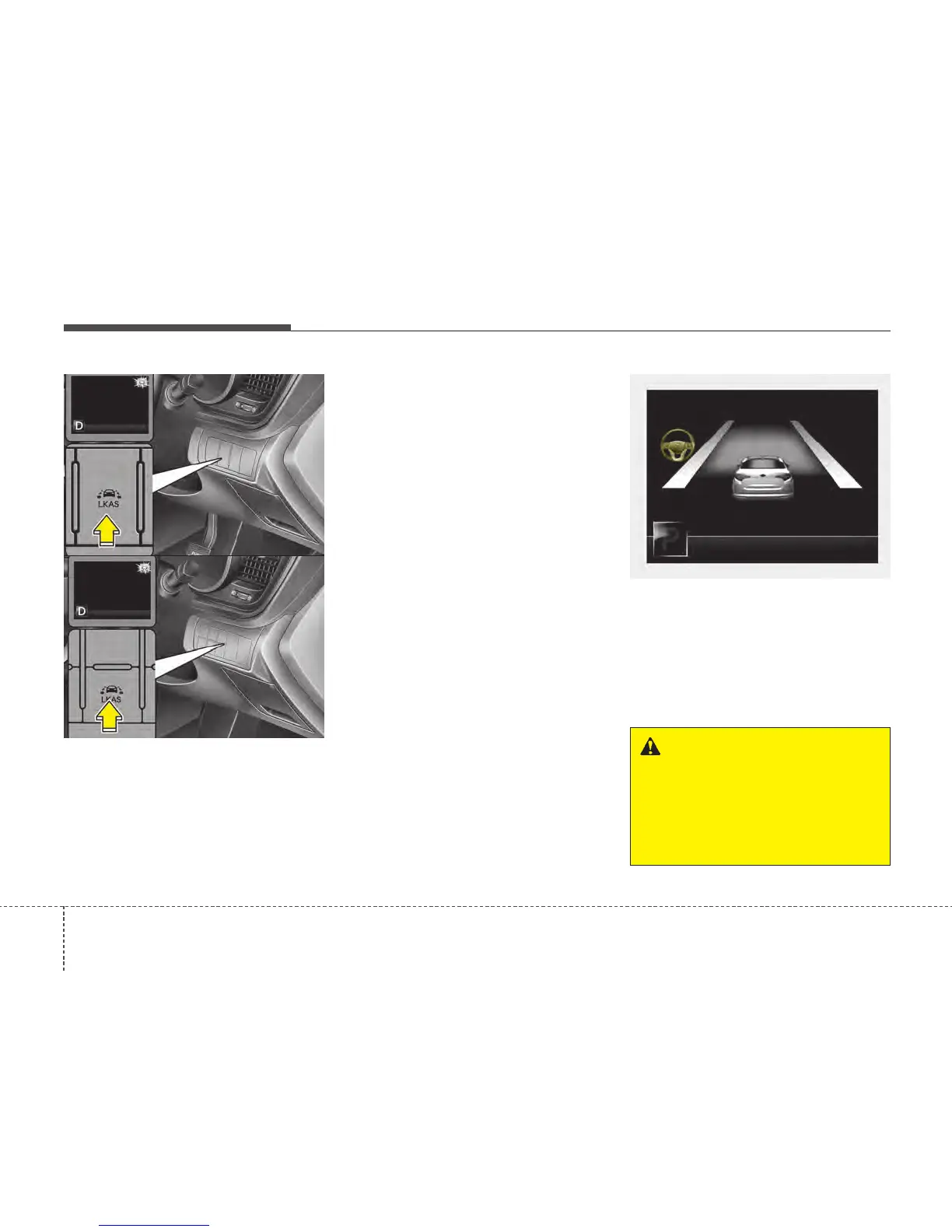
• To turn on the LKAS, push the button
with the ignition switch in the ON posi-
tion.
• The LKAS indicator (green) will illumi-
nate.
• To turn off the system, press the button
again. The indicator turns off.
• LKAS indicator
- Green : LKA
- White : LDW
- Yellow : FAIL
LKAS activation
• The LKAS screen will appear on the
LCD display if the system is activated.
• When both lanes are detected and all
the conditions to activate the LKAS are
satisfied, the steering wheel will be
controlled (green steering wheel indi-
cator will illuminate).
OTFS052083
WARNING
The Lane Keeping Assist System is
a system to prevent the driver from
leaving the lane. However, the driv-
er should not solely rely on the sys-
tem but always check the road con-
ditions when driving.
OTFS052082R
OTFS052098R
■■
■■
TT
TT
yy
yy
pp
pp
ee
ee
AA
AA
■■
■■
TT
TT
yy
yy
pp
pp
ee
ee
BB
BB






 To Next Page