Chapter 3: Programming
GSA-REL Technical Reference Manual 35
5. Connect to the panel and use the Communication Functions dialog box to
upload the Signature loop.
6. In the Signature Series mapping tool, open the Actual vs. Expected Data
dialog box (F9 key).
7. For the first two GSA-REL devices, click Commit Expected.
8. For the third GSA-REL device, click Break Chain, select the first available
address (the release circuit), and click Commit Expected.
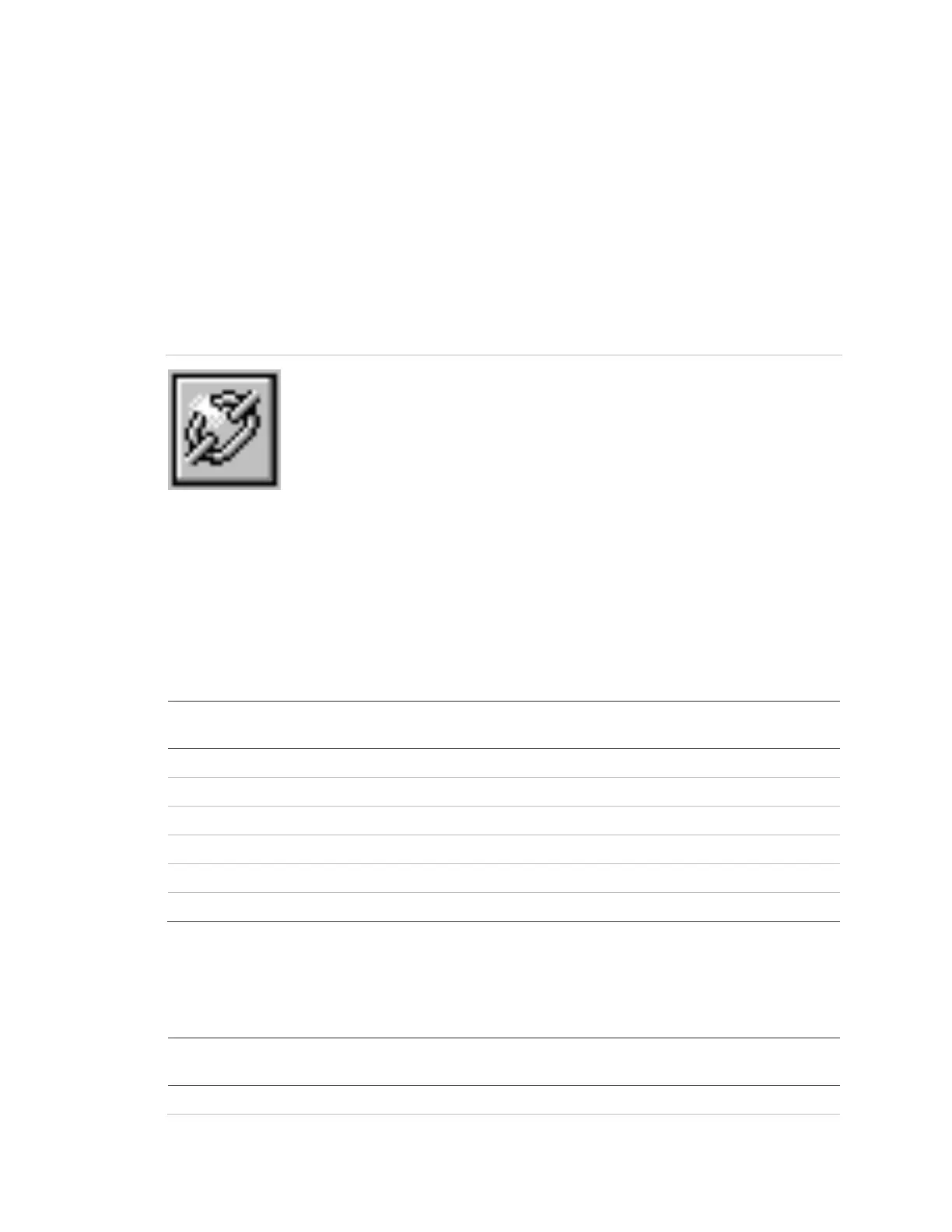
Break chain button
9. For the fifth GSA-REL device, click Break Chain, select the next available
address (the prerelease circuit), and click Commit Expected.
10. Close all Signature Series mapping tool dialog boxes and windows.
11. Perform a Signature Series conversion and download the database to the
panel.
Table 16: GSA-REL configuration settings
Typical serial
number [1]
N/O Active Nonlatching (Class B)
N/O Alarm Latching (Class B)
[1] Actual addresses in your system may differ, but they must be consecutive. Serial numbers
must also be consecutive up to the second-to-last digit.
Table 17: GSA-REL labels and messages


 To Next Page