EasyManua.ls Logo

Kilotech 851340 - User Manual

Kilotech 851340
27 pages
Print Icon
To Next Page IconTo Next Page
Loading...
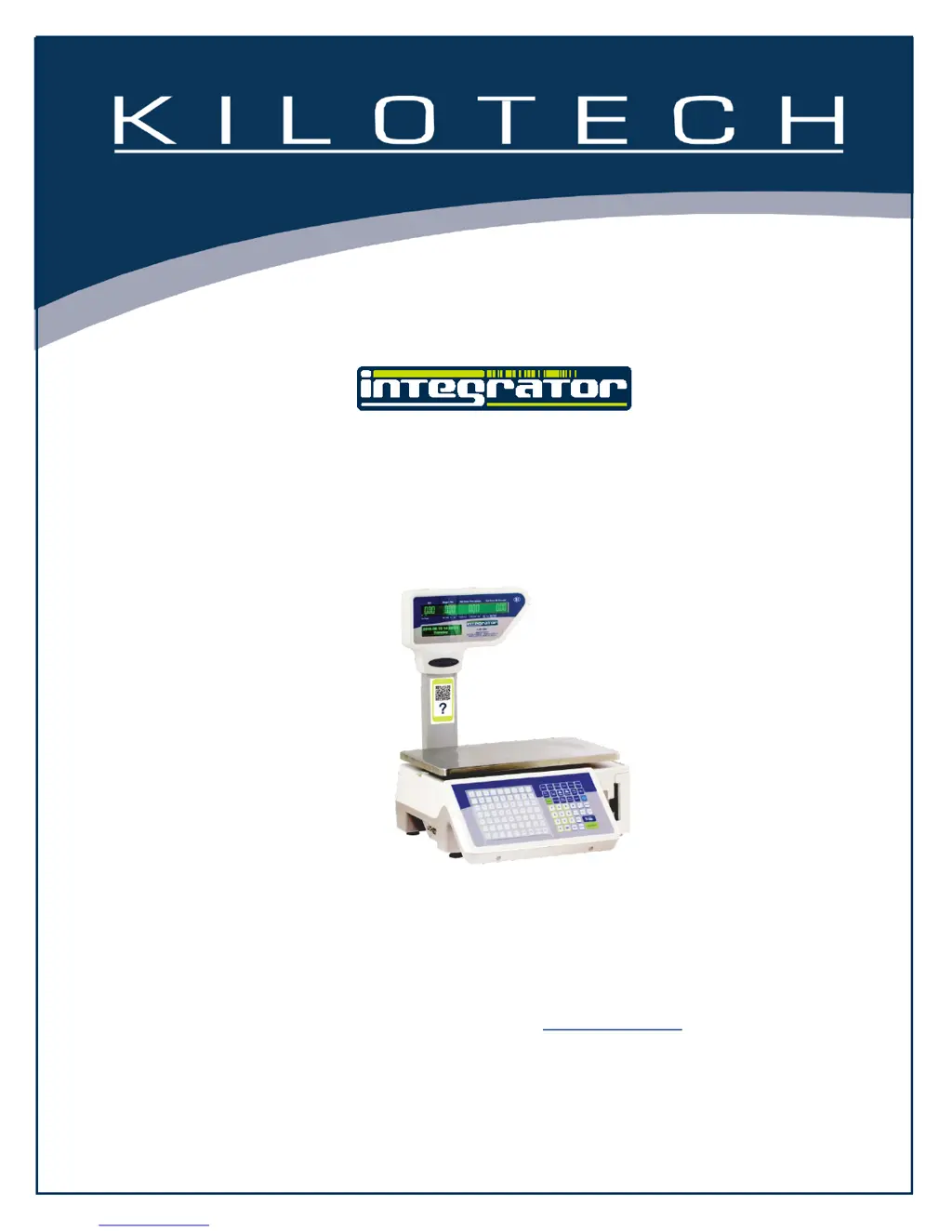
LE.3k
Operation Manual
Contents subject to change without notice
Version 01.02
LE.3k OPERATIONS MANUAL E 06292017
Ce manuel est disponible en français à www.kilotech.com

Other manuals for Kilotech 851340

Questions and Answers

  • M
    Marcus MilesSep 9, 2025
    Why does my Kilotech 851340 Scales say 'Exceeds accumulative limit'?
    • J
      jesse65Sep 9, 2025
      If your Kilotech Scales display the message 'Exceeds accumulative limit', it means that the number of accumulative actions has surpassed the buffer's limit for accumulation.
  • G
    gkhanAug 25, 2025
    Why does my Kilotech 851340 say it exceeds the largest sale price?
    • E
      Eric HodgeAug 25, 2025
      The total price or grand total price has exceeded the maximum allowable sale price.
  • N
    Norman PotterAug 25, 2025
    What causes 'Exceeds accumulative limit' on Kilotech 851340 Scales?
    • M
      Mark SmithAug 26, 2025
      The accumulative times are greater than the buffer's accumulate limit.
  • L
    lauren95Sep 23, 2025
    What to do if my Kilotech 851340 Scales lack gap paper?
    • R
      Rachel AndersonSep 23, 2025
      If your Kilotech Scales lack gap paper, reinstall the roll.
  • K
    Kristen TapiaSep 9, 2025
    What does it mean when my Kilotech 851340 say 'Sale at 0 price is forbidden'?
    • L
      Lisa HernandezSep 10, 2025
      If your Kilotech Scales display 'Sale at 0 price is forbidden', it indicates that the price cannot be set to 0. Please refer to Spec070 for further guidance.
  • X
    xmooreSep 14, 2025
    What to do if my Kilotech Scales say 'Larger than largest sale weight'?
    • K
      Kari MortonSep 14, 2025
      If your Kilotech Scales show 'Larger than largest sale weight', the weight needs to be smaller than the largest sale weight.
  • K
    Katie ColeSep 4, 2025
    What to do if Kilotech 851340 displays 'Less than smallest sale weight'?
    • L
      Laura HarrisonSep 4, 2025
      The weight on the Kilotech Scales needs to be larger than the smallest sale weight.
  • P
    Patrick BrownSep 4, 2025
    What to do if Kilotech 851340 says 'PLU is locked'?
    • V
      Victoria HallSep 4, 2025
      To resolve this, the system needs to exit lock PLU (or auto mode) first on your Kilotech Scales.
  • R
    robertssusanSep 23, 2025
    What to do if there is an alarm for full storage of deals records on my Kilotech 851340?
    • K
      Kathy LopezSep 23, 2025
      If there is an alarm for full storage of deals records on your Kilotech Scales, enter the Account interface, calculate, and clear the reports.
  • B
    Brandon GallagherAug 29, 2025
    How do I fix Kilotech Scales when it cannot find gap intervals?
    • J
      Joshua WeaverAug 30, 2025
      To resolve this issue, reinstall the roll in your Kilotech Scales.

Summary

Introduction

General Precautions

Specifications

Unpack and Setup

Display and Keypad

Faceplate

Overview of the scale's front panel layout and display windows.

Symbols on the Display

Explanation of various annunciators and symbols shown on the scale's display.

Keypad

Fast Program Mode

Weighing Operations

Key Functions

Explanation of essential operational keys like Zero, Tare, Save, and Units.

PLU Programming

Speed Key Programming

Barcodes

Backup All Data to USB Flash Disk

Factory Restore

Changing the Price of the PLU on the Scale

Label Formats

Print Adjust

Set Time and Date

Select Active PLU Fields

Error Codes

Firmware Update

Spec Setting: User Mode

Display Character Reference

Troubleshooting

Notes

Kilotech 851340 Specifications

General IconGeneral
DisplayLCD
PowerBattery or AC adapter
Unitskg, lb
MaterialStainless steel
Readability0.002 lb / 1 g

Related product manuals