
 To Next Page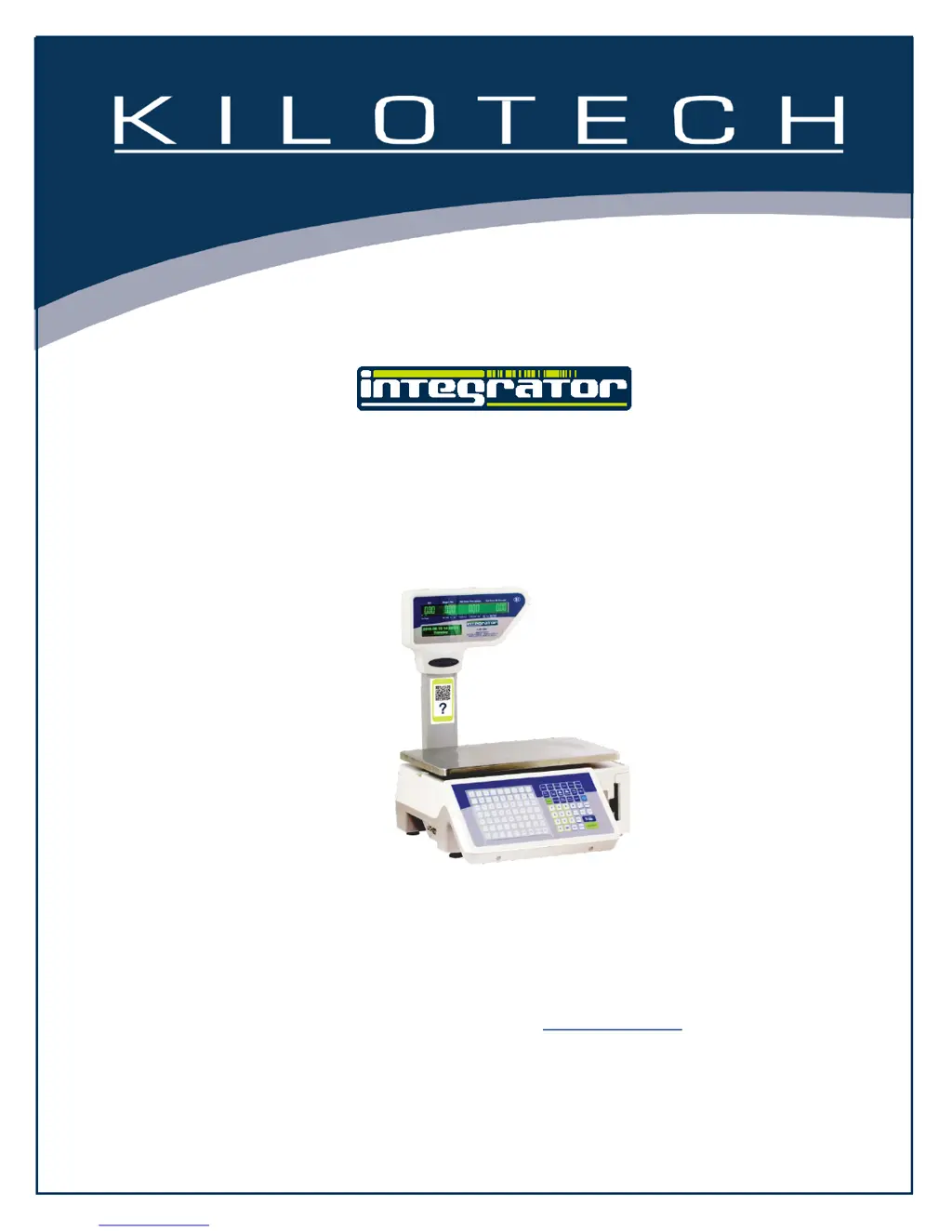

D
David TateAug 31, 2025
What to do if the printer is overheated on Kilotech 851340?
- CCarol CaseyAug 31, 2025
To resolve this issue with your Kilotech Scales, please wait a few seconds and try again.

What to do if the printer is overheated on Kilotech 851340?
To resolve this issue with your Kilotech Scales, please wait a few seconds and try again.
Why does my Kilotech 851340 Scales say 'Exceeds accumulative limit'?
If your Kilotech Scales display the message 'Exceeds accumulative limit', it means that the number of accumulative actions has surpassed the buffer's limit for accumulation.
How do I fix Kilotech Scales when it cannot find gap intervals?
To resolve this issue, reinstall the roll in your Kilotech Scales.
What to do if my Kilotech Scales cannot find gap alignment positions?
If the Kilotech Scales cannot find gap alignment positions, reinstall the roll.
What does it mean when my Kilotech 851340 Scales display 'Exceeds the largest sale price'?
If the Kilotech Scales displays 'Exceeds the largest sale price', it means the total price or grand total price is more than the maximum allowed sale price.
What to do if my Kilotech Scales say 'Larger than largest sale weight'?
If your Kilotech Scales show 'Larger than largest sale weight', the weight needs to be smaller than the largest sale weight.
What to do if my Kilotech 851340 Scales lack gap paper?
If your Kilotech Scales lack gap paper, reinstall the roll.
How to return to zero point on Kilotech 851340 Scales?
To fix this on your Kilotech Scales, ensure the weight on the scale is at zero.
What to do if Kilotech 851340 Scales shows 'Printer buffer overflow'?
To resolve a 'Printer buffer overflow' error on your Kilotech Scales, first print the data currently in the buffer. Alternatively, switch to using other buffers for printing.
What causes 'Exceeds accumulative limit' on Kilotech 851340 Scales?
The accumulative times are greater than the buffer's accumulate limit.
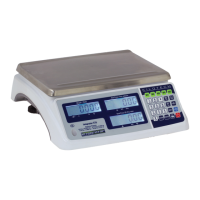
Overview of the scale's front panel layout and display windows.
Explanation of various annunciators and symbols shown on the scale's display.
Explanation of essential operational keys like Zero, Tare, Save, and Units.
 General
| Display | LCD |
|---|---|
| Power | Battery or AC adapter |
| Units | kg, lb |
| Material | Stainless steel |
| Readability | 0.002 lb / 1 g |