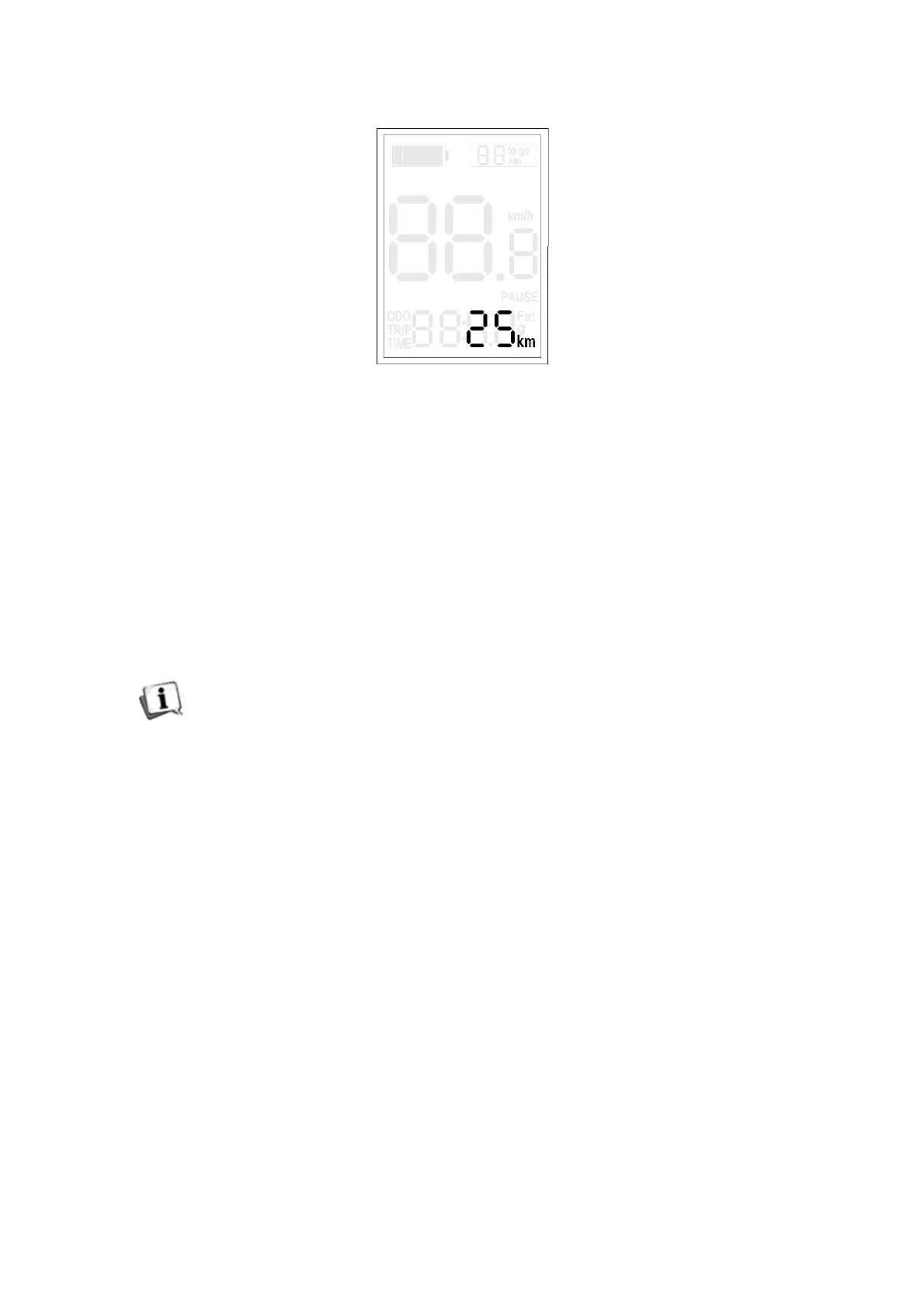
Speed-limit setting
Note:Accordingtolocallawsandregulations,thedefaultlimitedspeedcanbecustomizedorcan
besettounadjustablevalue.
9.3 Exit Setting
In the setting state, short press MODE is to confirm the input and enter into next setting. Long
press MODE is for saving the setting, then quit the setting state.
If there is no any operation in one minute, display will automatically exit the setting state.
10. FAQ
Q: Why the display is not able to start up?
A: Check if the battery is turned on, check if the wire is broken.
Q: How to deal with the error code?
A: Fix it to the maintenance place immediately.
Q: The display flashes "30", and the electric bicycle can't work. What is the reason?
A: It’s abnormal communication between display and controller, try to check following points. If
can’t be solved, please send the display to maintenance center in time or consult the after-sales
service.
1. Check if the wire sequence connection between the display and the controller is correct,












 To Next Page