Page 2
1 INTRODUCTION
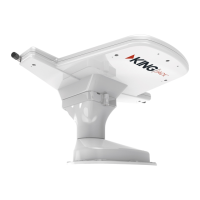
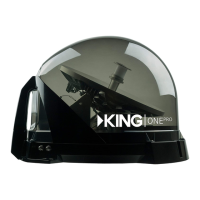
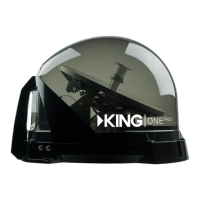
Thank you for purchasing a KING antenna!
Bell TV
This KING Quest is factory preset to work with Bell TV satellites 82 and 91, enabling you to receive
your favorite SD and HD programming from Bell TV (programming subscription and Bell 6400 or 9400
receiver required - see our website for additional compatible legacy receivers).
DISH
As a Canadian traveling in the US, you can now get DISH satellite TV service on a month-to-month
basis with no long-term contract or commitment and without needing a permanent residence in the
US. Getting set up with service is fast and easy!
1. Purchase a compatible DISH mobile receiver* from an authorized reseller.
2. Recongure your KING Quest antenna for DISH service (this takes about 2 minutes).
3. Call (800) 963-3474 to activate your DISH pay-as-you-go service.
*Go to kingconnect.com/receivers for a list of compatible DISH receivers.
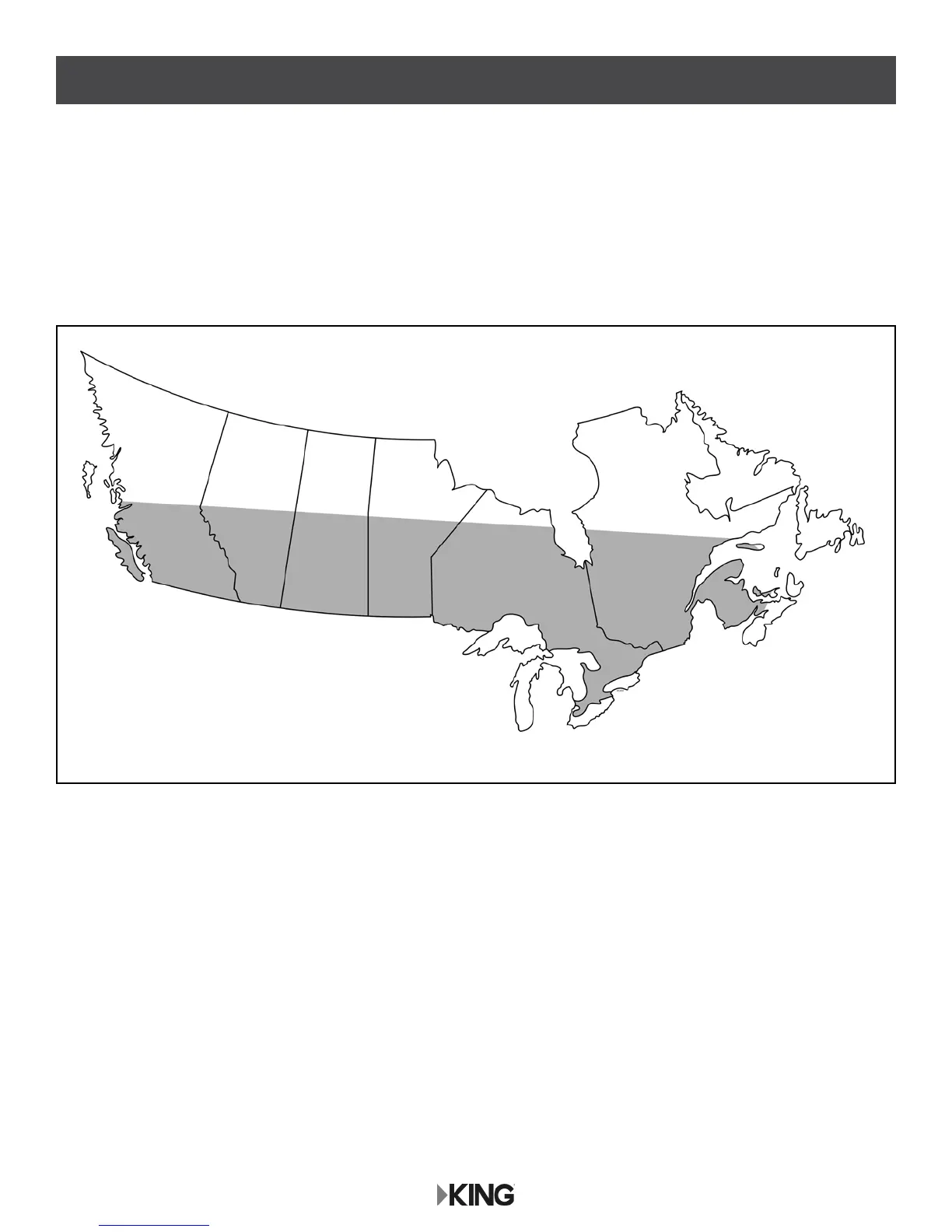
Approximate Coverage Map for Bell TV
Approximate Coverage


 To Next Page