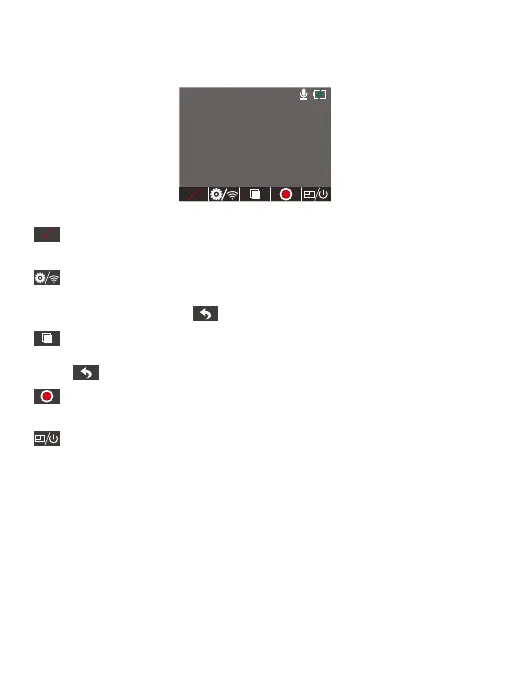
Parking monitor
Short-press this button to turn the parking monitor mode on or off.
Setup/ Wifi
Short-press this button to enter Menu, long press to enter the Wifi mode.
Short-press the Back button to return to the preview mode.
Playback
Short-press this button to enter the playback interface. Short-press the Back
button to return to the preview mode.
Start recording
Short-press this button to start recording.
Mode switching/ Power
Short-press this button to switch display modes. Long press to switch off.
14. Button Operation Instructions
14.1 Preview Interface
4K+1080P
01/1/2022 00:00:00
00:00:00
AM
P
P
01 02 03 04 05 06
07 08 09 10 11 12 13
14
15 16 17 18 19 20
21 22 23 24 25 26 27
28 29 30 31 32



 To Next Page