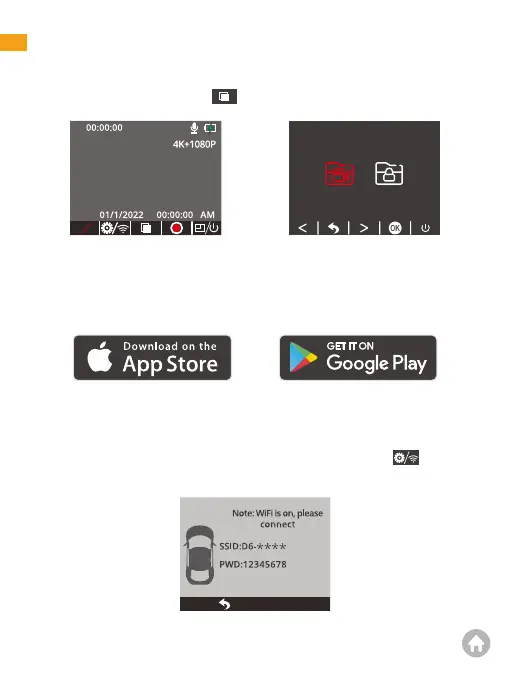
1. Dash Cam Playback
Short-press the playback button to enter the album to be played back.
2. Kingslim APP Playback
2.1 APP Download
Download the Kingslim APP on the APP Store or Google Play.
Playback
P
2.2 Connect to Kingslim APP
① Stop video recording on the dash cam.
② After pausing video recording, long press the Setup/Wifi button to enter
the Wifi mode (once you quit, the Wifi will be disconnected.)
01 02 03 04 05 06
07 08 09 10 11 12 13
14 15 16 17 18 19
20
21 22 23 24 25 26 27
28 29 30 31 32



 To Next Page