D6-
****
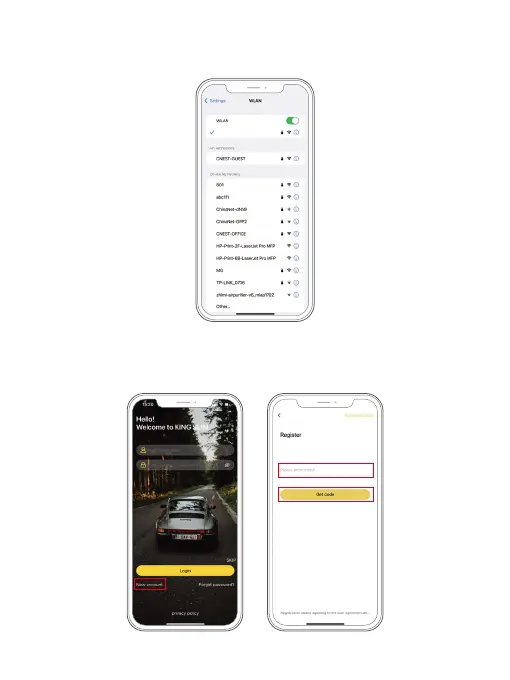
④ Open the Kingslim APP, tap the “New Account” icon, enter your email and get
the verification code for login.
③ Go to your smartphone’s Wifi settings, search for the same Wifi SSID name
displayed on the screen, and enter the password 12345678 for connection.
01 02 03 04 05 06
07 08 09 10 11 12 13
14 15 16 17 18 19 20
21 22 23 24 25 26 27
28 29 30 31 32



 To Next Page