③ If your issue remains, contact customer support for further help.
9. What to do if you can’t connect your dash cam with the app Kingslim?
① Make sure the camera Wifi is connected normally before connecting with the
app.
② Open the APP Kingslim, tap the New Account icon, enter your email and get a
verification code for login.
③ Tap Add Recorder, and wait for a few seconds to enter the preview interface.
④ If your issue remains, contact customer support for further help.
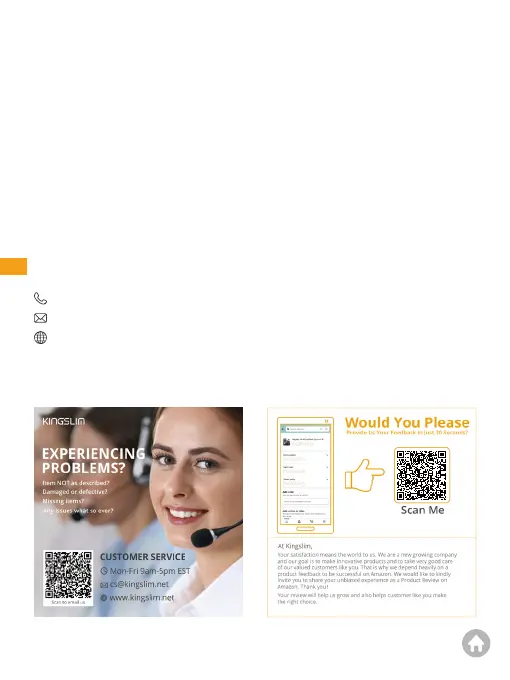
For any inquiries about KINGSLIM products, please feel free to contact us. We will
respond within 24 hours.
Contact Us
(888) 811-1140 (US)
cs@kingslim.net
www.kingslim.net
01 02 03 04 05 06
07 08 09 10 11 12 13
14 15 16 17 18 19 20
21 22 23 24 25 26 27
28 29 30 31
32



 To Previous Page