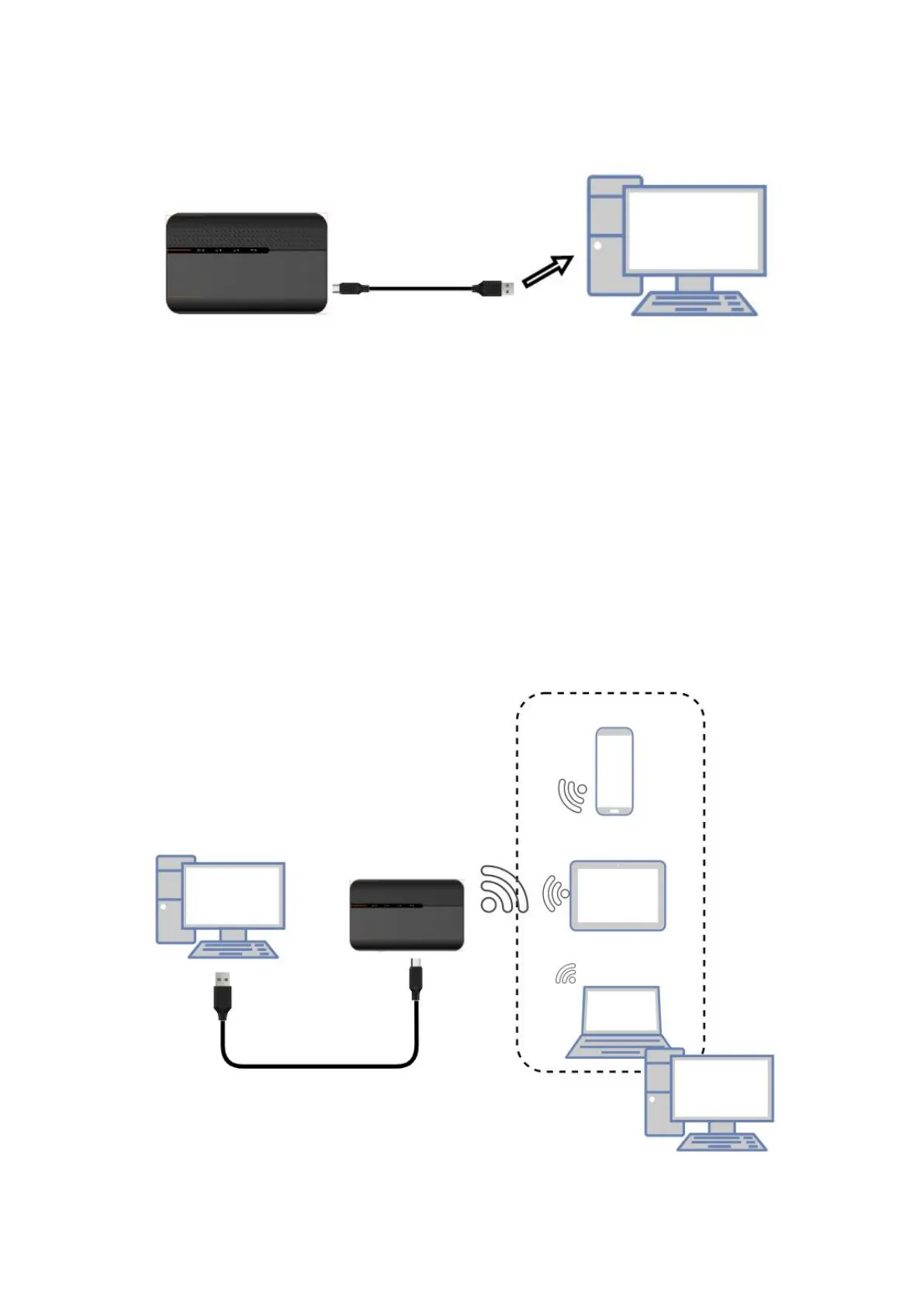
2.3.2 Charging the battery by using the USB-A of computer or laptop.
3. Access the Internet
After preparation of insert the SIM card, charging the battery, then your Wi-Fi devices and the
computer can access the Internet through 5G MiFi KT-M3A, enjoy high-speed network services.
Smart phones, tablet computers, game consoles and other Wi-Fi devices can be connected with the
5G MiFi Wi-Fi connection for Internet access.
Note:
Computers & laptops may be connected to the 5G MiFi KT-M3A via Type C cable for Internet Access.


 To Next Page