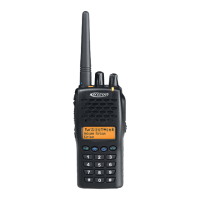
PT6500 User’s Manual
Page 1 of 30
PT6500
User’s Manual
CONTENTS
■
Unpacking and checking
◆ Supplied accessories
■ Preparation
◆ Charging the battery
◆ Installing/Removing the battery pack
◆ Installing the antenna
■ Getting acquainted
■ Basic Operation
■ Programmable Button functions
■ VOX
■ Copy mode
■ Whole setting
◆ Time-out Timer(TOT)
◆ Battery Saving
◆ Low battery warning
◆ Voice Annunciation of Channel Number
◆ CTCSS/ DCS
■ User’s resolution
◆ Busy Channel Lockout(BCL)
◆ Receiving squelch mode
◆ DTMF signaling
◆ 2TONE signaling
◆ Transmit start/over signaling (PTT ID)
■ Problems and troubleshooting
■ Major Specifications
■ Status setting


 To Next Page


 General