29
OVEN LIGHTS
The oven lights are 120 V, 25 W maximum halogen bulbs. They
will come on when the oven door is opened.
To Replace:
Before replacing the bulb, make sure the oven is OFF and
cool.
Disconnect power.
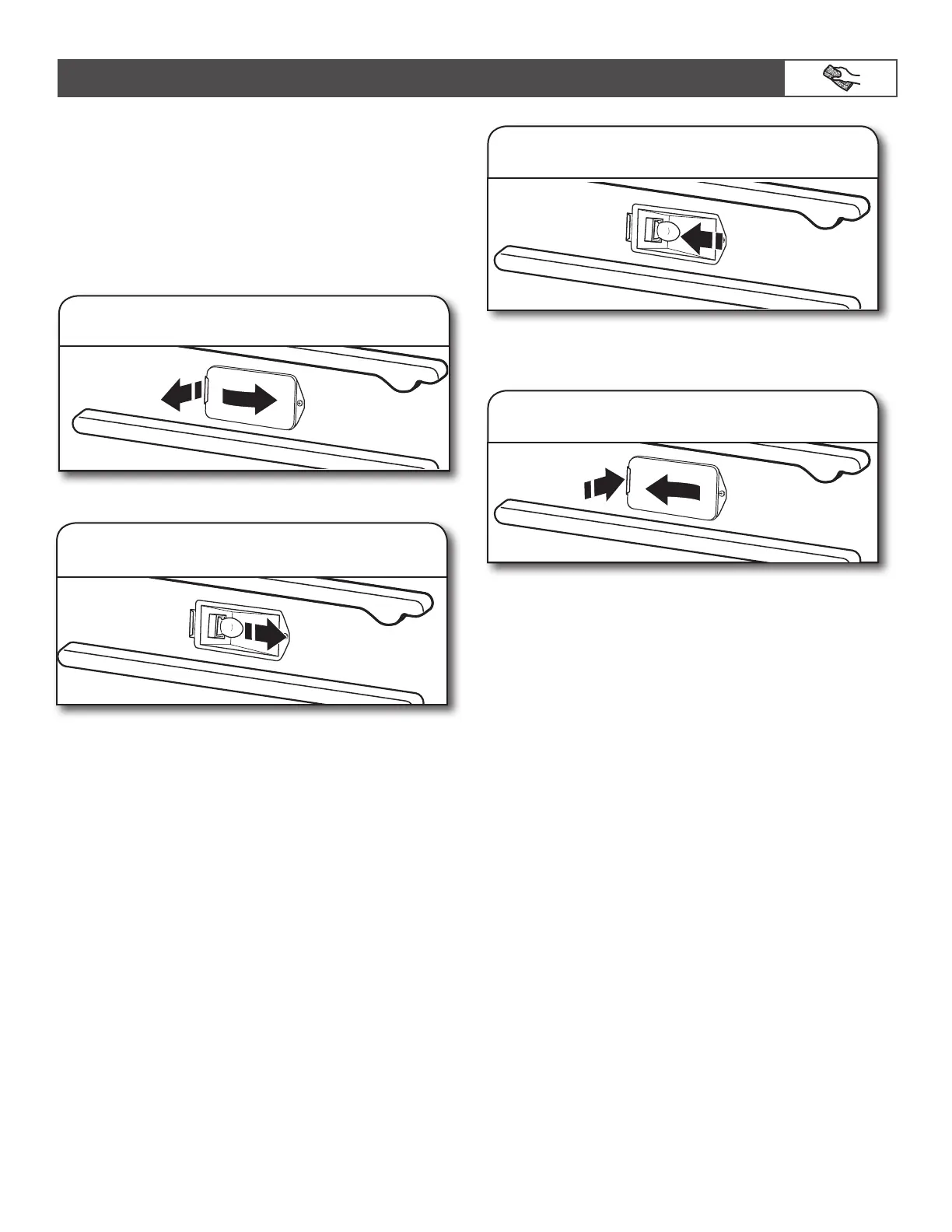
1. Remove glass light cover.
2. Remove bulb from socket.
Grasp the front edge, and pull away from the oven.
3. Replace bulb.
Use a tissue or wear cotton gloves to handle the bulb. To avoid
damage or decreasing the life of the new bulb, do not touch
bulb with bare fingers.
4. Replace bulb cover.
Snap back into the wall.
Reconnect power.
CARE AND CLEANING



 To Next Page