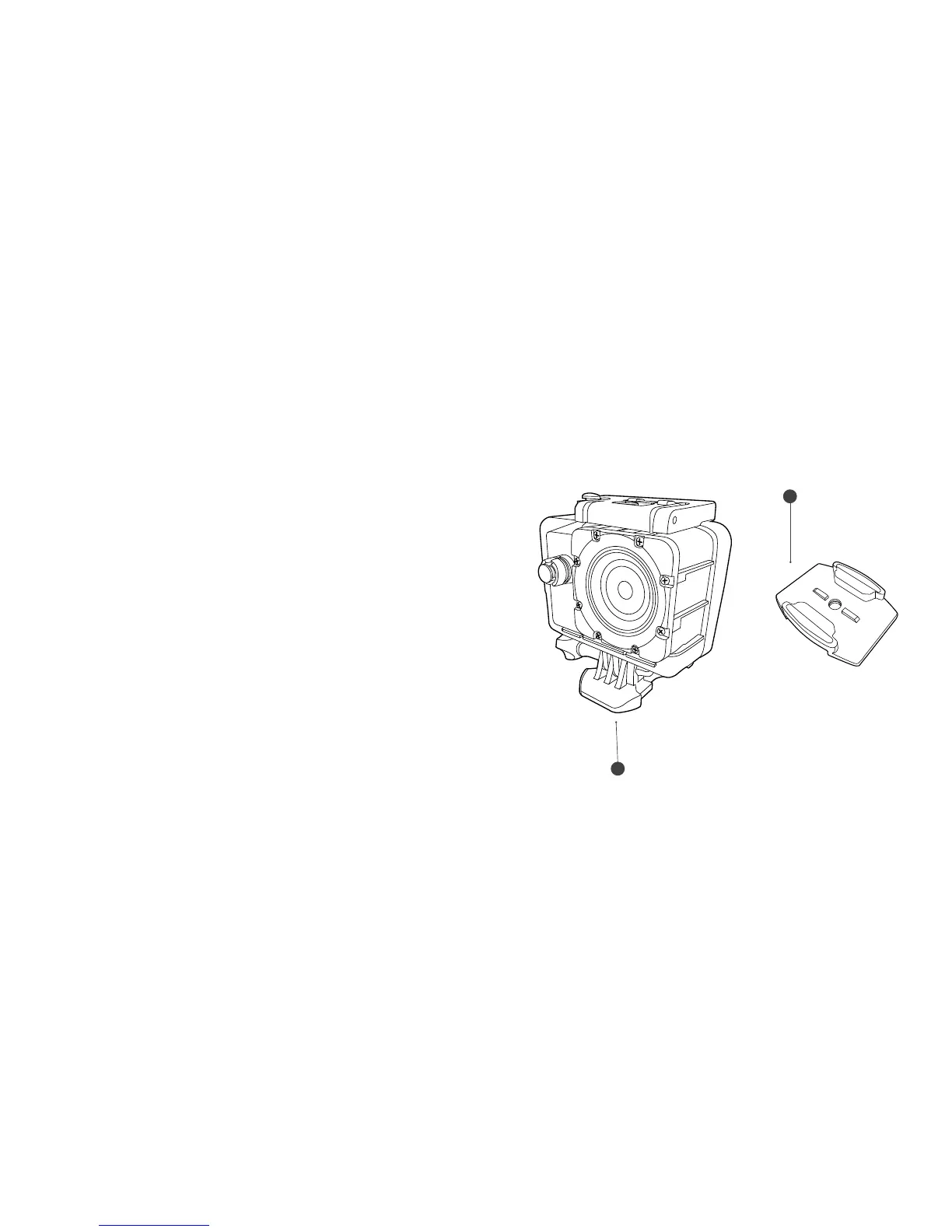
Fixing the camera to a board/flat surface
1. Ensure the surface is clean and dry before applying
the adhesive mount.
2. Peel off adhesive paper and stick the mount in the
desired position.
3. Fix the camera to the Mount Clip (i).
4. Attach the camera assembly to the Adhesive Mount (C)
byslidingitinuntilit“Click”intoposition.
(“Click”)
(i)
C
4342



 To Next Page