20 21
Before mounting your camera
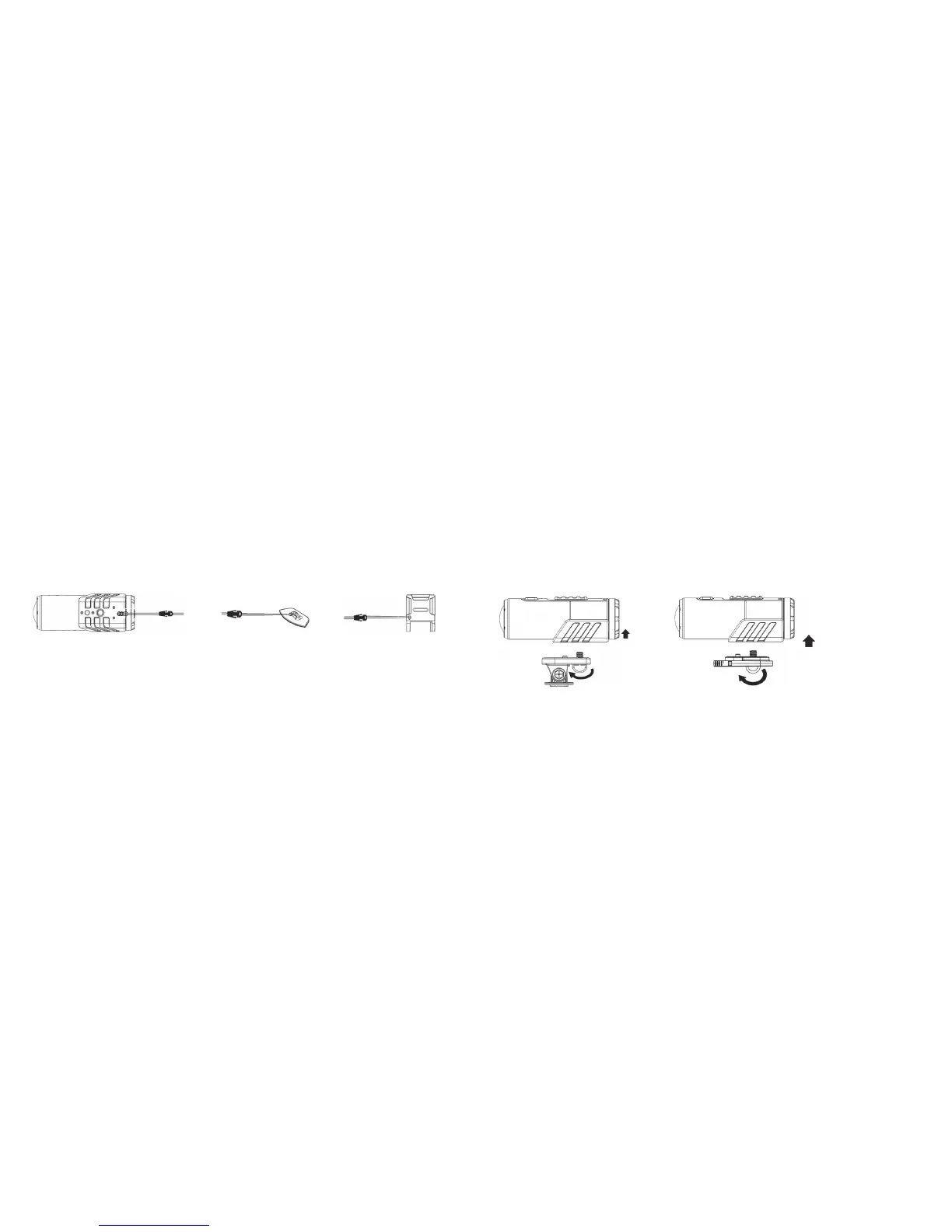
Securing the strap
The secure strap can provide additional security for your mount once you have installed the camera onto the mount.
• Looponeendofthesecurestrapthroughthestrapholeofthecameraandouttheback,usingapintohelpthread
it through the hole if needed
• AttachtheotherhalftotheSecurePieceorholeintheFlatWings,StrapWingsorGripWings
• OncethecamerahasbeensecuredtotheFlatMount,StrapMountorGripMount,clipbothendstogether
Attaching the Tilting Head Adaptor to your camera
1. Fit the screw of the Tilting Head Adaptor to the tripod socket of the camera.
2. Screw the Tilting Head Adaptor until it is tight.
Attaching the Quick Release Adaptor with socket to your camera
3. Fit the screw of the Quick Release Adaptor to the tripod socket of the camera.
4. Screw the Quick Release Adaptor until it is tight.
5. InserttheQuickReleaseAdaptorintotheQuickReleaseAdaptorsocket.
1
2
3
4



 To Next Page