9
Exporting and importing profiles
Saving a profile
Loading a profile
OTHER OPTIONS
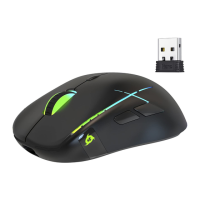
KLIM Blaze Wireless Gaming Mouse User Manual
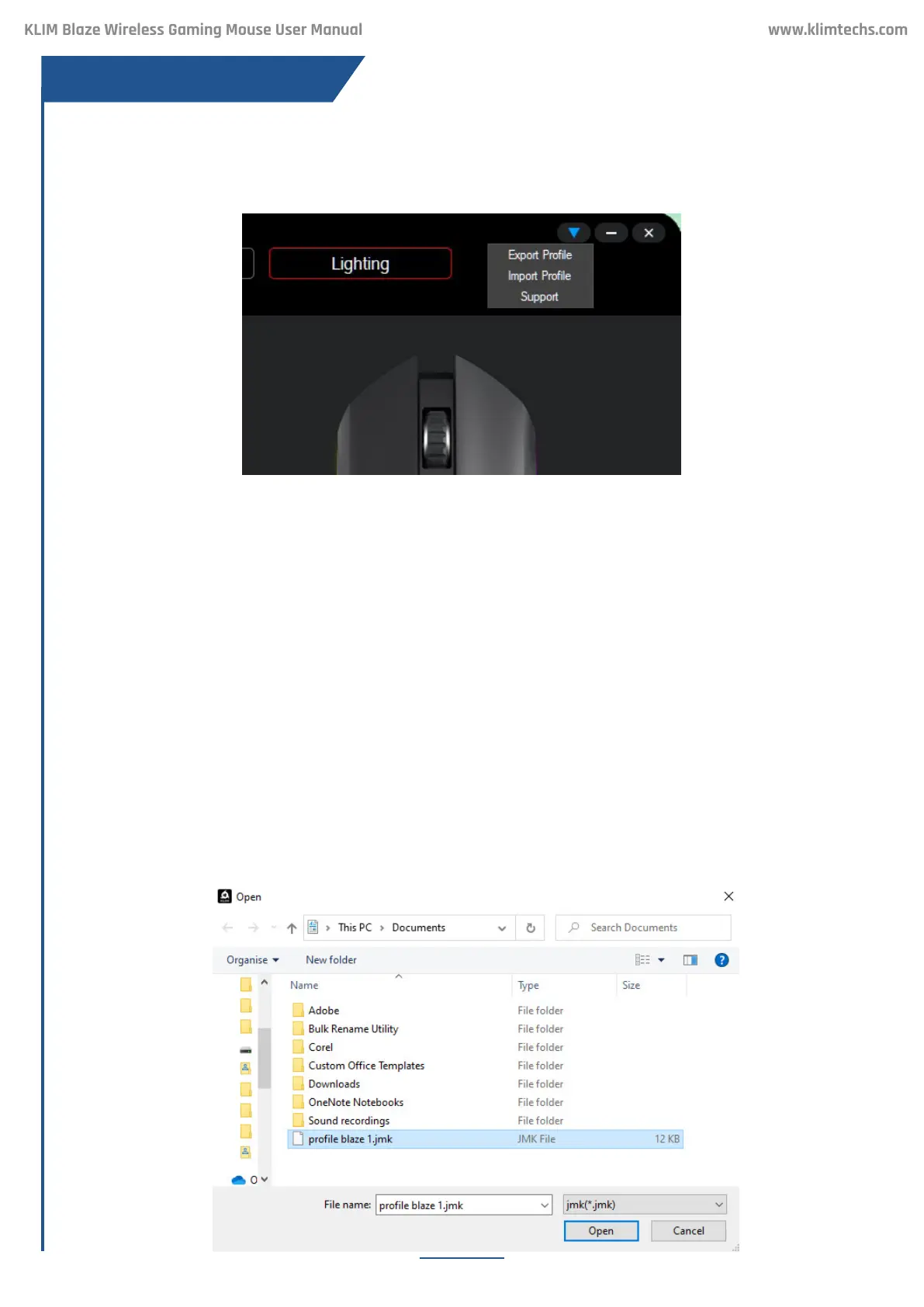
Click on the blue arrow on the top-right corner of any screen to export or import proles.
Select Export Prole. On the new dialog window, rename the le and save it.
Select Import Prole. On the new dialog window, nd the previously saved .jmk le and open
it.
This can be useful to transfer seings to another computer, or to keep multiple macro, lighting
or DPI proles for easy switching.
For example, you could have an “ofce” prole with productivity macros & seings, a “gaming”
prole with optimized DPI seings and macros for videogames, and an “energy-saving” mode
with low brightness for increased baery duration.


 To Next Page