14
CS.A80.IST-1 / Rev 1.0 ENGLISH
• Sub-menu 02 – 03 – Weekly timer
Allows you to enable, disable and set the timer weekly program functions.
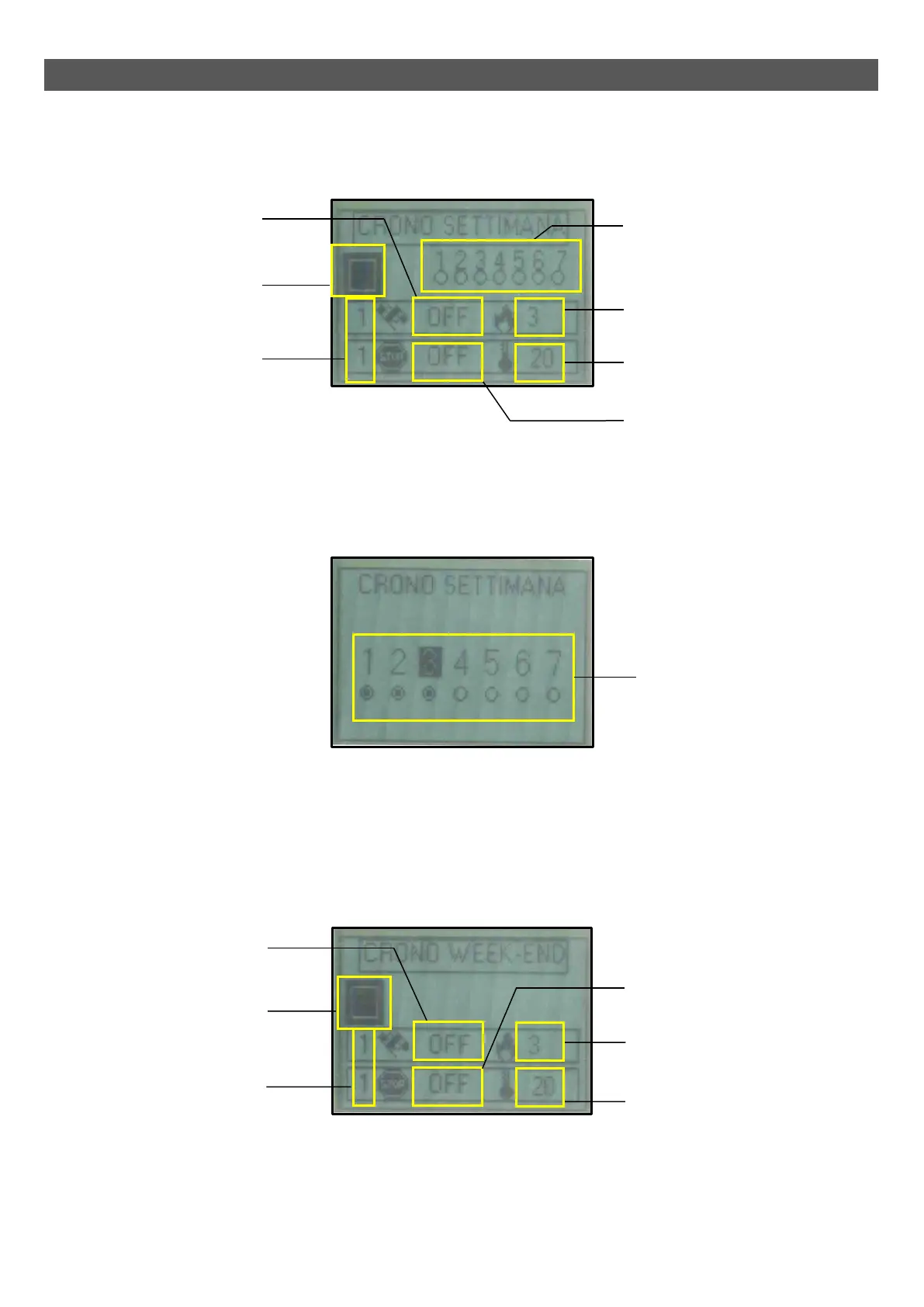
The weekly timer has four operating time slots can be set according to the following table (it is not essential to use all of them at the same time):
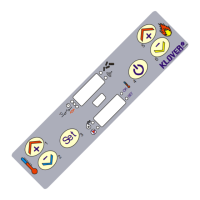
- Keys 1 and 2 (Increase and Decrease) allow you to modify the selected value.
- Key 4 (Set) selects the subsequent value.
- Key 5 (Esc) selects the previous value.
- Key 3 (ON/OFF) takes you back to the previous menu item.
After having set the switch on and off times and the power and temperature settings, you must choose the days on which to activate that time slot.
Below is the screen display for the enabling days:
- Key 1 (Increase) enables the selected day.
- Key 2 (Decrease) disables the selected day.
- Key 4 (Set) selects the subsequent day.
- Key 5 (Esc) selects the previous day.
- Key 3 (ON/OFF) takes you back to the previous menu item.
• Sub-menu 02 – 04 – Weekend Timer
Enables/disables/sets the programmable timer's weekend functions (valid on Saturday and Sunday).
- Keys 1 and 2 (Increase and Decrease) allow you to modify the selected value.
- Key 4 (Set) selects the subsequent value.
- Key 5 (Esc) selects the previous value.
- Key 3 (ON/OFF) takes you back to the previous menu item.
Number of selected time slot
(4 time slots available)
Enable field
(This should be enabled if at least
one time slot is active)
Switch on time
(OFF tells the clock to ignore
the command)
POWER SET
(Operating power during the
selected time slot)
SET ROOM
(Room temperature setting during
the selected time slot)
Switch off time
(OFF tells the clock to ignore the
command)
Days display field enabled:
1-Monday / 2-Tuesday / 3-Wednesday /
4-Thursday / 5-Friday / 6-Saturday /
7-Sunday
(When the dot is full, that day is active)
Number of selected time slot
(2 time slots available)
Enable field
(This should be enabled if at least
one time slot is active)
POWER SET
(Operating power during the
selected time slot)
SET ROOM
(Room temperature setting
during the selected time slot)
Switch off time
(OFF tells the clock to ignore the
command)
Switch on time
(OFF tells the clock to ignore
the command)
Enable days field:
1-Monday / 2-Tuesday / 3-Wednesday
/ 4-Thursday / 5-Friday / 6-Saturday /
7-Sunday
(When the dot is full, that day is active)



 To Next Page