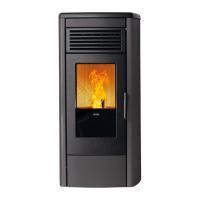
STYLE 140, STYLE 180, STYLE 220 PELLET STOVE
30
After setting the desired value, press button 4 or wait a few seconds to confirm.
During the working mode the appliance enters “Economy mode operation” when that temperature value is reached.
- DHW cylinder temperature
For system type 3, to modify the boiler temperature, simply select “SET BOILER” by pressing button 1. Now use buttons
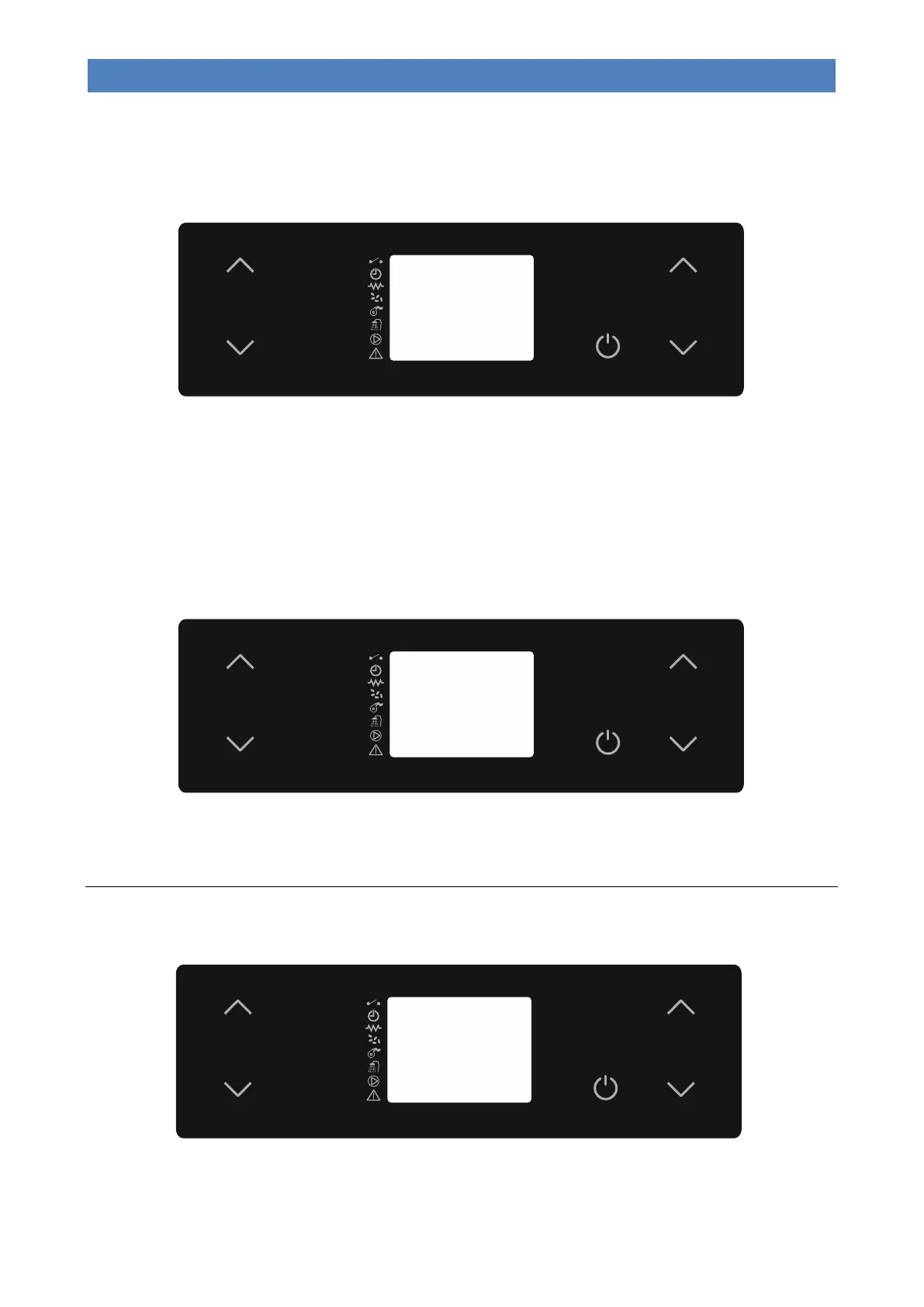
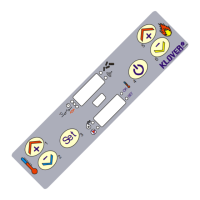
1 and 2. During this operation, the display will appear as in the following picture.
After setting the desired value, press button 4 or wait a few seconds.
During the working phase, if the boiler is in demand the appliance will switch to “Economy mode” if T.H2O > SET
BOILER + 10°C.
Here below are the operating modes in the event that the “SET BOILER” temperature is reached:
- “Menu 01 – Select season = SUMMER” the appliance will immediately go into stand-by “STOP FIRE”.
- “Menu 01 – Select season = WINTER” the motorised three-way valve and the appliance will go into stand-by “STOP
FIRE” only if the conditions in the heating system are satisfied.
- Puffer temperature
For system type 4, to modify the puffer temperature, simply select “SET PUFFER” by pressing buttons 1 or 2. Now use
buttons 1 and 2. During this operation, the display will appear as in the following picture.
After setting the desired value, press button 4 or wait a few seconds.
During the working phase the appliance will switch to “Economy mode” if T.H2O > SET PUFFER + 10°C.
The appliance will enter the “STOP FIRE” stand-by mode only if the “SET PUFFER” temperature is reached.
Changing the air fan speed
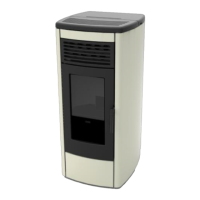
To modify the air fan speed, simply select “SET AIR” by pressing button 5. Now use buttons 5 and 6. During this
operation, the display will appear as in the following picture.
The air fan can be can be switched off (“OFF”), manually set to a speed value (of between 1 and 5), or set to automatic
mode (“Auto”), in which case the fan speed is associated with the operating power value set under SET POWER.
After setting the desired value, press button 4 or wait a few seconds.


 To Next Page