Need help?
Do you have a question about the KME Diego G3 and is the answer not in the manual?
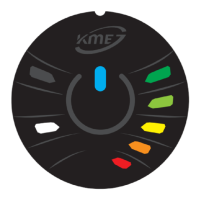
Displays current gas fuel level using LEDs on the control panel.
Automatically adjusts panel brightness based on ambient light for NEVO/NEVO-SKY.
Explains system self-control and error detection through various signals.
Details error codes and their visual indicators for NEVO systems.
Explains audio signals for system events, warnings, and status updates.
Describes additional messages indicating engine warm-up status.
Procedure to start the engine directly on gas in case of petrol system failure.
Process to configure the full range of gas level indication for NEVO/NEVO-SKY.


 To Next Page
 General