How to Set OSD MENU SET UP Functions
31
■
PRIVACY
PRIVACY
PressSETtoReturn
AREA1▶AREASEL
AREASTATE ON
AREATONE
I--I--I10
I---I-I80
I-I---I25
I--I--I20
I--I--I40
TOP
DOWN
LIGHT
RIGHT
MIRROROFF MIRRORON
(1) Able to hide an area that a user doesn't want to display
in the screen.
- OFF : deselects the function.
- ON : turns on PRIVACY function.
(2) In AREA SEL, select one among 4 areas that a user wants
to hide.
(3) Change the state of a selected area to ON.
(4) Using UP, DOWN or LEFT, RIGHT button, adjust the
size of an area to be hidden.
(5) Using AREA TONE, adjust the TONE
of an area to be hidden.
■
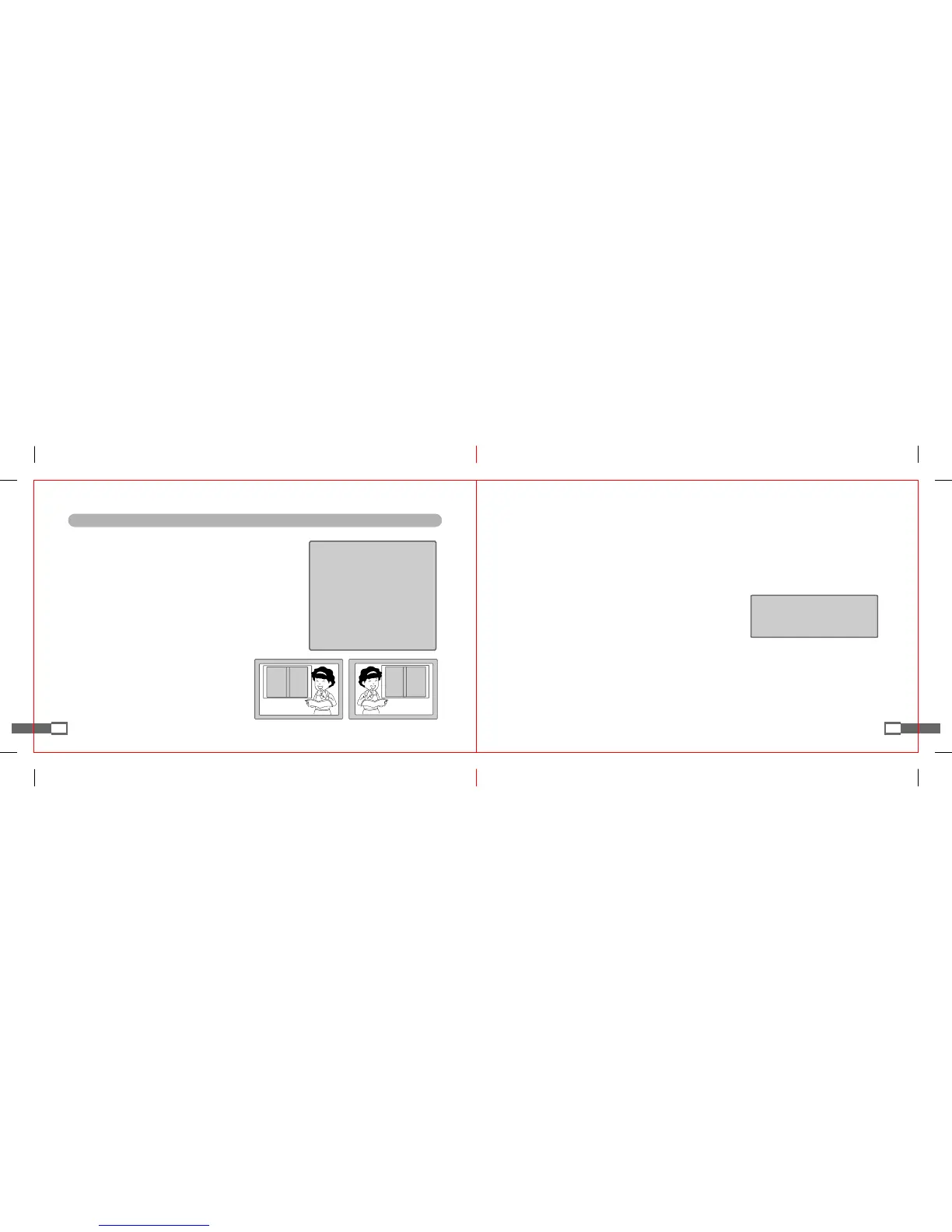
MIRROR
- OFF : sets the reversal of a horizontal image.
- ON : deselects the reversal.
32
SHARPNESS
PressSETtoReturn
I--I--I8
LEVEL
■
SHARPNESS
- If a user increases its level, the contour of image becomes sharpened and clear.
Please adjust appropriately according to the image values.
If set too higher, images may be seen as unnatural or noise may occur.
(1) Press SET UP button
- A user can select a desired SHARPNESS level from 0 to 31.
■
RESET : Returns to ex-factory default setup values.
■
RETURN : Goes back to SETUP menu after saving SPECIAL menu.
■
EXIT : Exits from SET UP menu after saving setups.


 To Next Page