5 6
4. DIP S/W Setting
MODE2
KDP-205 DIP S/W INSTRUCTION
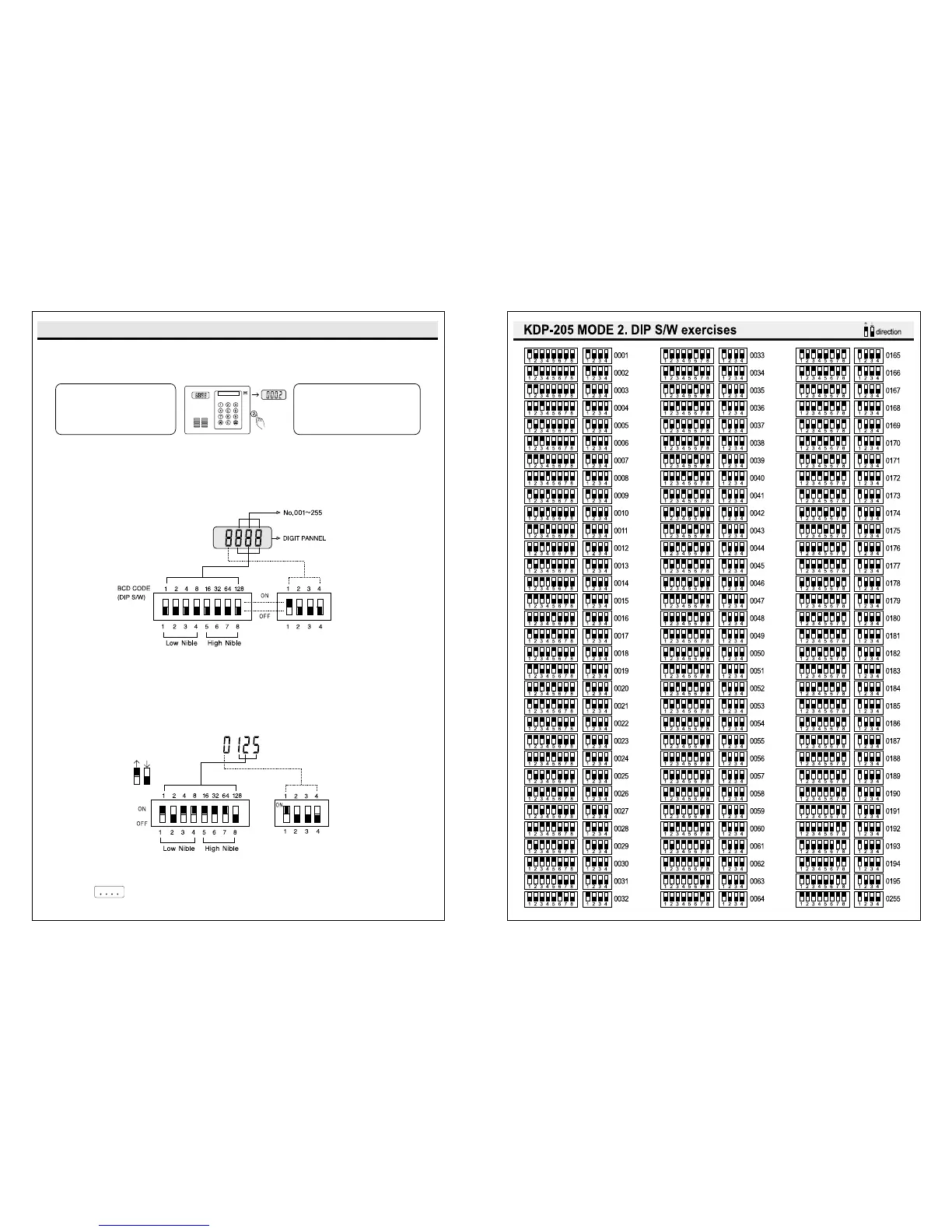
Mode 2 : How to set Dip S/W Change Mode 1 to Mode 2 like the below.
In case of Mode2 Mode 1, press button.
Mode 2 : Set Dip S/W like the below.
Mode 2 of KLP-1000 supports Max. 255 DIP sets.
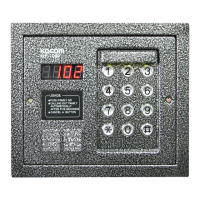
How to check Mode 2: On putting the house password,
FND Point will flicker every 1 second.
FLOOR AND FAMILY S/W INSITITUTION
Turn on after 4 seconds
from power off.
Version FND will disappear.
On version signal, press
for a while and 0002 will
disappear and Mode 2
turns on.


 To Next Page