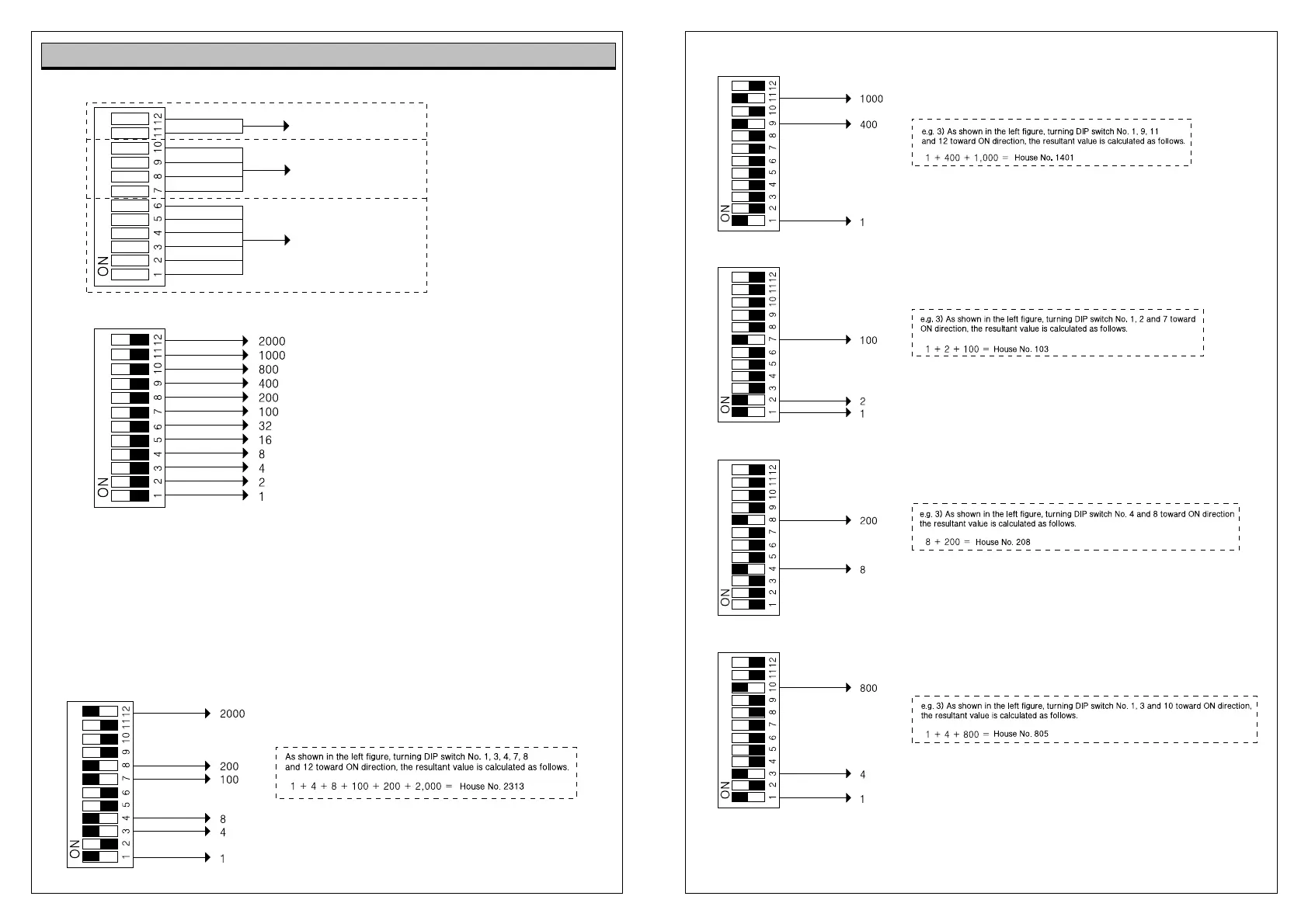
Numbers by the figure indicate the number
set when all switches move toward ON
direction.
1. Above figure, turning all DIP switches from No.1 to No. 12 toward ON direction, numbers set by DIP
switches are summed up.
e.g. 1) Above figure, turning switch No.1 and No. 2 toward On direction, value is set at 3 (1 + 2 = 3) since
numbers set by switches are 1 and 2.
e.g. 2) Above figure, turning switch No.1 and No. 3 toward On direction, value is set at 4 (1 + 3 = 4) since
numbers set by switches are 1 and 3.
e.g. 3)
e.g. 3)
e.g. 1)
e.g. 2)
1,000-digit
100-digit
1,10 -digit
DIP Switch Setting at House Interphone and Video Phone


 To Next Page