30
5.3 Basic Operations
xxx = keys to press
5.3.1 Powering On and Off
POWER
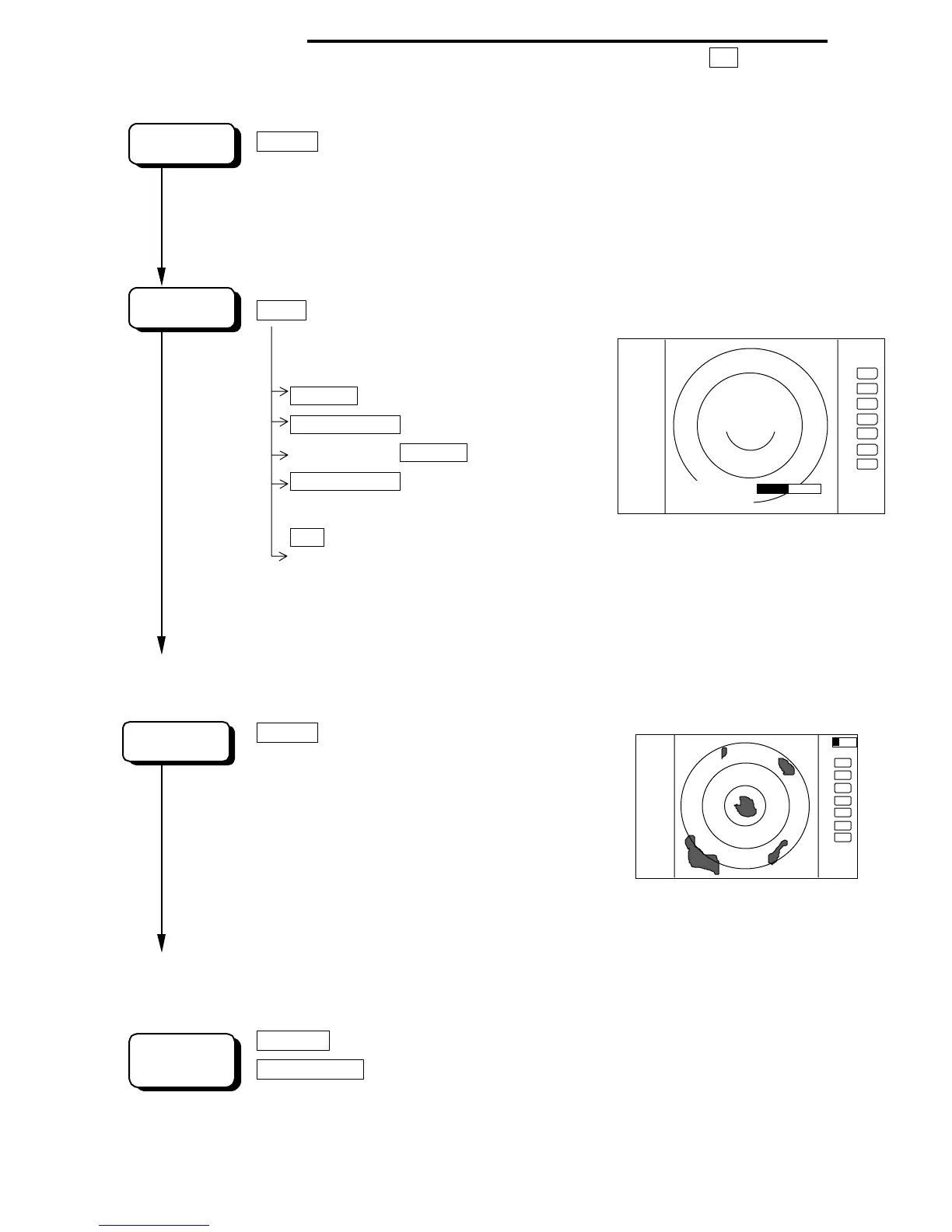
Press "POWER"key to power on.
2 minutes timer and "RADAR OFF" are displayed.
Keep pressing "POWER" key to power off.
Press the "BRIL" key.
BRILL
Control bar is indicated on the screen.
brilliance
Up/Down
Select brilliance.
Control knob
Adjust brilliance with knob
.
key backlight
Up/Down
Select key backlight.
Control knob
Adjust key backlight with
knob
.
ENT Press "ENT"key to return.
Radar turns into "ST'BY"mode when 2 minutes timer is finished and
"ST'BY" is displayed.
5.3.2 Transmitting
POWER
Press "POWER" key to
operate, radar picture
appears on the screen.
Another press "POWER" key,
radar turns to stand-by
mode.
Keep pressing "POWER" key more than 3 seconds, radar
turns to power off.
RANG UP
or
Pressing "RANGE UP" key produces a long-distance range,
RANGE DOWN
"RANGE DOWN" key a short-distance range.
.75
.25
HU
BRILLIANCE 50
1:58
RADAR OFF
+
KEY BACK L IGHT 4
AT
D‚V‚T
D‚Q‚T
‚g‚t
+
SCREEN
POWER
ON
START
CHANGE
RANGE









 To Next Page