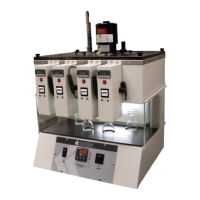
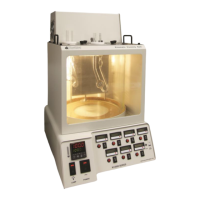
KV3000 Kinematic Viscosity Bath
Operation and Instruction Manual
KV3000-Manual
-14-
Ubbelohde
Ubbelohde viscometers measure transparent
liquids, and unlike the Cannon
®
-Fenske Routine
viscometers, they maintain the same viscometer
constant at all temperatures. This is
advantageous when samples are to be
measured at different temperatures.
Suspended-level type viscometers are for
transparent liquids of up to 100,000cSt
Requires a sample volume of approx 11mL.
Approximate
Constant,
cSt/s
Kinematic Viscosity
Range, cSt
Viscometer Holders
Koehler offers viscometer holders for use with
the KV3000. The correct holder must be used
with the corresponding viscometer tube for
proper operation. Corresponding Viscometer
Tube holders are listed below.
Cannon®-Fenske Opaque
Reverse Flow
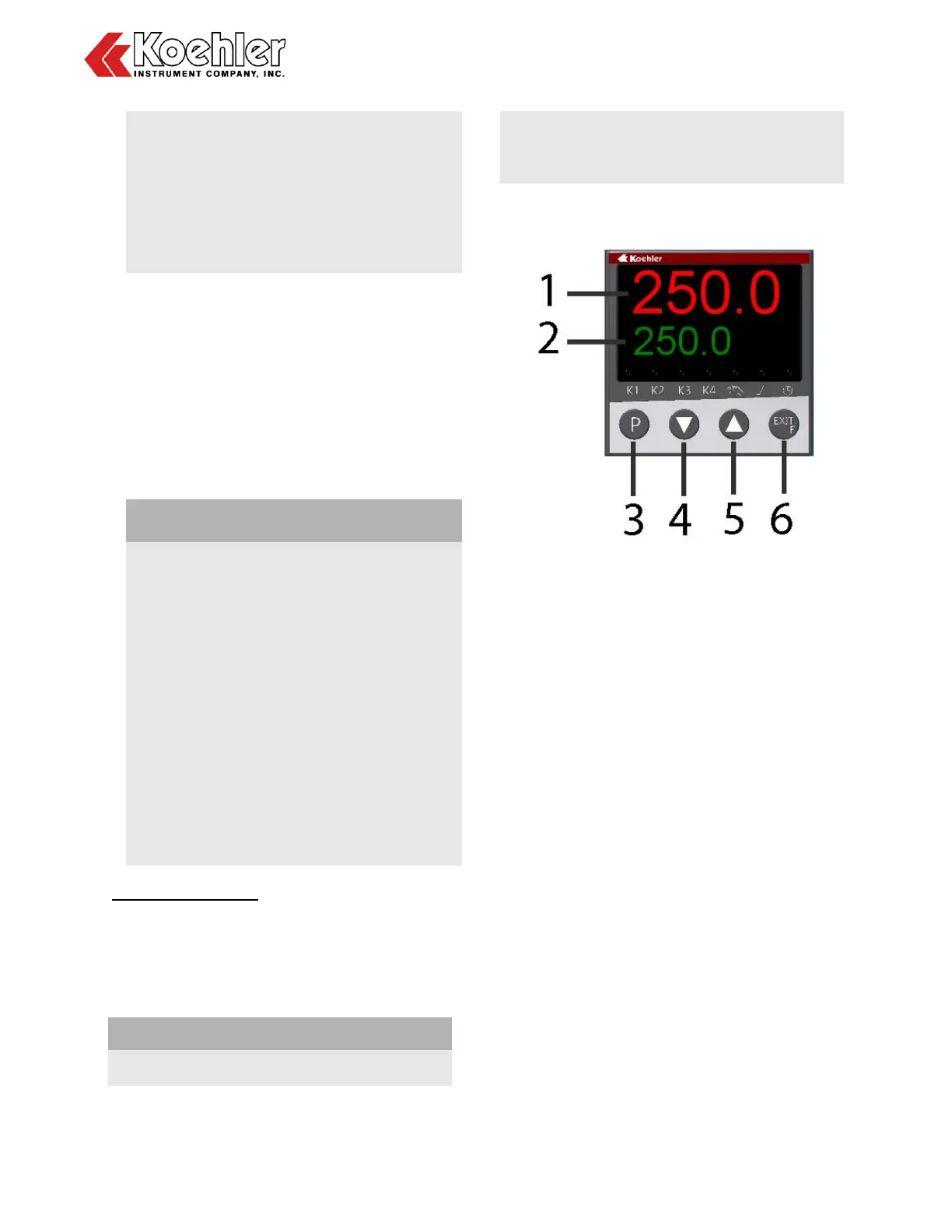
4.3 Temperature Controller Operation
Figure 4. Temperature Controller
1. Process Temperature Display. The
upper red LED display shows the
process temperature as read from the
RTD probe.
2. Set Point Temperature Display. The
lower green LED display shows the set
point temperature of the controller.
3. Programming Key. Permits scrolling
through controller menu parameters.
One Level Forward
4. Down Key. Used to decrease the set
point temperature and to decrease or
change parameter values when
programming the temperature controller.
5. Up Key. Used to increase the set point
temperature and to increase or change
parameter values when programming
the temperature controller.
6. Exit / Function Key. This key is used to
exit or leave a level. One level backward
IMPORTANT NOTE: The digital
temperature controller for the unit
comes pre-programmed from the


 To Next Page