EasyManua.ls Logo

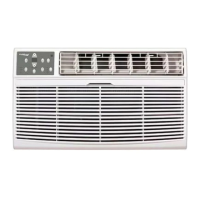
Koldfront WTC10002WCO115V - User Manual

Koldfront WTC10002WCO115V
28 pages
Print Icon
To Next Page IconTo Next Page
Loading...
V2.0-02132017
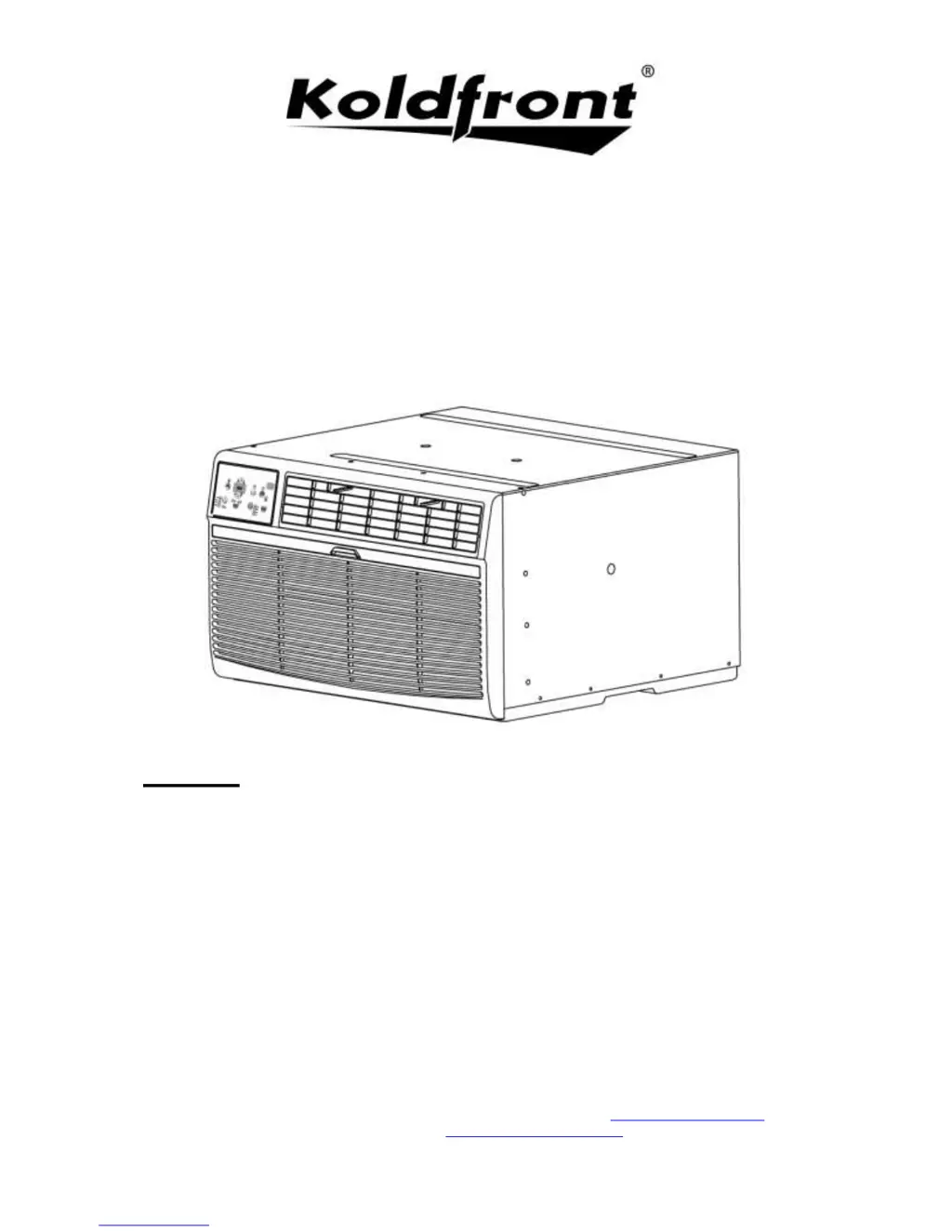
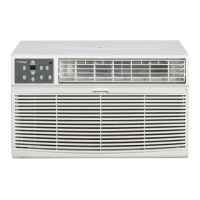
Through The Wall
Air Conditioner
Owner’s Manual
For more information on other great EdgeStar products on the web, go to http://www.edgestar.com
To use the EdgeStar self-diagnostic tool, go to https://support.edgestar.com
Models:
WTC8002WCO
WTC10002WCO115V
WTC10012WCO230V
WTC12002WCO115V
WTC12012WCO230V
WTC14012WCO230V

Table of Contents

Other manuals for Koldfront WTC10002WCO115V

Questions and Answers

  • M
    Maria HowardAug 16, 2025
    Why is my Koldfront Air Conditioner cooling but the room is too warm and ice is forming?
    • R
      rbradyAug 16, 2025
      If your Koldfront Air Conditioner is cooling, but the room is too warm and ice is forming on the cooling coil, it could be due to several reasons: * The outdoor temperature is below 18°C (64°F). Set the unit to FAN ONLY mode to defrost the coil. * The air filter may be dirty. Clean the filter and set the unit to FAN ONLY mode to defrost. * The thermostat is set too cold for night-time cooling. Defrost the coil by setting the unit to FAN ONLY mode, then increase the temperature setting.
  • W
    William MannAug 19, 2025
    What to do if my Koldfront Air Conditioner is cooling but the room is too warm and there is no ice?
    • S
      sharon31Aug 19, 2025
      If your Koldfront Air Conditioner is running, but the room is still too warm and there is no ice forming on the cooling coil, check the following: * Ensure that the front of the unit isn't blocked by drapes, blinds, furniture, or other objects. Clear any obstructions. * Make sure doors and windows are closed to prevent cold air from escaping. * If the unit was recently turned on in a hot room, allow additional time for it to remove stored heat from the walls, ceiling, floor, and furniture.
  • G
    Glenn ButlerAug 22, 2025
    Why is my Koldfront Air Conditioner air not cold enough?
    • M
      Maria NashAug 22, 2025
      If the air from your Koldfront Air Conditioner isn't cold enough, consider these factors: * The room temperature might be below 17°C (62°F). Cooling may not be effective until the room temperature rises above this level. * The temperature sensing element could be touching the cold coil behind the air filter. Straighten the tube away from the coil. * The compressor might have shut off due to changing modes. Wait approximately 3 minutes to see if the compressor restarts when set to COOL mode.
  • J
    Joseph BishopAug 25, 2025
    Why is my Koldfront WTC10002WCO115V Air Conditioner room too cold?
    • S
      Shane TaylorAug 25, 2025
      If your Koldfront Air Conditioner is making the room too cold, the temperature setting may be too low. Try increasing the set temperature.
  • D
    Debra PrinceAug 28, 2025
    What to do if my Koldfront Air Conditioner is not functioning at all?
    • E
      Elizabeth RodriguezAug 28, 2025
      If your Koldfront Air Conditioner isn't working, check these potential causes: Ensure the unit is plugged into the wall. If the LCDI power cord is tripped, press the Reset button on the cord. Check your house fuse and replace it with a time delay type if blown, or reset the circuit breaker if tripped. Make sure the control panel is turned ON and set to your desired setting. If there's insufficient power, try moving the unit to another outlet and check the circuit breaker, referring to the rating label on the back of the unit to determine the Amperage draw.
  • S
    Sara HallAug 30, 2025
    How to fix Koldfront Air Conditioner that turns on and off rapidly?
    • A
      Austin CruzAug 30, 2025
      If your Koldfront Air Conditioner is turning on and off rapidly, the issue might be: * A dirty air filter restricting airflow. Clean the air filter. * Extremely hot outside temperatures. Increase the FAN speed to circulate air past the cooling coils more frequently.
  • J
    John BarnesSep 3, 2025
    What causes noise when Koldfront Air Conditioner is cooling?
    • M
      mitchellhardingSep 3, 2025
      If there is noise when your Koldfront Air Conditioner is cooling: * Some air movement sound is normal. If the unit is too loud, try setting it to a slower FAN setting. * Window vibration due to poor installation can also cause noise. Refer to the installation instructions or consult with the installer.
  • A
    angela48Sep 6, 2025
    What causes water dripping inside Koldfront WTC10002WCO115V Air Conditioner?
    • T
      Taylor BellSep 6, 2025
      If water is dripping inside your Koldfront Air Conditioner when it's cooling, it might be due to improper installation. Ensure the air conditioner is slightly tilted to the outside to allow for proper water drainage.
  • R
    Randy WangSep 9, 2025
    What to do if Koldfront WTC10002WCO115V Air Conditioner remote is not sensing?
    • B
      Brian MannSep 9, 2025
      If the remote for your Koldfront Air Conditioner isn't working, make sure: * The remote control is within 20 feet and within a 180-degree radius of the front of the unit. * There are no obstructions blocking the remote control signal. Remove any obstructions.
  • A
    Antonio AdamsSep 12, 2025
    Why is my Koldfront WTC10002WCO115V Air Conditioner dripping water outside?
    • B
      brian57Sep 12, 2025
      If your Koldfront Air Conditioner is dripping water outside when cooling, it's likely removing a large quantity of moisture from a humid room. This is normal during excessively humid days.

Summary

Important Safety Information

Electrical Safety

Safety precautions related to electrical connections and operation of the unit.

General Safety

General safety guidelines for operating and handling the air conditioner unit.

Operation of Safety Plug

Notes on Safety Plug

Important notes regarding the function and use of the LCDI safety plug.

Introduction

For Your Records

Instructions for recording model number, serial number, and date of purchase.

Component Identification

Air Conditioner Unit

Identifies the main parts of the air conditioner unit.

Wall Sleeve

Details the components of the wall sleeve for installation.

Preparations for Installation

Tools You May Need

Lists the necessary tools for installing the air conditioner.

Parts Supplied

Lists the parts included with the Koldfront branded wall sleeve and additional parts.

Installation Instructions

Basic Installation Steps

Outlines the fundamental steps for installing the air conditioner unit.

Before Getting Started

Pre-installation checks and considerations for the wall sleeve and unit.

Preparing the Wall Sleeve

Install Rear Louver Panel; Grille into NEW Wall Sleeve

Instructions for installing the rear louver panel into a new wall sleeve.

Preparation of Previously Installed Wall Sleeve

Steps to prepare an existing wall sleeve for the new air conditioner.

Attach Seals and Support Blocks to Wall Sleeve

Seals and Support Blocks Placement

Diagrams and instructions for attaching seals and support blocks to the wall sleeve.

Prepare Ground Wire

Ground Wire Attachment

Detailed steps for preparing and attaching the grounding wire to the wall sleeve.

Install Air Conditioner Unit into Wall Sleeve

Ground Wire Connection to Unit

Instructions for connecting the ground wire to the air conditioner unit.

Completing Installation

Main Insulating Seal and Trim Frame

Steps for installing the main insulating seal and trim frame.

Alternate and Supplemental Installation Instructions

Install Rear Louver Panel; Grille Directly on Back of Air Conditioner

Instructions for attaching the rear louver panel directly to the air conditioner unit.

Non-Koldfront Wall Sleeve Types

Wall Sleeve Diagrams

Illustrations and descriptions of various non-Koldfront wall sleeve types.

Control Panel Operations

Using the Control Panel

Overview of the air conditioner's control panel functions.

Basic Control Functions

Instructions for turning the unit on, changing temperature, and adjusting fan speed.

Operating Modes Selection

Guide to selecting and using different operating modes (Auto, Cool, Dry, Fan).

Special Feature Activation

Explanation of Energy Saver and Sleep modes for enhanced operation.

Timer and Filter Management

How to use the timer and check filter status indicators.

Display and Error Code Interpretation

Understanding the digital display and troubleshooting error codes.

Air Directional Louvers

Adjusting Airflow Direction

How to adjust the louvers for optimal air direction.

Additional Tips

Operational Tips

Useful tips for operating the air conditioner efficiently.

Remote Operations

Remote Control Functions

Explanation of the buttons and functions on the remote control.

Maintenance

Air Filter Cleaning

Detailed steps for cleaning the air filter of the unit.

Cabinet Cleaning

Instructions for cleaning the exterior of the air conditioner unit.

Normal Sounds

Description of normal operating sounds produced by the unit.

Energy Saving Guide

Tips for maximizing energy efficiency and performance.

Troubleshooting Tips

Basic Operation Issues

Resolving common problems like unit not functioning or insufficient cooling.

Cooling Performance Issues

Addressing warmth in the room, ice formation, or lack thereof.

Airflow and Noise Problems

Troubleshooting blocked airflow, unit noise, and rapid cycling.

Water Management and Remote Issues

Resolving water dripping, remote sensing, and room temperature issues.

Specifications

Model Specifications Table

Detailed specifications for various Koldfront air conditioner models.

Plug Type Information

Information regarding the plug types used for the air conditioner units.

EDGESTAR Limited Warranty: Full Two Year Parts and Labor

What is Covered

Details the coverage provided by the EdgeStar limited warranty.

What is Not Covered

Lists exclusions and limitations of the EdgeStar warranty coverage.

Obtaining Warranty Service

Instructions on how to contact EdgeStar for warranty service.

Koldfront WTC10002WCO115V Specifications

General IconGeneral
TypeWindow Air Conditioner
Cooling Capacity10, 000 BTU
Voltage115V
Coverage Area450 sq. ft.
Fan Speeds3
Window Width (Minimum)23 inches
Window Width (Maximum)36 inches

Related product manuals