EasyManua.ls Logo

Koldfront WTC12000W - User Manual

Koldfront WTC12000W
22 pages
Print Icon
To Next Page IconTo Next Page
Loading...
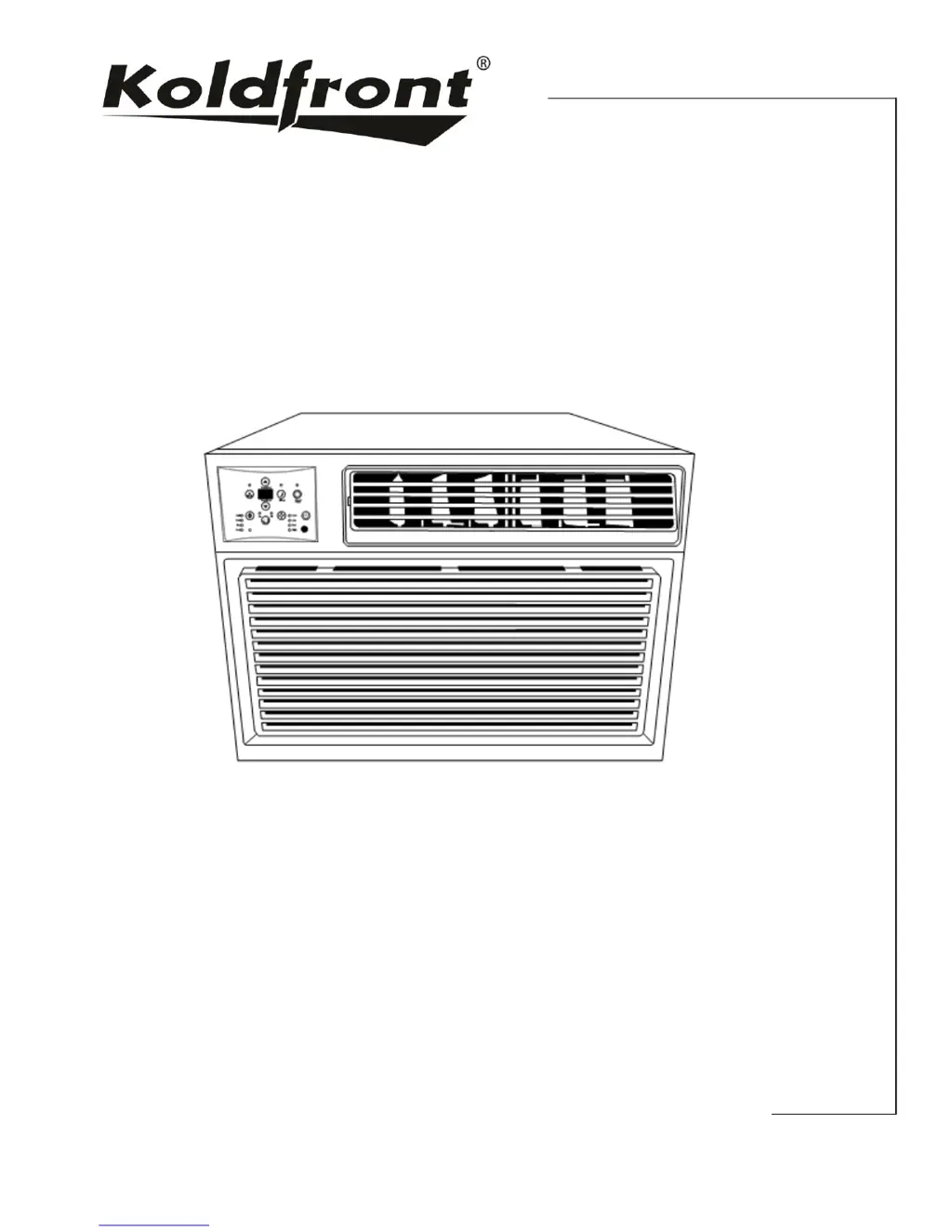
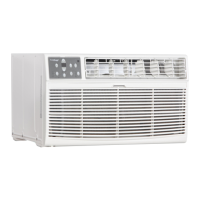
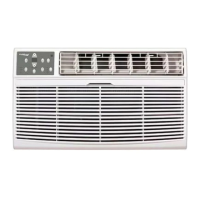
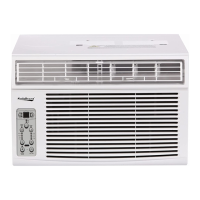
Wall Air Conditioner
and Heater
Owner’s Manual
For more information on other great EdgeStar products on the web, go to http://www.edgestar.com
WTC12000W

Questions and Answers

  • M
    marycookAug 13, 2025
    What to do if Koldfront WTC12000W is cooling but room is too warm, NO ice is forming?
    • B
      bradleynicholasAug 13, 2025
      If your Koldfront Air Conditioner is cooling, but the room remains too warm and no ice forms on the cooling coil, start by cleaning the air filter, as a dirty filter restricts airflow. Next, ensure the temperature isn't set too high; try lowering it. Adjust the air directional louvers for better air distribution. Finally, make sure that drapes, blinds, furniture, or other obstructions are not blocking the front of the unit.
  • S
    steelefrankAug 17, 2025
    What to do if Koldfront Air Conditioner is cooling but room is too warm and ice is forming?
    • J
      Joseph BennettAug 17, 2025
      If your Koldfront Air Conditioner is cooling but the room is still too warm, and ice is forming on the cooling coil, it could be due to several reasons. If the outdoor temperature is below 18°C (64°F), set the unit to FAN ONLY mode to defrost the coil. A dirty air filter can also cause this issue, so clean the filter referring to the maintenance section. Additionally, if the thermostat is set too cold for nighttime cooling, defrost the coil by setting it to FAN ONLY mode and then increase the temperature setting.
  • S
    Shannon GreeneAug 20, 2025
    Why is my Koldfront WTC12000W Air Conditioner not cold enough?
    • D
      Danielle SilvaAug 20, 2025
      If the air from your Koldfront Air Conditioner doesn't feel cold enough, it might be because the room temperature is below 17°C (62°F); cooling might not occur until the room warms up. Also, check if the temperature sensing element is touching the cold coil behind the air filter and straighten the tube away from the coil if necessary. Finally, if you've recently changed modes, wait about 3 minutes for the compressor to restart in COOL mode.
  • C
    Claire SmithAug 25, 2025
    How to troubleshoot Koldfront Air Conditioner not working?
    • B
      Brian MillerAug 25, 2025
      Several factors could be at play if your Koldfront Air Conditioner isn't working. First, ensure the unit is properly plugged into the wall. Check the LCDI power cord and press the Reset button. Also, inspect your house fuse or circuit breaker, replacing the fuse or resetting the breaker if necessary. Make sure the control panel is turned on and set to the desired settings. Finally, try moving the unit to another outlet or check the circuit breaker, referring to the rating label on the back of the unit to determine the amperage draw, as insufficient power could be the issue.
  • M
    Megan SanchezAug 28, 2025
    Why does my Koldfront WTC12000W turn on and off rapidly?
    • D
      Donald MooreAug 28, 2025
      If your Koldfront Air Conditioner turns on and off rapidly, the air filter might be dirty, restricting airflow, so you should clean it. If the outside temperature is extremely hot, increase the fan speed to circulate air past the cooling coils more frequently. Note that air movement sounds are normal, but if they are too loud, reduce the fan speed. Finally, if wall vibration is the issue, consult the installation instructions or check with the installer.
  • P
    Phillip BrooksAug 31, 2025
    What to do if Koldfront WTC12000W is dripping water inside?
    • J
      Julia DavisAug 31, 2025
      If water is dripping inside your Koldfront Air Conditioner when it's cooling, it's likely due to improper installation. To resolve this, slightly tilt the air conditioner to the outside to allow for proper water drainage.
  • T
    tammy19Sep 4, 2025
    Why is my Koldfront WTC12000W Air Conditioner remote not sensing?
    • J
      Joseph BeanSep 5, 2025
      If the remote is not sensing your Koldfront Air Conditioner, make sure the remote control is within a 20-foot range and 180-degree radius of the unit's front. Also, check for and remove any obstructions that may be blocking the remote control signal.
  • R
    Robert FarleySep 8, 2025
    What to do if Koldfront WTC12000W makes the room too cold?
    • J
      Juan PriceSep 8, 2025
      If your room is too cold when using the Koldfront Air Conditioner, the set temperature is likely too low. Simply increase the set temperature to a more comfortable level.

Summary

Important Safety Information

Electrical Safety

Safety precautions for electrical connections and operation.

General Safety

General safety guidelines for unit usage and user protection.

Operation of Safety Plug

Testing the LCDI Plug

Procedure to test the Leakage-Current Detection and Interruption plug.

Introduction

For Your Records

Section for recording model, serial number, and date of purchase.

Parts Identification

Side View

Illustration and identification of external parts from the side.

Front View

Illustration and identification of external parts from the front.

Preparations for Installation

Tools Needed

List of tools required for the installation process.

Parts List

Inventory of all components included for installation.

Wall Sleeve Preparations

Assembling the Koldfront Sleeve

Steps for assembling the wall sleeve before unit installation.

Installation Instructions

Installing the Cabinet into the Wall

Detailed steps for mounting the air conditioner cabinet into the wall sleeve.

Installing the Grille

Instructions for attaching the front and rear grilles for optimal airflow.

Direct Unit Mounting

Alternative method for mounting the grille directly to the unit.

Completing Installation

Final steps to secure the unit and trim frame.

Control Panel Operations

Basic Control Panel Operations

Covers turning on, temperature, fan speed, mode selection, and auto feature.

Advanced Control Panel Functions

Details on fan-only, dry mode, energy saver, sleep, and timer features.

Control Panel Indicators and Errors

Explains filter check, digital display, and troubleshooting error codes.

Air Directional Louvers

Additional Tips

Remote Operations

Remote Control Functions Overview

Explanation of all buttons and their functions on the remote control.

Maintenance

Air Filter Cleaning

Step-by-step guide to cleaning the air filter for optimal performance.

Cabinet Cleaning

Instructions for cleaning the unit's exterior cabinet safely.

Normal Sounds

Energy Saving Guide

Troubleshooting

Common Operational Issues

Solutions for unit not functioning, poor cooling, ice formation, and rapid cycling.

Environmental and Water Issues

Solutions for water dripping, remote control problems, and room temperature issues.

Specifications

Product Specifications

Technical details and dimensions of the air conditioner.

EdgeStar Limited Warranty

Warranty Coverage Details

Information on parts and labor covered under the warranty.

Warranty Exclusions and Limitations

List of conditions and damages not covered by the warranty.

Obtaining Warranty Service

Procedure for contacting support and returning the product for service.

Koldfront WTC12000W Specifications

General IconGeneral
BrandKoldfront
ModelWTC12000W
CategoryAir Conditioner
LanguageEnglish

Related product manuals