-12-
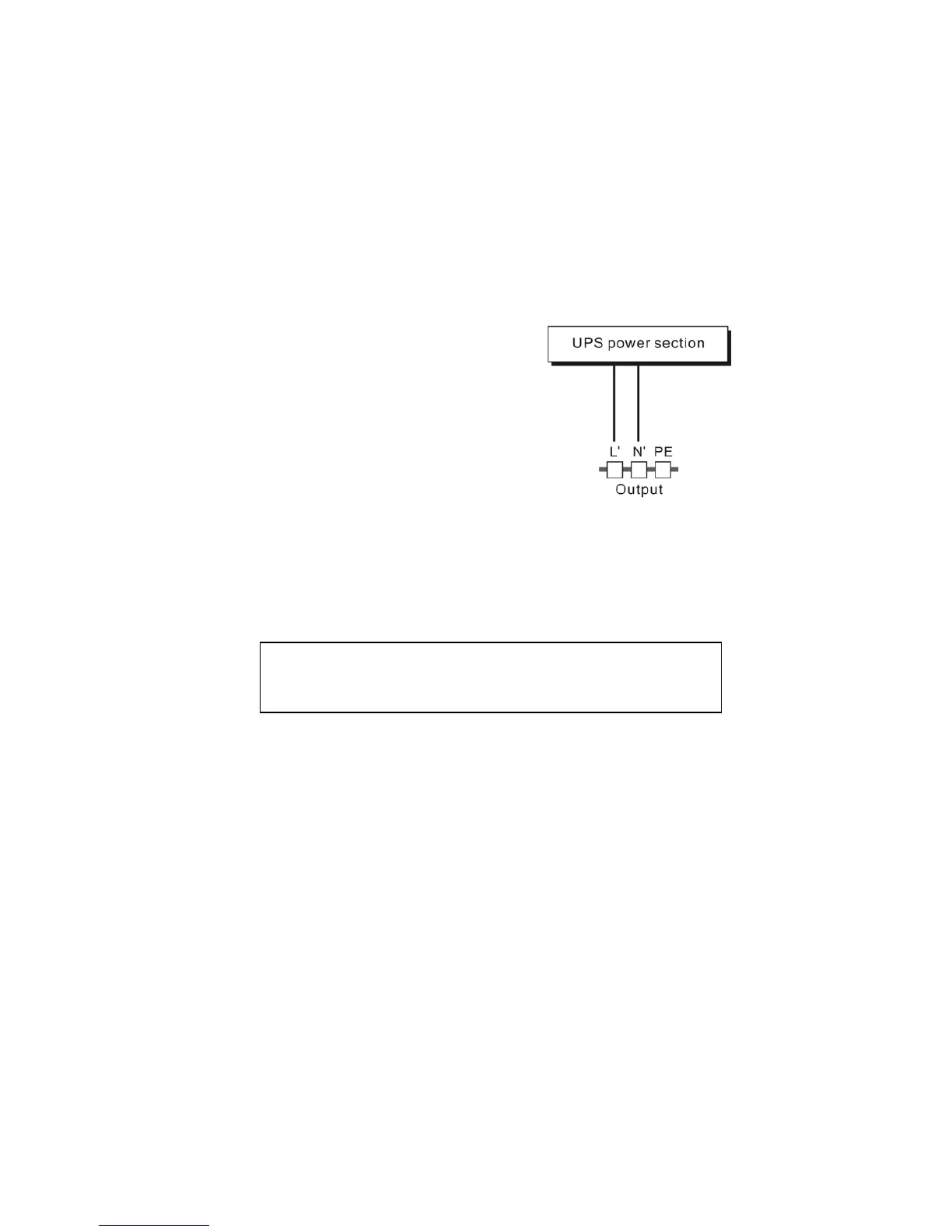
Besides output sockets,2KS and 3K/3KS has the terminal block
available for output as well. The wiring configuration is shown as
the following procedure:
a) Remove the small cover of the
terminal block
b) Use AWG14 or 2.1mm
2
wires for
wiring configuration
c) Upon completion of the wiring
configuration, please check
whether the wires are securely
affixed.
d) Put the small cover back to the
rear panel.
(3) Computer Connection:
Connect your computer to the outlet sockets of the UPS system
following the above diagram.
5.3 Battery Charge:
Fully charge the batteries of the UPS system by leaving the UPS
system connected to the mains for 1-2 hours. You may use the UPS
system directly without charging it but the stored energy time may be
shorter than the nominal value specified.
5.4 Turn On the UPS:
(1) With utility power connecting:
Press “I” button continuously for more than 1 second to turn on the
UPS. Then the UPS will get into self-test status first. After having
Caution!
Do not connect equipment which would overload the UPS
system (e.g. laser printers)
Connection diagram of
2KS and 3K



 To Next Page